 Spin Wheel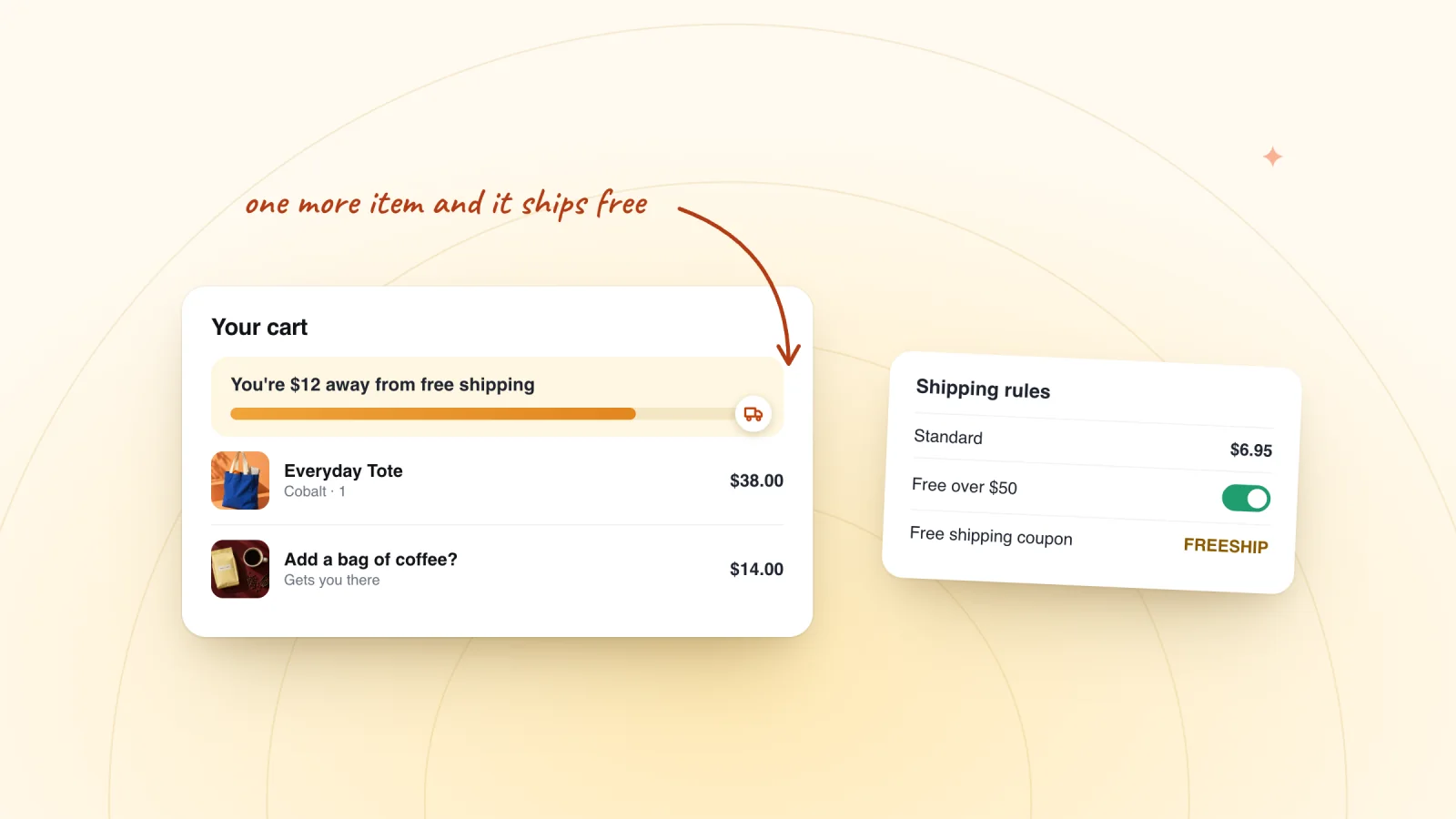
On this page
Free shipping over a set amount gives shoppers a reason to add one more item. Orders below the line still pay for shipping, so you only cover the cost on bigger orders. On a Wix store, you set it in your shipping rules, and it applies on its own, with no code. This guide covers choosing the amount, setting it up, the coupon alternative and making sure shoppers see it.
Key takeaways
- Set the threshold a little above your typical order, so reaching it takes about one more item, and check that the extra item covers what you pay to ship.
- In Wix, add the threshold to a Flat Rate or Rate by weight rate, or enter $0 in the last Rate by price range, in every region it should cover.
- Keep the threshold in your shipping rules for an always-on offer, and save free shipping coupons for one-off offers, since shoppers can apply only one coupon per order.
- Show the threshold next to prices, in a header banner and in the cart, and offer free shipping as a pop-up prize for smaller orders.
Pick a threshold from your typical order
Start with what a typical order at your store looks like. Look over the totals of your recent orders and note the amount most of them land near. A threshold a little above that, about the price of one more popular item, is within reach for most shoppers.
Here is an example with made-up numbers. Say you sell tea. A typical order comes to $34, and shipping a parcel costs you $7. Your most popular add-on is a $12 tin that leaves you $8 after its cost.
- At $30, most orders already qualify, so you pay for shipping on them without anyone adding a thing.
- At $45, a shopper at $34 needs one more tin to qualify. That tin leaves you $8, which covers the $7 you now pay for shipping.
- At $90, the goal is too far away, so few shoppers will try for it.
Remember the orders that already cleared the line. Those shoppers used to pay for shipping and now don't, so the threshold has to bring in enough extra items or orders to make up for it. A break-even calculator for discounts helps you weigh that cost.
Set it up in Wix's shipping settings
Wix organizes shipping by region. A new store starts with two: a Domestic region for your own country and an International region for the rest of the world. Both offer free shipping by default. Shoppers can choose any rate a region offers, so once your paid rate with a threshold is in place, delete or deactivate the old free rate.
- Go to Shipping, delivery & fulfillment in your site's dashboard.
- Click Add Rate next to the region you want and select Shipping. To change a rate the region already has, edit that rate instead.
- Select Flat Rate from the drop-down, enter a Name at checkout, such as Standard Shipping, and enter the rate.
- Select the checkbox to offer free shipping when customers purchase a certain amount, and enter your threshold.
- Click Save.
- Repeat for every region where the threshold should apply.
A Rate by weight rate has the same checkbox. If you'd rather charge by order value, a Rate by price rate takes price ranges, and Wix says to enter $0 in the last range for free shipping above it. For example, charge $7 for orders from $0 to $45 and $0 for orders of $45 and up.
Keep at least one active shipping, local delivery or pickup option in every region. Wix's help center says customers in a region without one can't buy from your store. If you use delivery profiles, check each one, since each can have its own regions.
When a free shipping coupon fits better
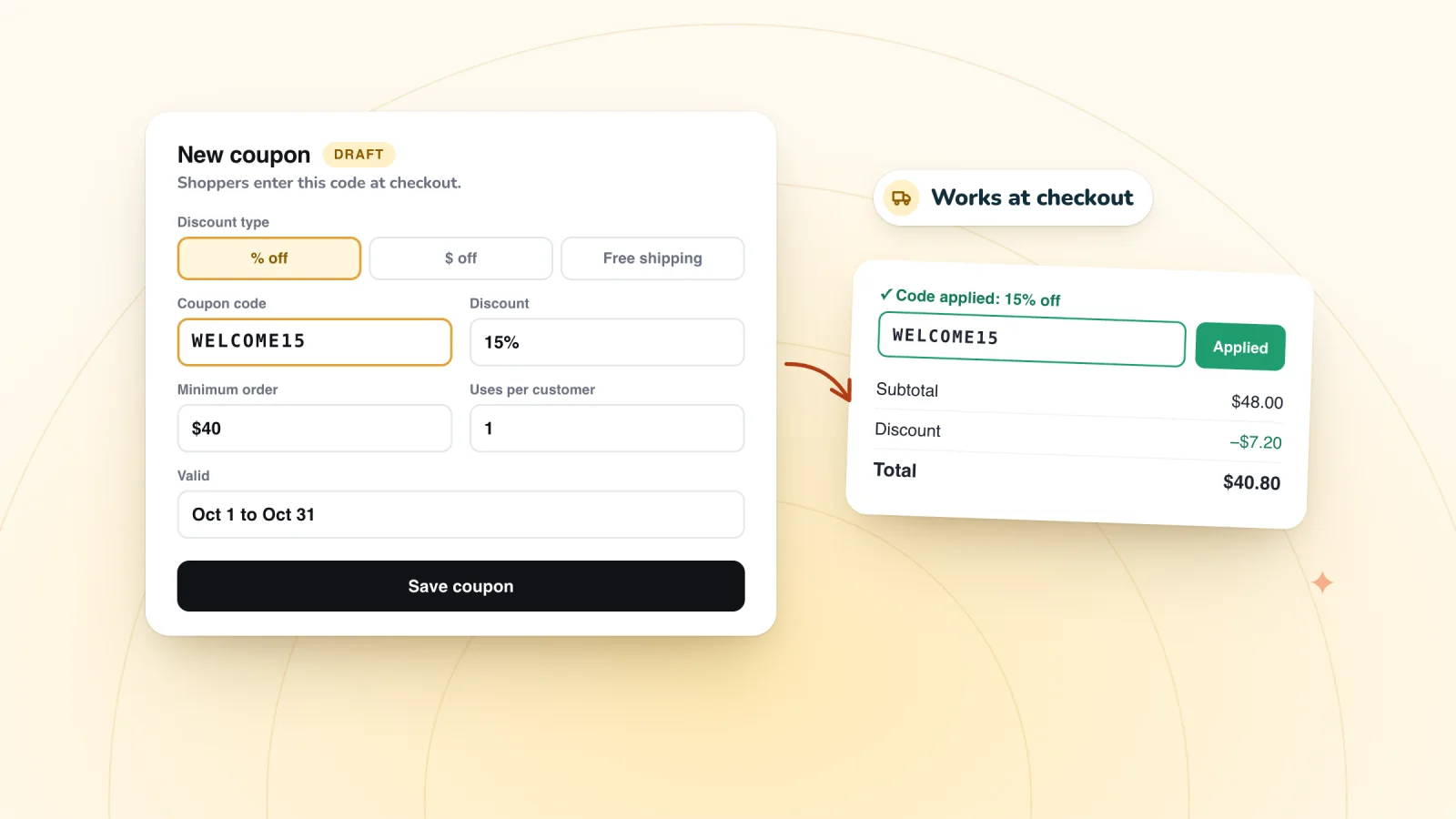
A shipping rule gives free shipping to every qualifying order in a region. Wix suggests a free shipping coupon when you want a temporary offer instead, such as a weekend promotion, a thank-you for your email list or a pop-up prize. In Coupons, click + New Coupon, select Free shipping, and under Apply to choose All orders or Minimum order subtotal. The guide to creating a coupon code in Wix Stores covers every setting.
| Threshold in a shipping rule | Free shipping coupon | |
|---|---|---|
| Who gets it | Every order over the amount in that region | Shoppers who enter the code |
| Code needed | No | Yes |
| Settings | The amount, region by region | Minimum order, dates, total uses, one use per customer |
| With a discount code | Wix suggests pairing it with a coupon | Can't combine, since shoppers can apply one coupon per order |
| Best for | An always-on offer | Promotions and prizes |
Hand out codes that work at checkout
Every prize is one of your store's coupons, shown to the winner with a Copy button and emailed as a backup.
Add to Wix, it's free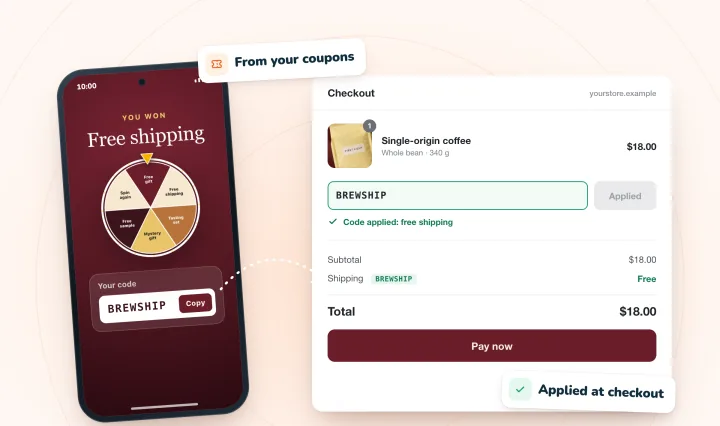
Show the threshold where shoppers look
A threshold only works if shoppers know about it. Wix has a few built-in places to say it:
- Next to prices. In your dashboard, go to Settings, then Store products & inventory, and turn on Show info about shipping and delivery. The message can be up to 23 characters, and it appears wherever your product prices do. "Free shipping over $45" fits with a character to spare, and you can let shoppers click it to open a pop-up with more detail.
- In a header banner. Wix suggests adding a strip with your message and dragging it into the header until Attach to Header appears, so it shows on every page.
- In the cart. The Cart page settings let you add a short message, up to 90 characters, under the order total. Wix calls it a disclaimer.
- In your messages. Mention the threshold in your sign-up pop-up and welcome email. If a shopper leaves a cart just under the line, a cart reminder email can point out how close they were.
Use free shipping as a pop-up prize
Free shipping is easy to understand at a glance, which makes it a natural pop-up prize. It matters most on orders below your threshold, since bigger orders already ship free. So set the coupon behind the prize to All orders, or to a minimum below your threshold.
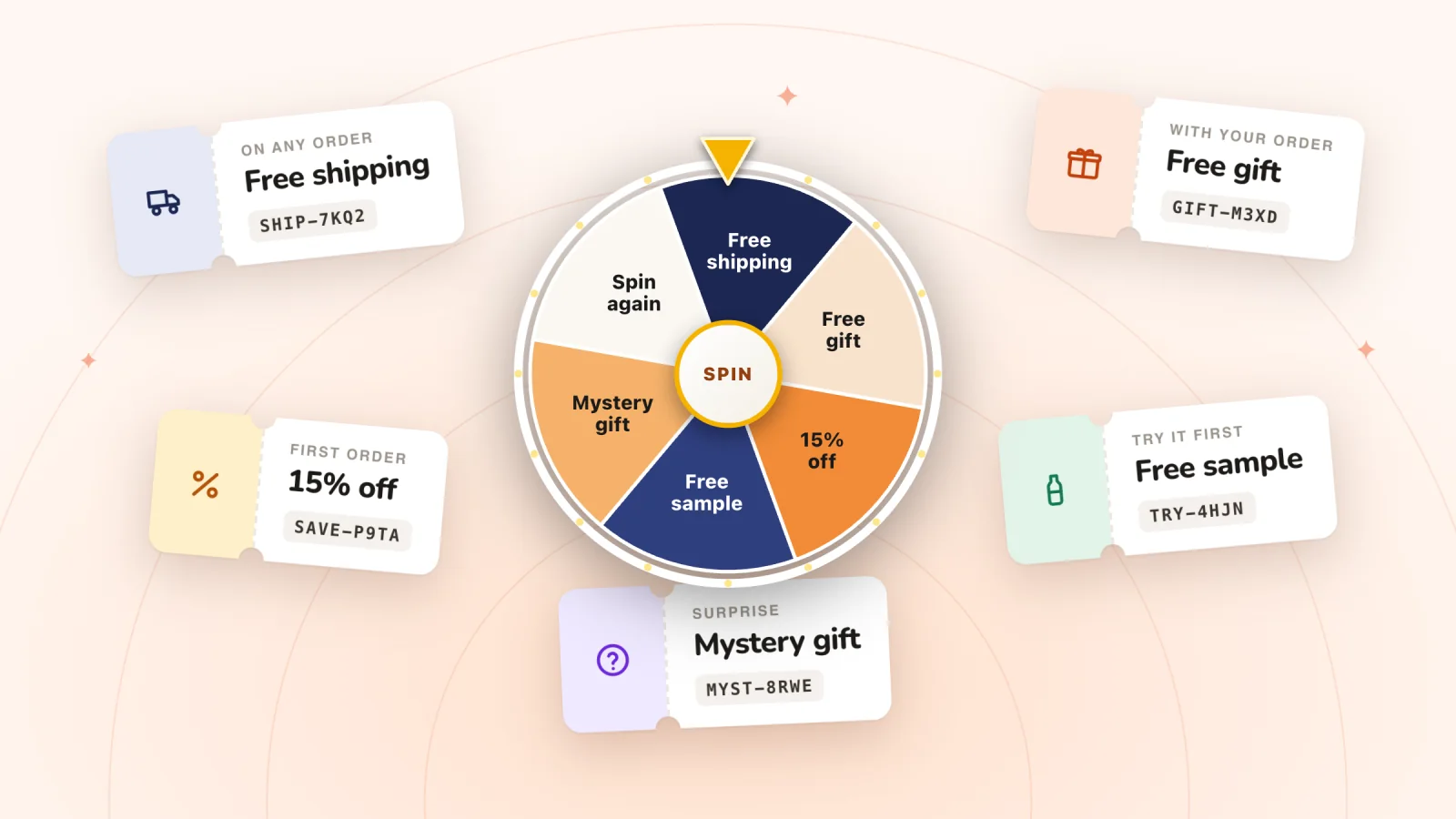
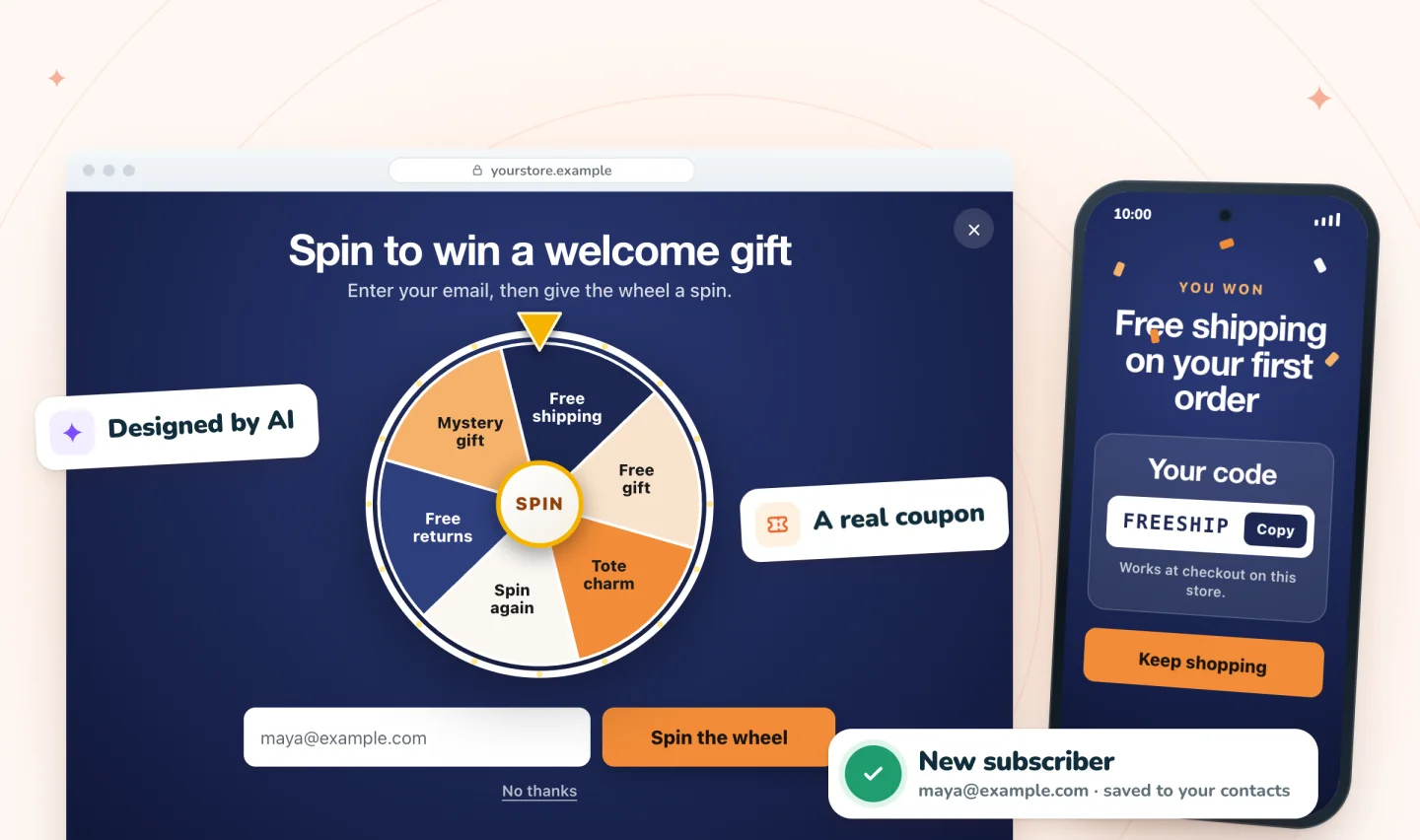
In Spin Wheel, you choose a free shipping coupon from your store for the prize. When a shopper wins it, the pop-up shows that coupon's code with a Copy button and emails a copy as a backup, so give the coupon an end date and tick Limit to one use per customer. Every play wins one of your prizes, drawn on our servers from the odds you set, and a revealed prize can be claimed for 24 hours by default.
Mixing prizes helps too. A percent-off winner can still get free shipping from your threshold on a big order, while a free shipping winner saves on a small one. Heavy or chilled parcels can cost more to ship than it looks, so price free shipping before it goes on the wheel. The guide to spin wheel prize ideas shows how, and these welcome discount ideas suggest other offers to pair it with.
Frequently asked questions
How do I set free shipping over a certain amount in Wix?
Go to Shipping, delivery & fulfillment in your dashboard. Add or edit a Flat Rate or Rate by weight rate in the region you want, then select the checkbox to offer free shipping when customers purchase a certain amount. Enter the amount and click Save. Repeat in every region where it should apply, since each region has its own rates.
Can I offer free shipping over an amount in only some countries?
Yes. Rates belong to regions, so add the threshold only where you want it, such as your Domestic region, and leave other regions as they are. A region can be a country, a state or province, or a group of countries. Keep at least one active rate in each region, or customers there can't check out.
Can shoppers use free shipping and a discount code together?
Not if both are coupons. Wix's help center says customers can't currently apply more than one coupon at a time. Its suggested workaround is a shipping rule that offers free shipping above a set amount, used together with a coupon. Wix doesn't say whether the threshold counts the order before or after the discount, so test a cart with a code applied.
What is a good free shipping threshold?
A good starting point is a little above your typical order, about the price of one more popular item. Set it too low and most orders qualify without anyone adding anything. Set it too high and shoppers stop trying. Check what you pay to ship a typical parcel, and revisit the amount after a few weeks of orders.
Try it on your store
Spin Wheel can offer free shipping as a prize, using a free shipping coupon from your store. Every play wins one of your prizes, and sign-ups land in your contacts with consent. See it on the spin-to-win pop-up page.
Sources
- Wix Stores: Creating Popular Store Discounts
- Wix Stores: Setting Up a Flat Rate Shipping Rule
- Wix Stores: Setting Up a Rate by Order Price Shipping Rule
- Wix Stores: Creating Shipping and Delivery Regions
- Wix Stores: Displaying Tax and Shipping Info with Product Prices
- Request: Applying Multiple Coupons

We build marketing apps for online stores: myuser.ai writes and sends emails and texts from a store's own products, and we make Spin Wheel and Session Recordings for Wix sites. Product details in our guides are checked against the apps themselves.