 Spin Wheel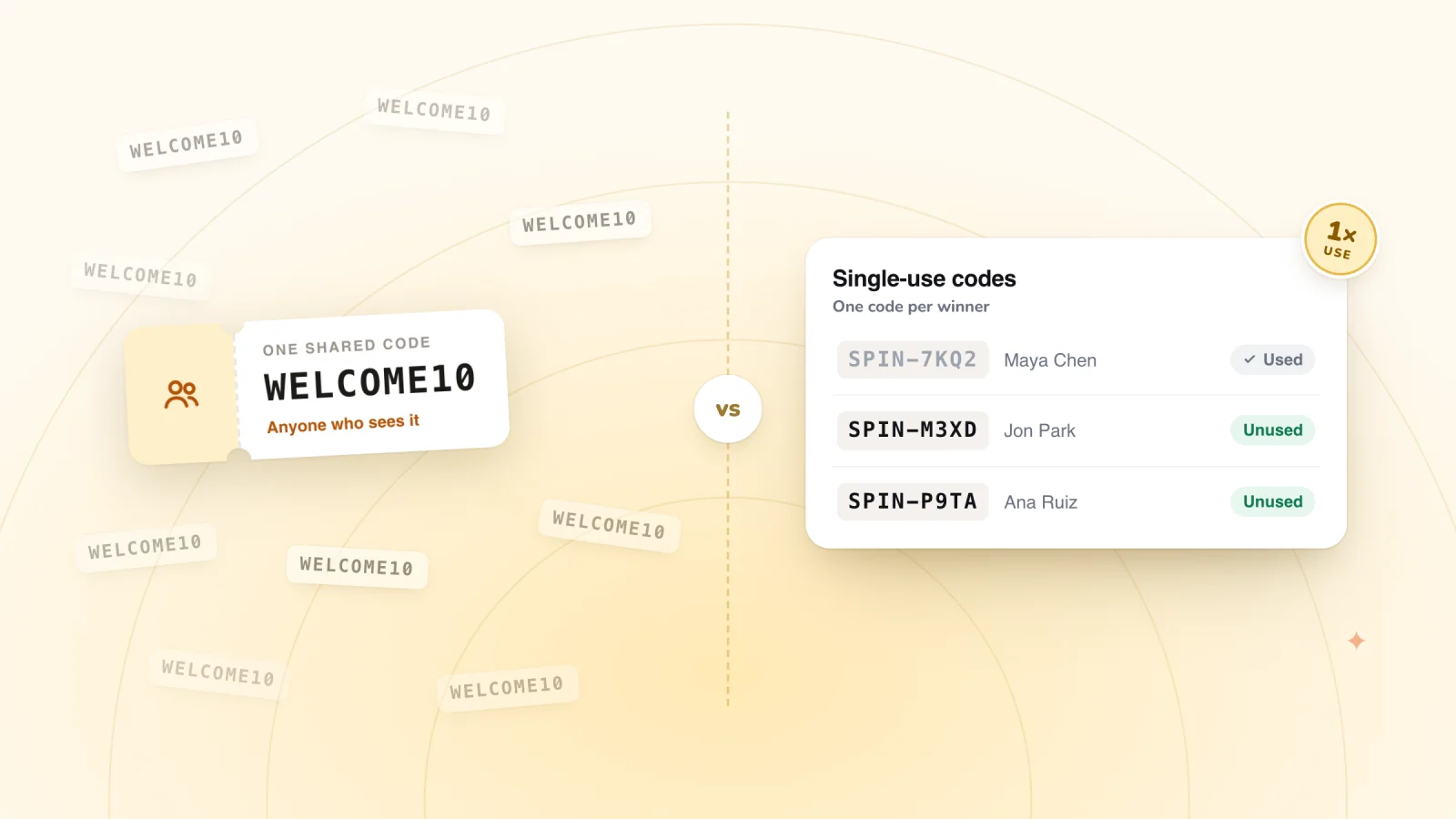
On this page
Every pop-up offer ends in a code. You can give everyone the same one, or create a new code for each shopper. That choice decides who can use your offer, whether it spreads beyond the people you meant it for, and how much you can learn from it.
Key takeaways
- Unique single-use codes are the safest choice for sign-up offers, while shared codes suit print, events and partners.
- A shared code that only winners see is a practical middle ground when its coupon has an end date and a one-use-per-customer limit.
- If a shared code leaks, end it and point your offer at a fresh coupon.
- Protect dollar-off prizes with a reachable minimum order, and put the minimum in the prize name.
Shared and unique codes, side by side
A shared code is one code for everyone, such as WELCOME5. A unique code is created for one shopper, such as SPIN-7KQ2-XM4P, and works once.
| Shared code | Unique single-use code | |
|---|---|---|
| Setup | One code, made once | A new code for each shopper |
| Who can use it | Anyone who sees it | The shopper who received it |
| How many times | Until you turn it off, unless you set a limit | Once |
| If it gets posted online | Anyone can use it | Only one order can ever use it |
| What it tells you | Total uses | Which shopper, which offer and when |
| Good for | Print, events, partner codes | Pop-ups, games, welcome offers |
The "What it tells you" row matters more than it first appears. With unique codes, your coupon list becomes a record of every prize handed out, which makes it easy to check whether your wheel's odds are behaving as you set them.
How shared codes leak
A shared welcome code can travel far beyond the people who signed up for it. Codes move in a few ways:
- A shopper posts it on a deal forum or social media.
- A coupon website lists it after someone submits it.
- A browser extension spots it at checkout and offers it to other users.
Once a code is out, people who never joined your list get your welcome discount. Your welcome offer quietly turns into a sitewide discount, and the math you did on its cost stops holding up.
Signs a code has leaked
- The code shows up on more orders than you have new sign-ups.
- Returning customers are using a code meant for first orders.
- Orders using the code arrive with no matching sign-up in your contacts.
- A search for your store name plus "coupon" turns up your code on a deal site.
If you spot these signs, retire the shared code and give the offer a fresh coupon with tighter limits, or move to unique codes. Anyone already holding the old code can be told it has ended.
Give codes an end date
A code with no end date can sit in an inbox for years and turn up at checkout long after your prices have changed. An end date also gives the shopper a gentle reason to use the code while your store is still on their mind.
- One to two weeks is a reasonable window for a welcome code.
- A shorter window of a few days can suit an exit offer on a full cart.
- Show the end date wherever the code appears, so it never comes as a surprise.
Hand out codes that work at checkout
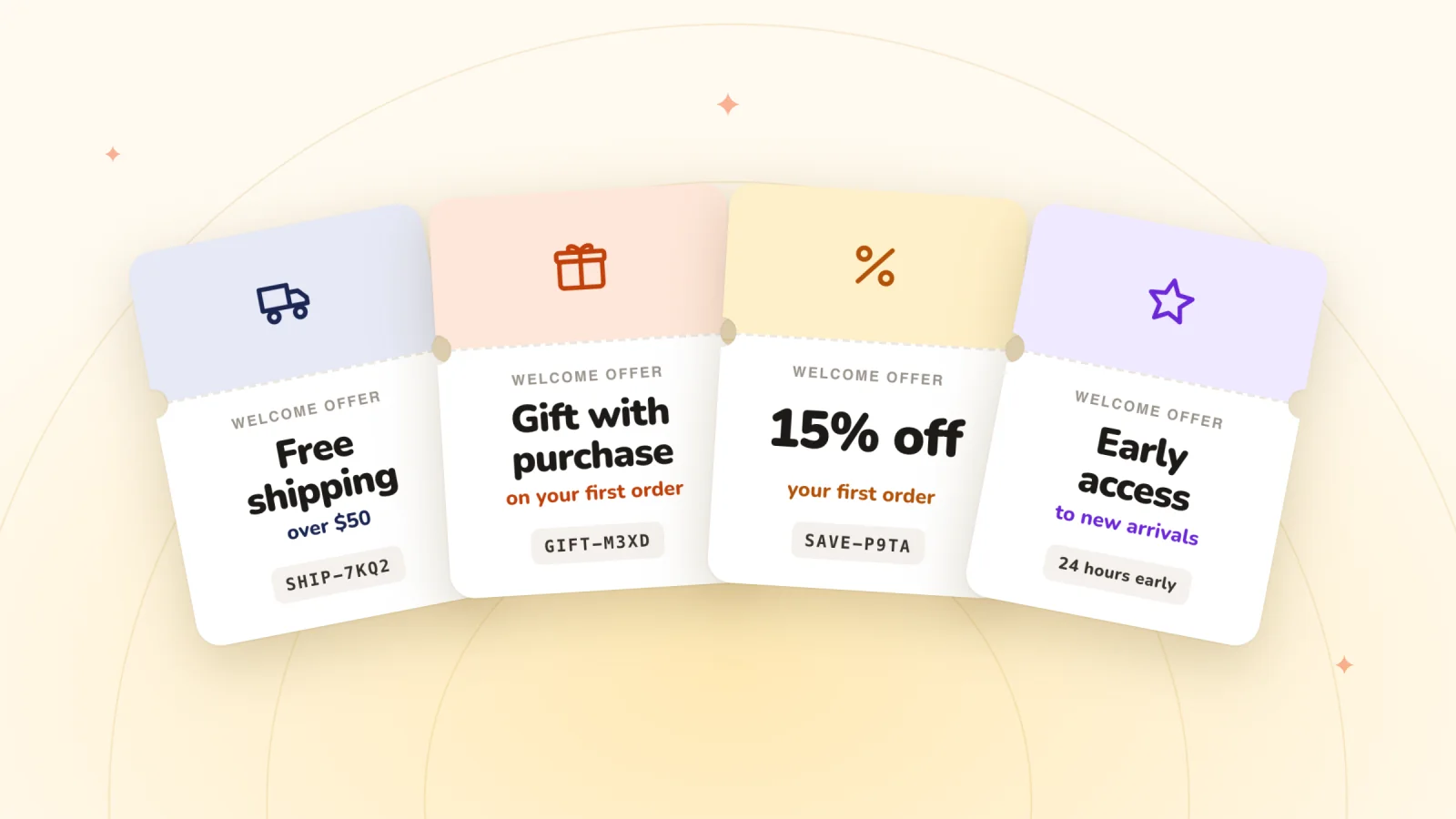
Every prize is one of your store's coupons, shown to the winner with a Copy button and emailed as a backup.
Add to Wix, it's free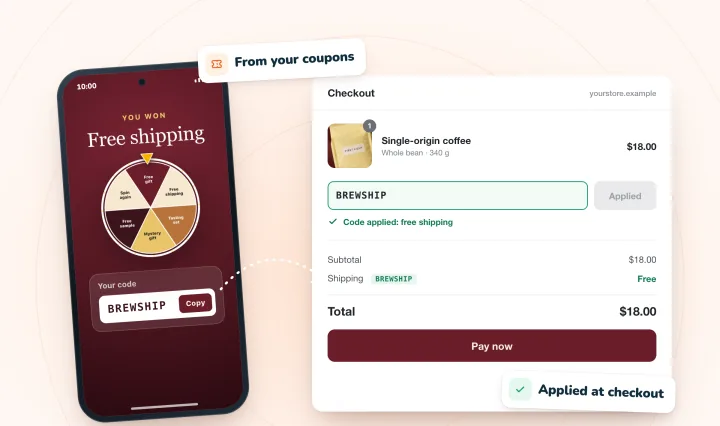
Set minimum order rules with care
A minimum order protects dollar-off prizes on low-priced items. Say you sell notebooks at $14, and each one costs you $5. A $10 off code with no minimum turns a single notebook into a $4 sale that loses you a dollar.
With a $40 minimum, the same code applies to an order of three notebooks at $42. You collect $32, the notebooks cost you $15, and you keep $17.
- Put the minimum in the prize name. "$10 off $40+" tells the shopper the rule before they reach checkout.
- Keep it within reach. A minimum far above your typical order makes the prize feel like a trick.
- Exclude what you can't discount. Gift cards are an obvious example. List any exclusions in the terms, in plain words.
If a dollar-off prize is hard to make work for your prices, other welcome offer ideas may suit you better.
When a shopper says the code didn't work
Even with careful setup, a shopper will sometimes write in about a code that failed. Unique codes make these messages easy to sort out, because you can look up that exact code in your coupon list. The cause is usually one of a few things:
- The code was already used on an earlier order.
- The code passed its end date.
- The cart didn't reach the minimum order.
- The cart held an item the code excludes.
Explain the reason kindly. If the rule wasn't clear or the mistake was yours, send a fresh code and say sorry. A quick, friendly fix leaves a far better impression than a refusal, and it costs you one small discount.
How Spin Wheel hands out codes
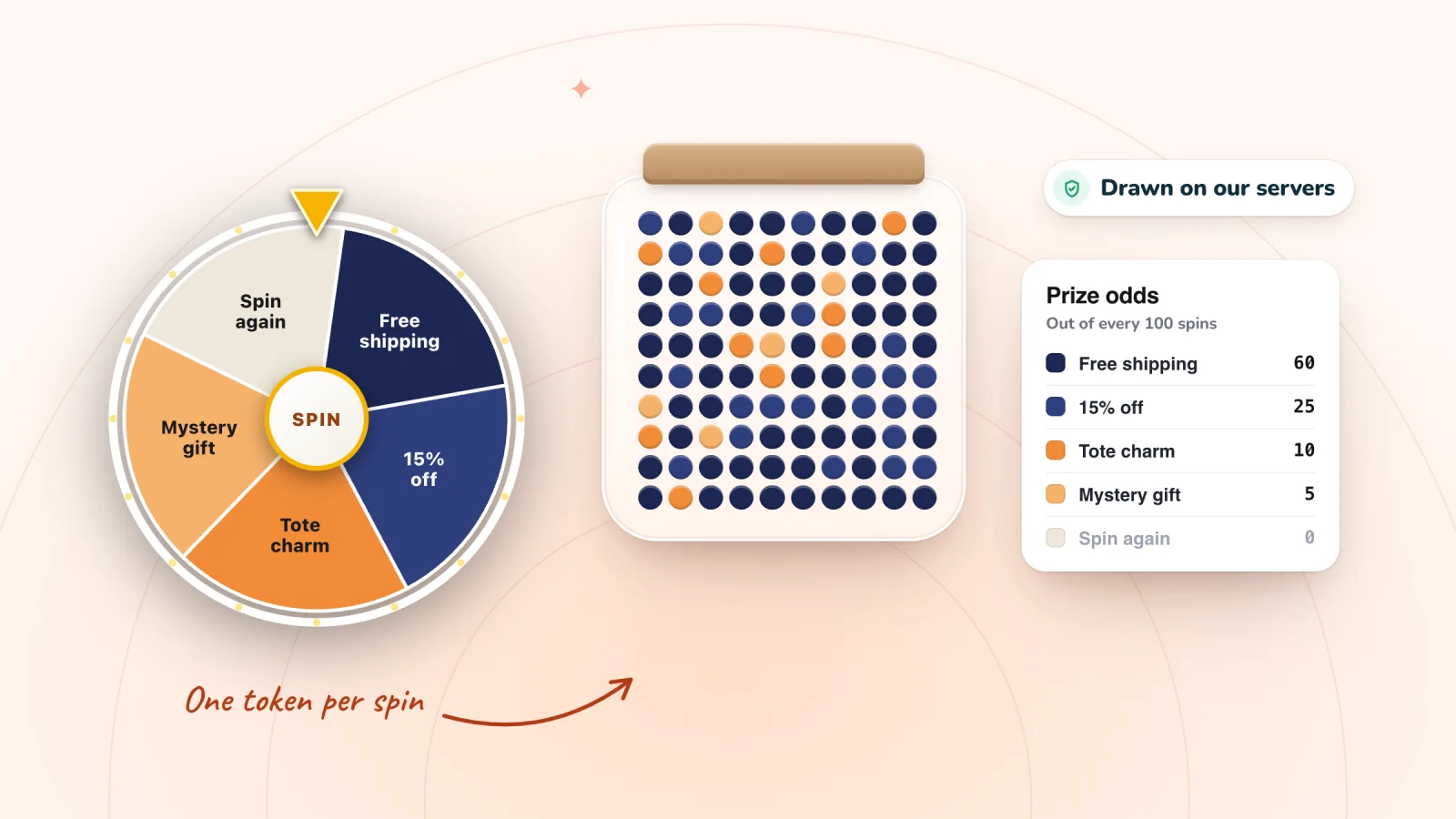
In Spin Wheel, you choose a coupon from your own store for each prize in a spin wheel, scratch card or gift box. A shopper sees that coupon's code only after winning the prize, so it isn't printed on the pop-up for every visitor, and it works at your normal checkout. The app requires the Wix Stores app, since that's where your coupons live.
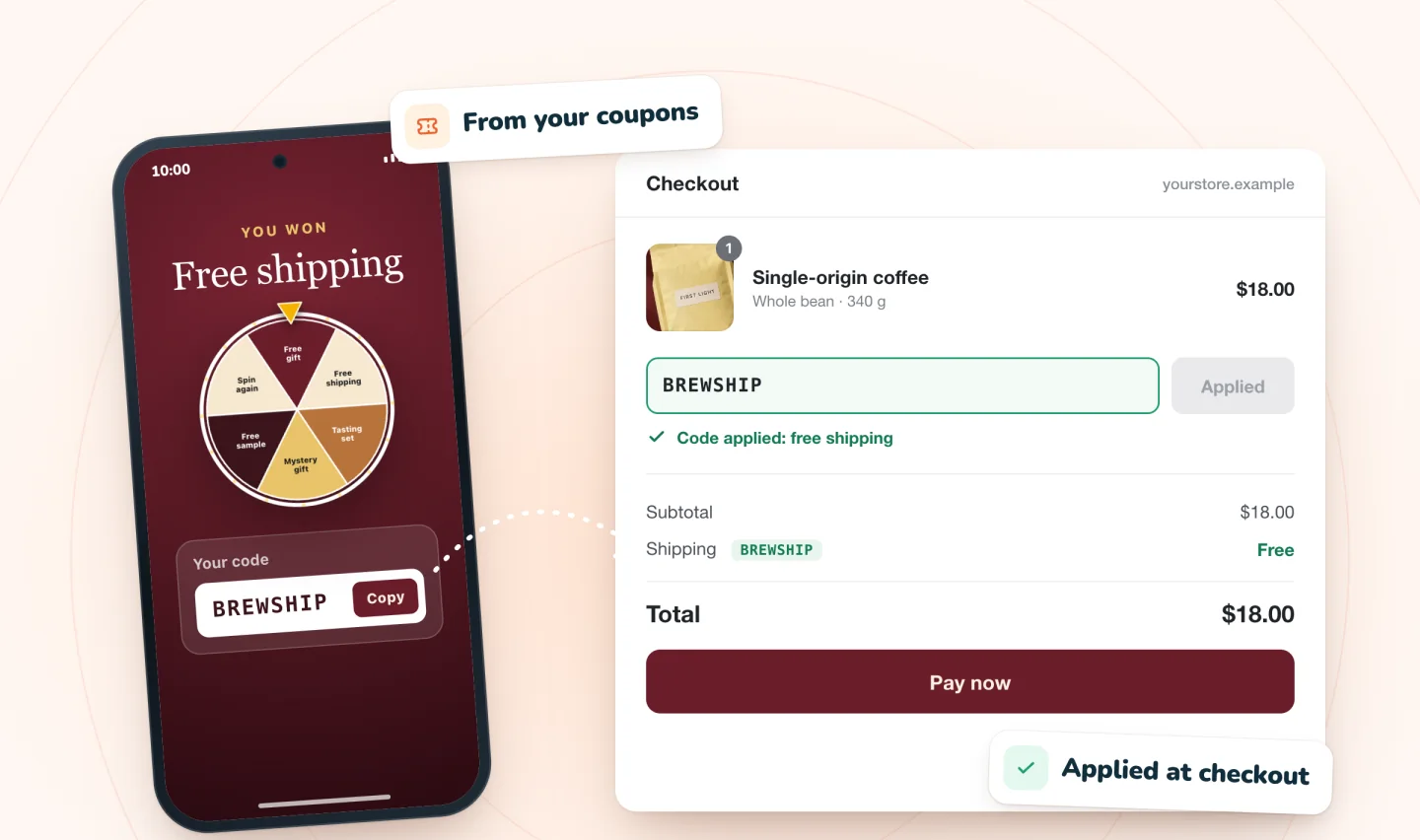
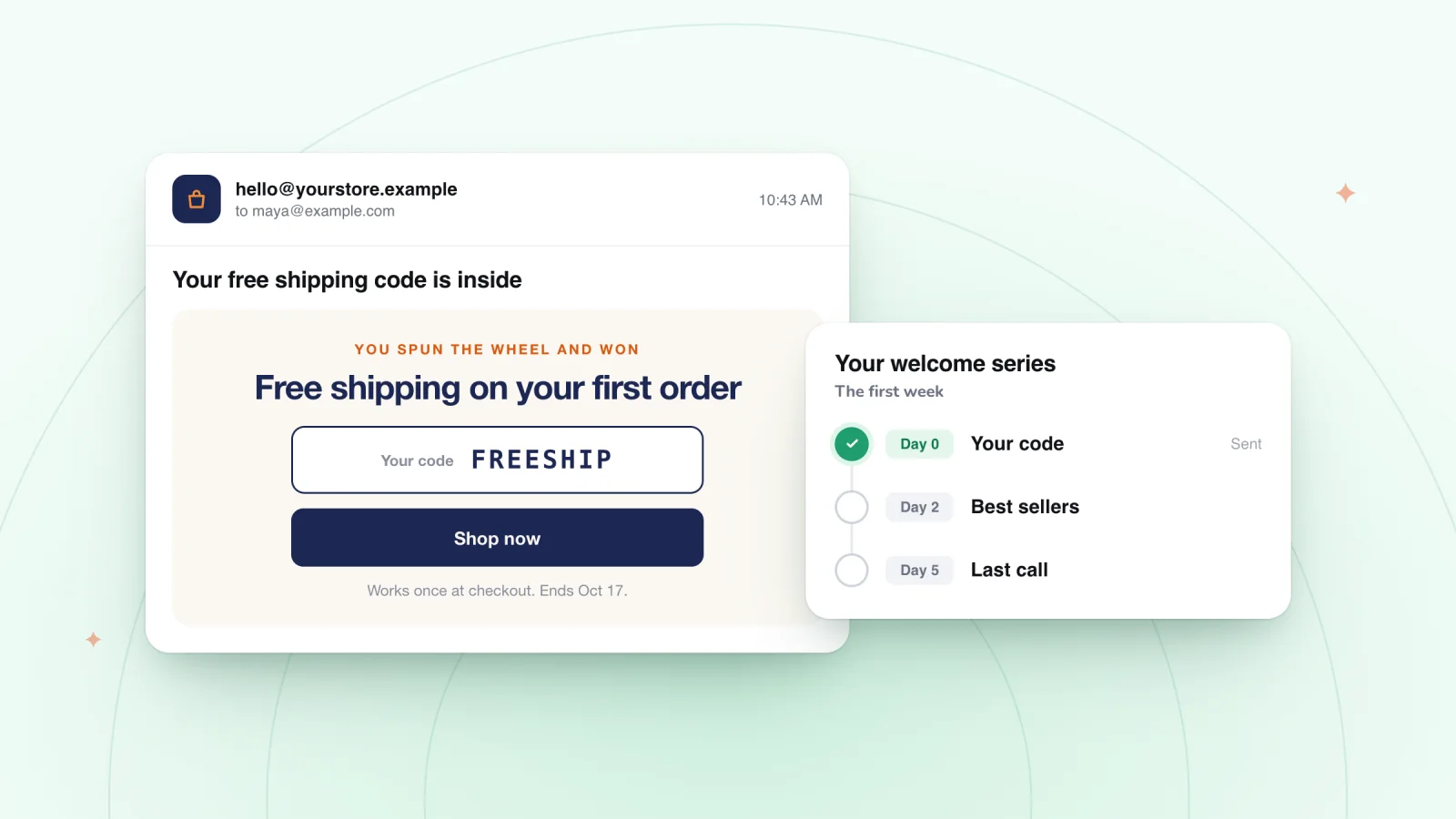
The winning code appears right in the pop-up with a Copy button, and the winner is also emailed a copy of the code as a backup. Winners of the same prize get the same code, so the coupon's own limits do the protecting: give each prize coupon an end date and turn on one use per customer. A coupon limited to one use in total can't be a prize, since the first winner would use it up. If a prize code turns up on a deal site, end that coupon in your dashboard and pick a fresh one for the prize. Answers to other common setup questions are in the FAQ.
When a shared code still makes sense
Shared codes have their place. They suit printed inserts, in-person events and partner codes, where you want one short code people can say out loud or type from a card, and you expect it to spread.
When you do make a shared code, make it easy to say and type. Keep it short, use whole words where you can, and avoid look-alike characters such as 0 and O or 1 and I. A code printed on a card gets read aloud, copied by hand and typed on a phone, and each of those steps is a chance for a mix-up. A coupon code generator that skips look-alike characters takes care of the last part.
For anything tied to a sign-up or a prize, keep the code out of public view and limit it to one use per customer, or use unique codes where you can. The same thinking applies to abandoned cart reminders, where a code meant for one shopper's cart shouldn't end up in anyone else's hands.
Frequently asked questions
Can you get a discount code removed from coupon sites?
You can ask the site to take it down, but the quickest fix is in your own store. End the leaked code so it stops working at checkout, then give your offer a fresh coupon with an end date and a one-use-per-customer limit. Once a code is retired, a listing can't cost you anything, even if it stays online. Subscribers who still hold the old code can be sent a fresh one.
Should a pop-up coupon be a percentage or a dollar amount?
It depends on your prices. A dollar amount costs the same on every order, which makes it easy to plan, but it can wipe out the profit on a cheap item unless you add a minimum order. A percentage grows with the cart, so it costs little on small orders and more on big ones. Work out both on a typical order before you choose.
How do you create unique codes for a pop-up?
There are two common ways. You can create a batch of codes ahead of time, for example with Wix's Bulk Coupon Creator app, and send one in each welcome email, or use a tool that creates a fresh code at the moment someone signs up. Either way, each code should be single-use and tied to a coupon with clear terms.
Try it on your store
Spin Wheel turns your store's coupons into prizes for spin-to-win, scratch-card and gift-box pop-ups on Wix, and a shopper sees a prize's code only after winning it. Read more on the coupon pop-up page.

We build marketing apps for online stores: myuser.ai writes and sends emails and texts from a store's own products, and we make Spin Wheel and Session Recordings for Wix sites. Product details in our guides are checked against the apps themselves.