
Spin wheel pop-ups
for Shopify & Wix
that grow your list
Spin Wheel puts a spinning prize wheel, scratch card or gift box on your Shopify or Wix store, designed by AI from your brand. Every prize is one of your store's own discount codes, and every sign-up is saved with the consent the shopper gave.
Opens the Shopify App Store or the Wix App Market. No card needed.
- Free forever
- Every spin wins
- No code needed
- Every prize is your store's own code
- Unlimited sign-ups, free forever
- For Shopify and Wix stores
 Made by myuser.ai
Live on your store in three steps
No code to paste, no designer, no coupon spreadsheet.
Add Spin Wheel
Install it from the Shopify App Store, or add it from the Wix App Market. It finds your store's discount codes for you.
Pick a design and prizes
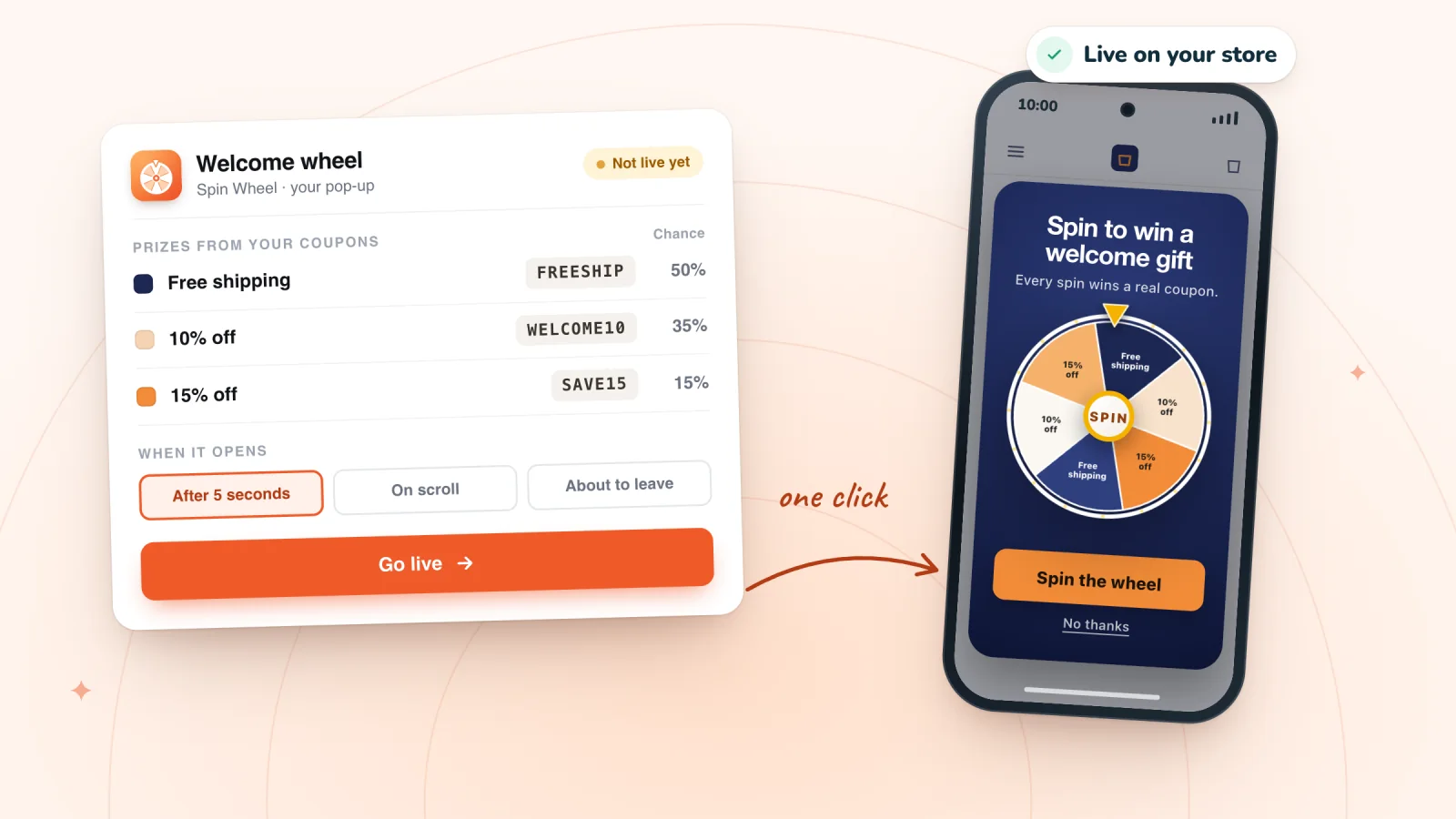
AI drafts pop-ups from your products, colors and fonts. Choose one of your discount codes for each prize and set how often it comes up.
Collect sign-ups
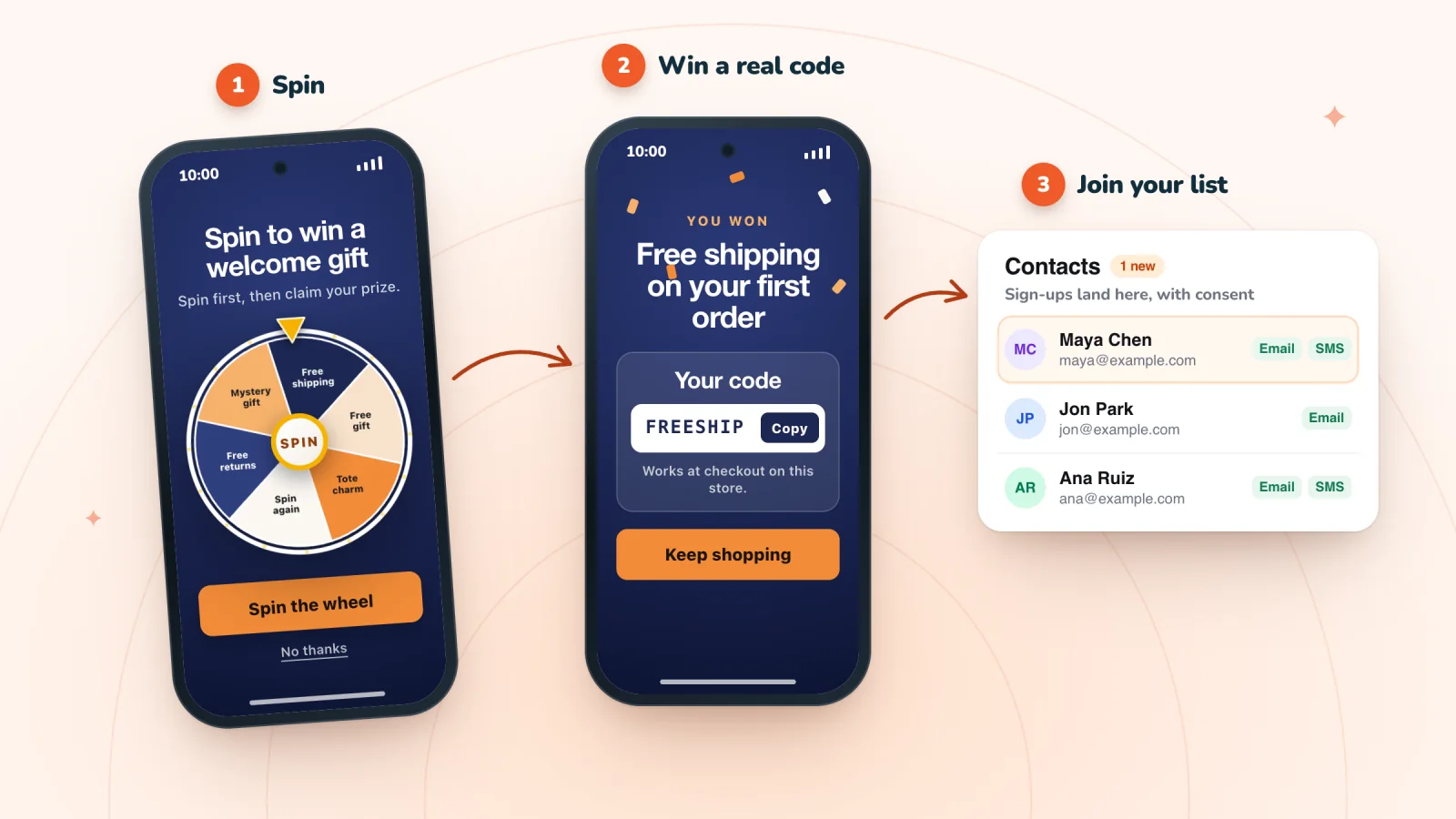
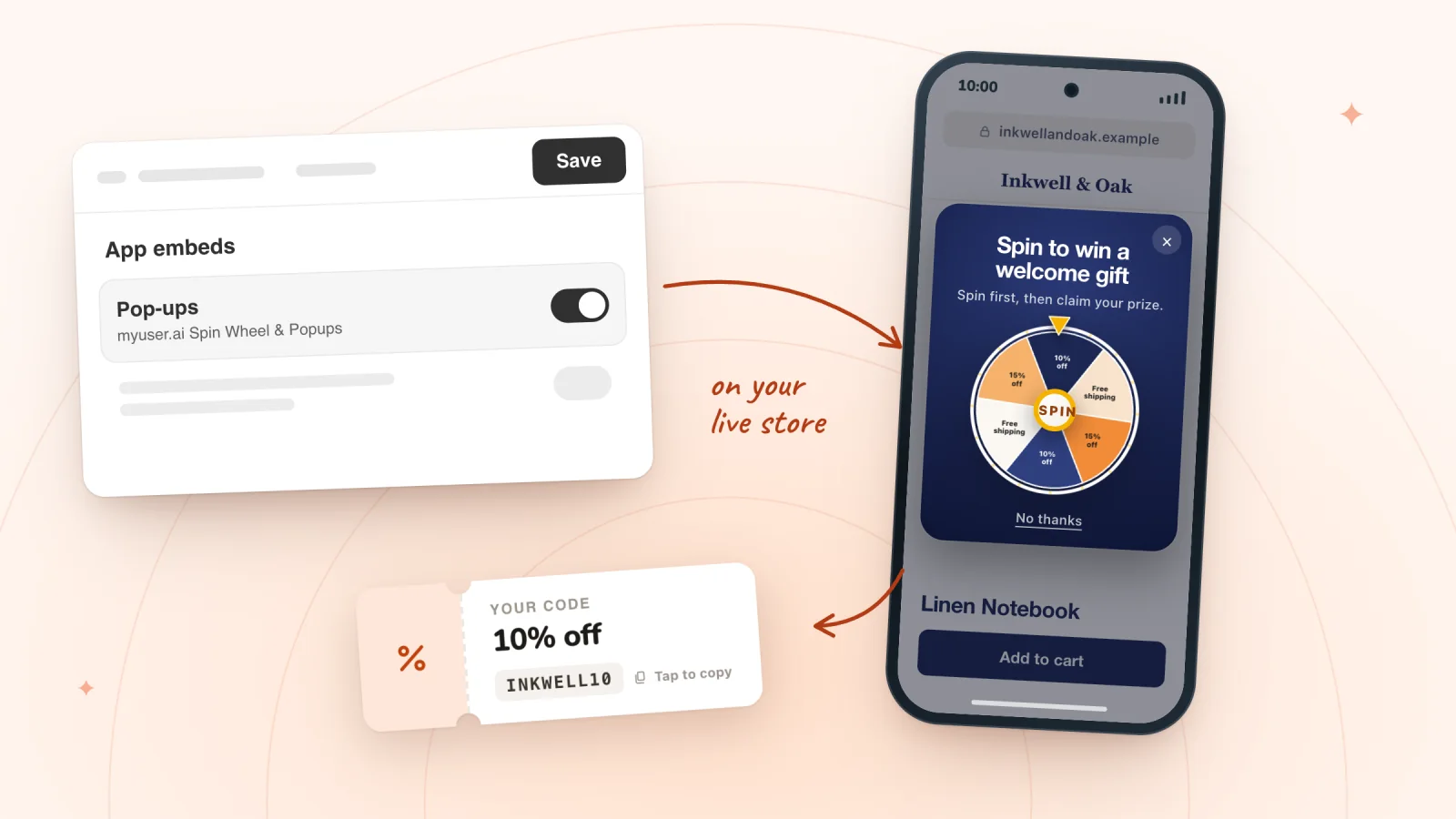
Go live from Spin Wheel's Home. On Shopify, switch on its Pop-ups app embed in your theme editor and save; on Wix it's on your published site. Shoppers play, win one of your codes and join your list, with the consent they gave.
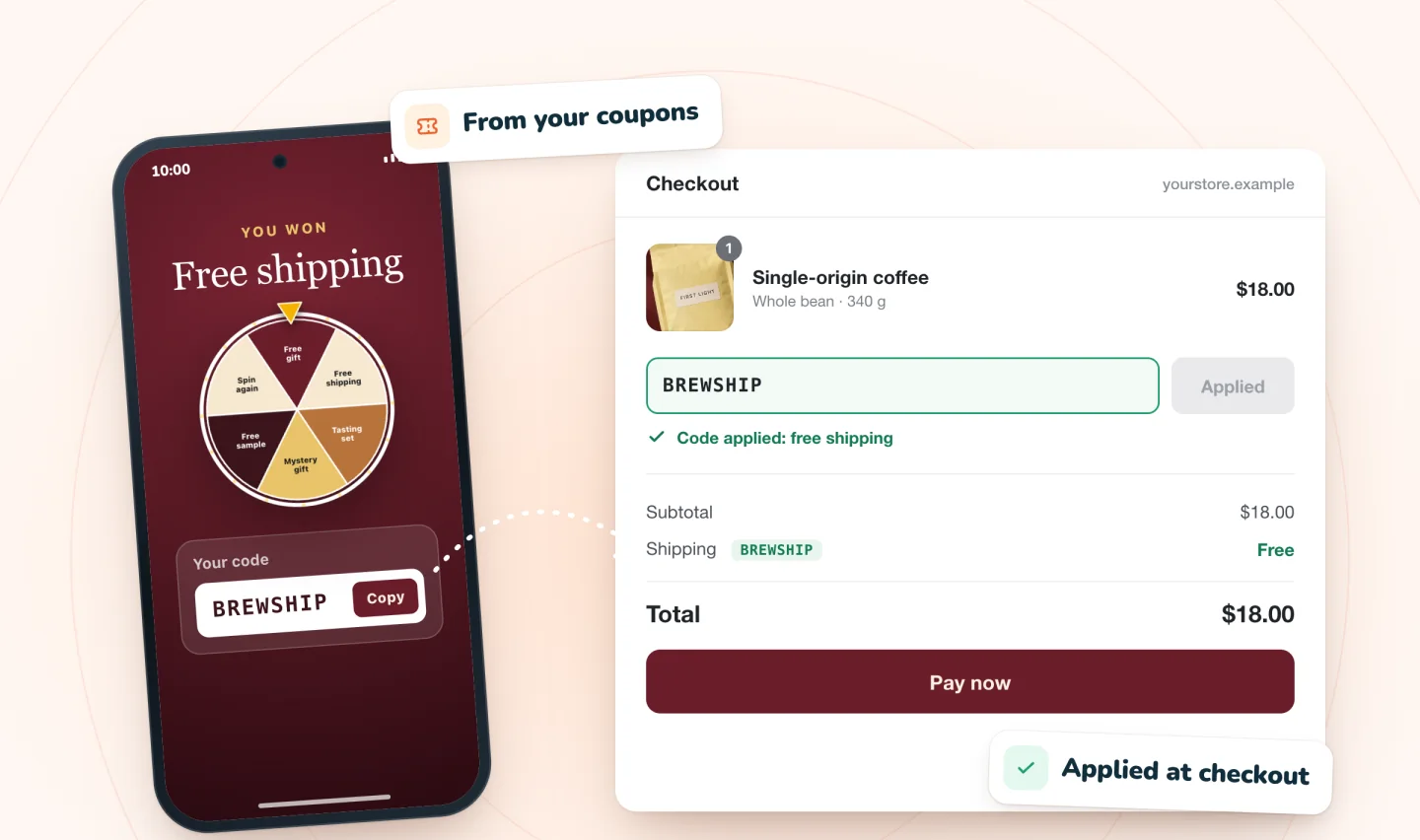
Every prize works at checkout
Each prize is one of your store's own discount codes, so a winner's code works at your normal checkout, under the limits you set on it. No made-up codes, no confused emails.
- The code shows in the pop-up when a shopper wins
- Free shipping, a percentage or an amount off
- Your code's limits apply, like an end date or one use per customer
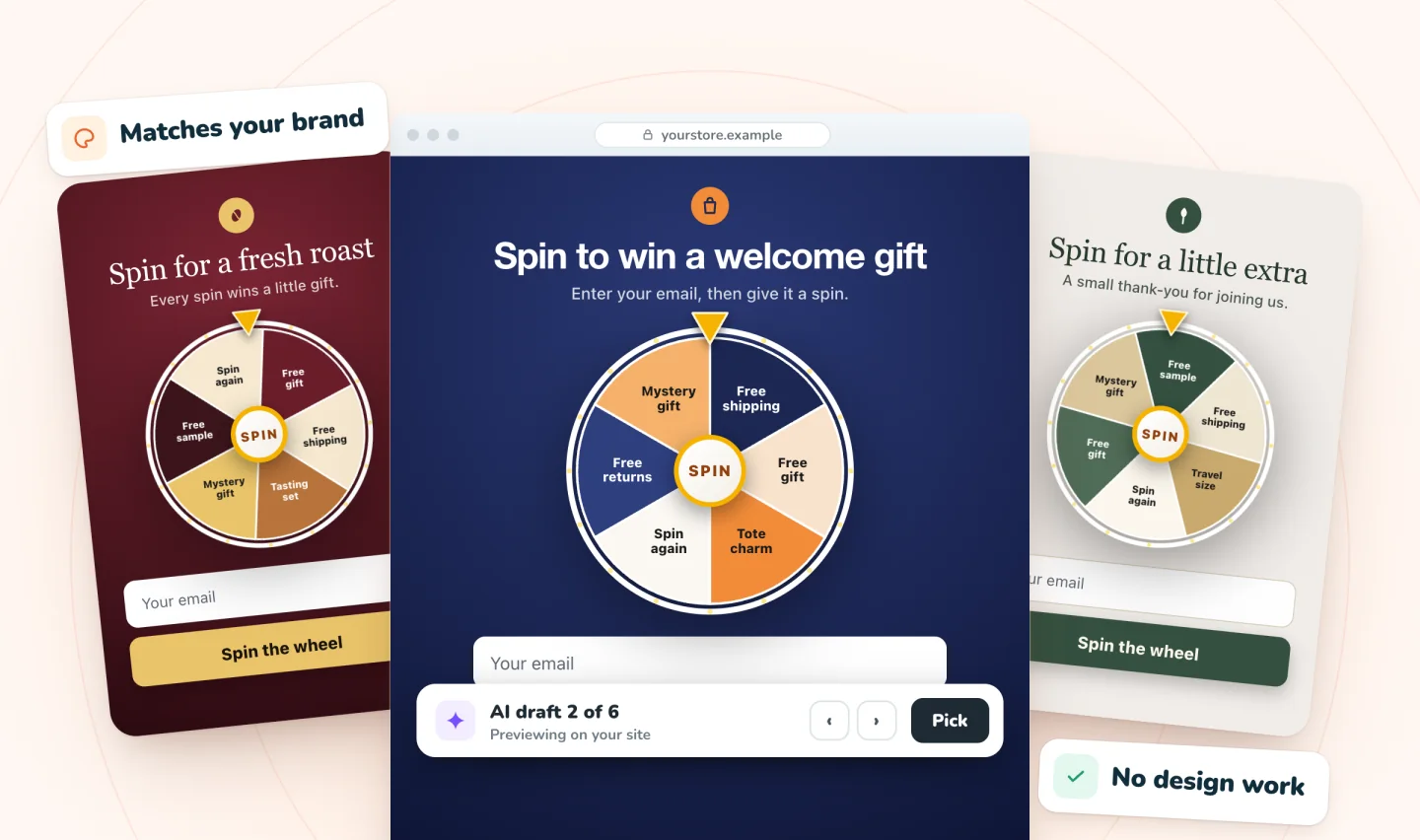
AI designs it from your store
It reads your products, colors and fonts, then drafts pop-ups that look like they belong on your store. You pick a favorite while looking at your own pages.
- Several drafts to choose from
- Your colors and fonts, not a stock template
- Change any word or prize afterwards
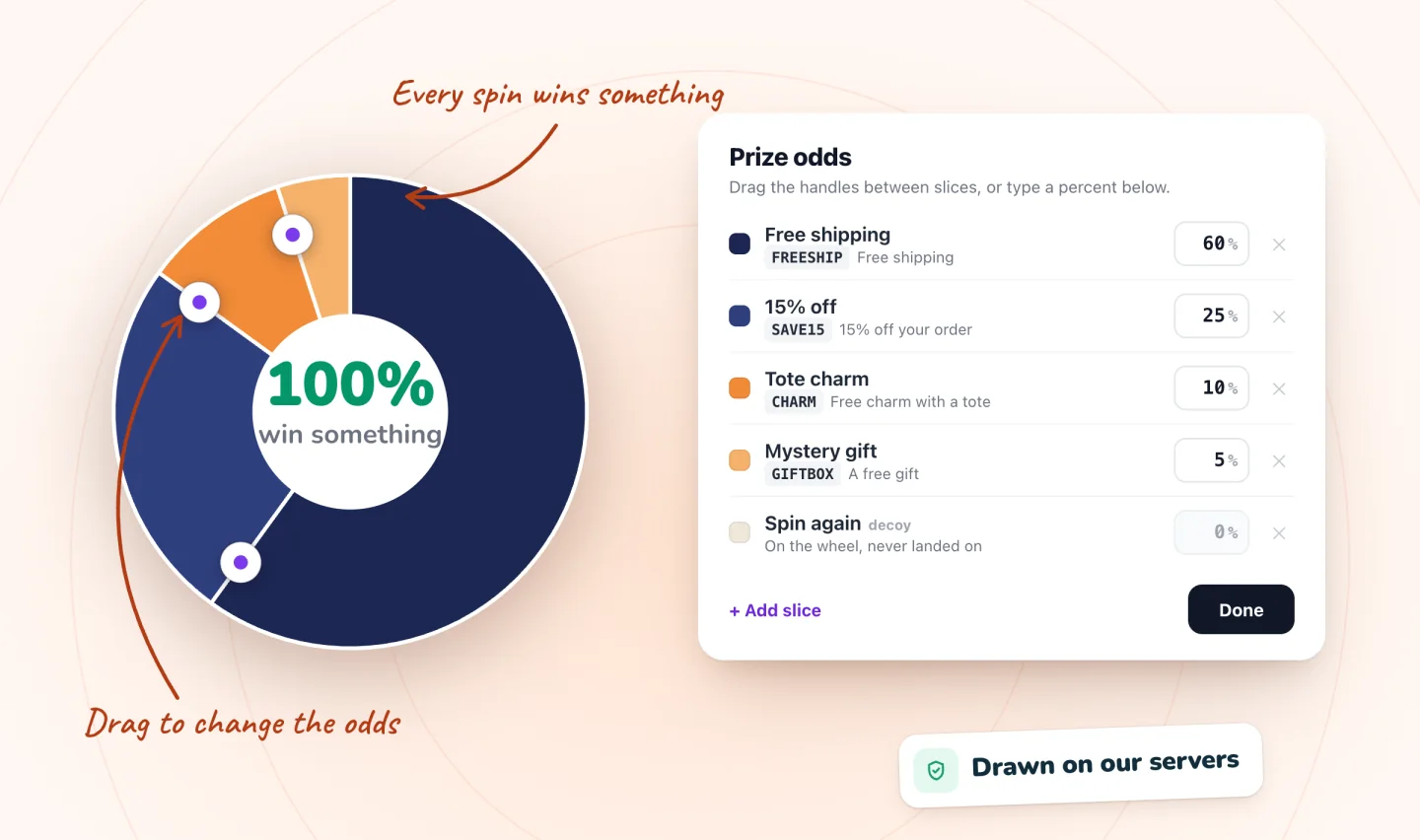
Set the odds yourself
Decide how often each prize comes up and which code it gives. Prizes are drawn on our servers, not in the shopper's browser, so the odds you set are the odds shoppers get.
- Drag the slices or type a percent
- Every spin wins one of your prizes
- A decoy slice can sit on the wheel as decoration; it's never landed on
Everything around the game
Three games, timing that suits your shoppers, a layout made for phones, and a list you own.
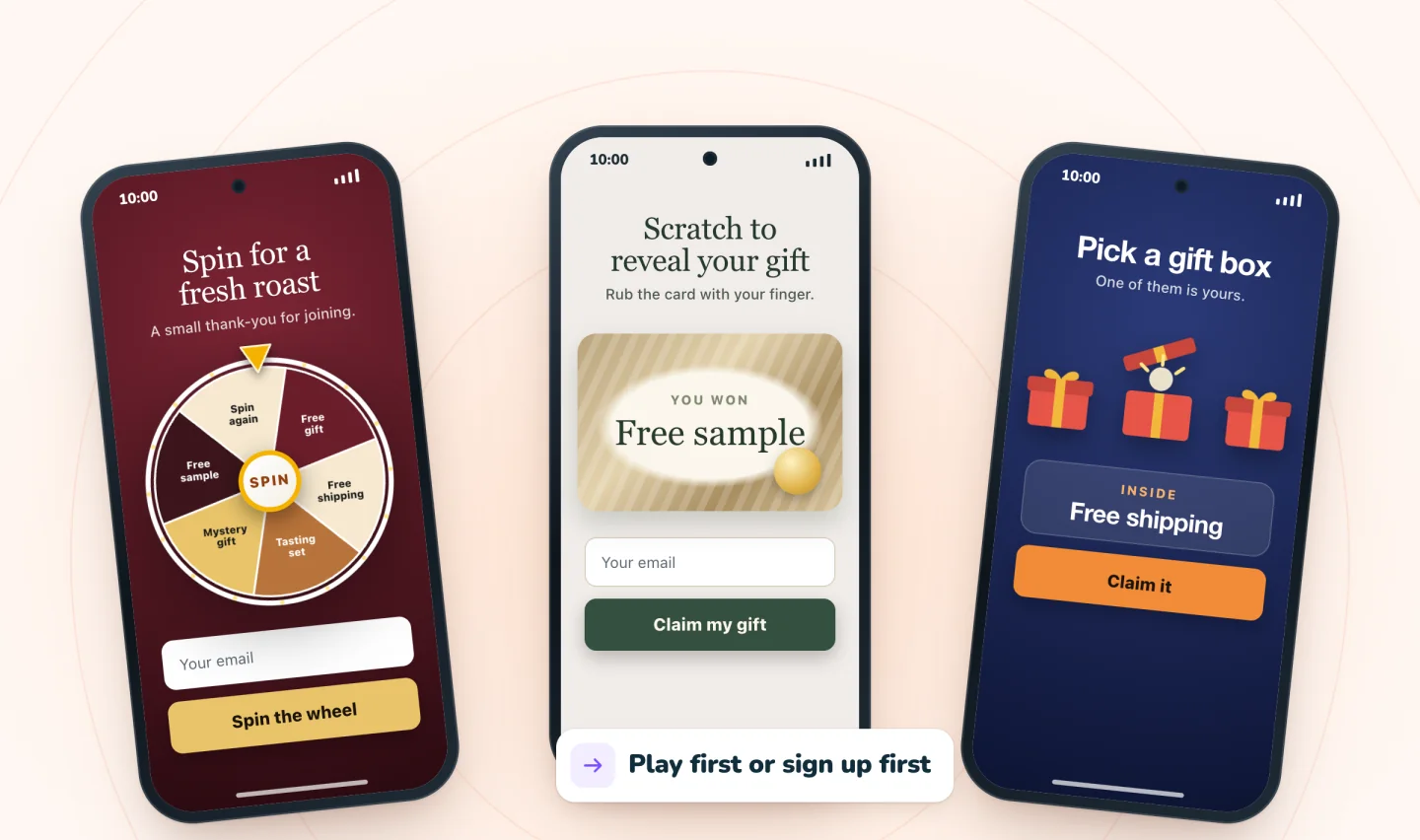
Spin, scratch or open a gift
Pick the game that suits your store: a prize wheel, a scratch card shoppers rub to reveal, or a row of gift boxes. A classic email pop-up is there too.
- Play first and sign up to claim, or sign up first
- The same prizes and odds in every game
- One place to set them all up
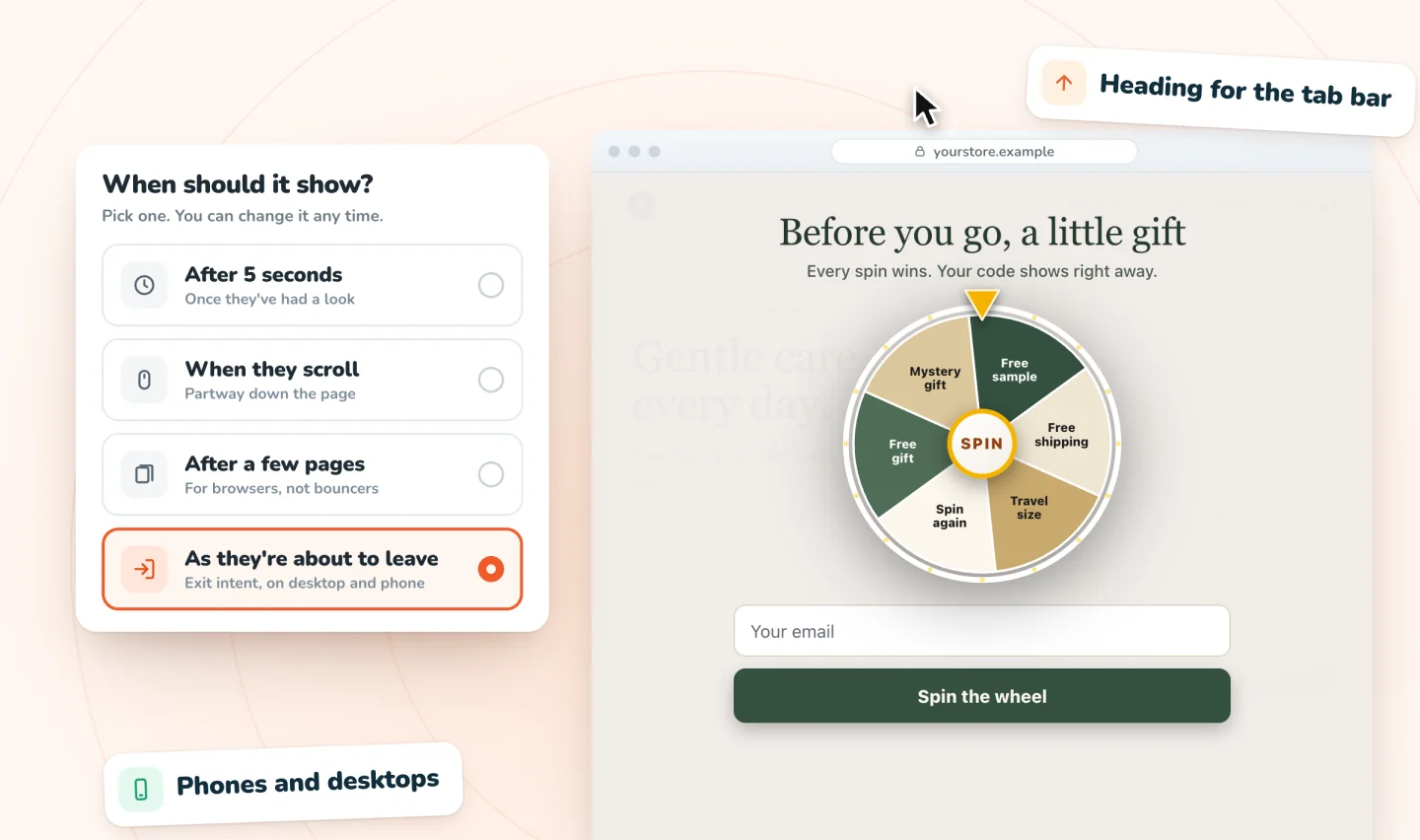
Shows up at the right moment
Show it a few seconds after arrival, when shoppers scroll, after a few pages, or as they're about to leave. Exit intent works on phones as well as desktops.
- A few seconds after arrival, by default
- Scroll, page count and exit-intent triggers
- Can leave a closed pop-up waiting as a small tab on that page
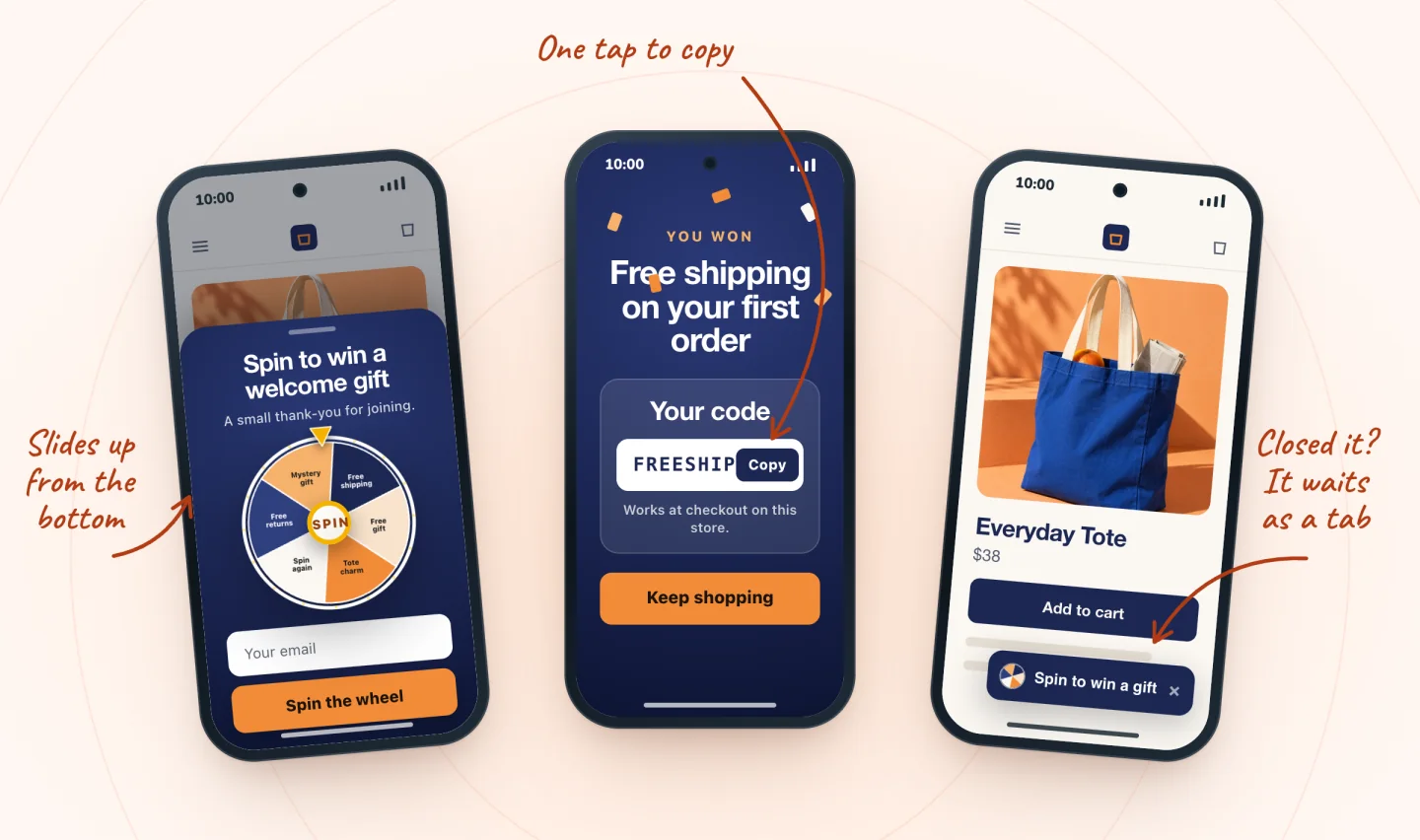
Made for phones
On phones, games open full screen or in a card sized to the screen, with buttons big enough for a thumb, and sign-up forms slide up from the bottom. One tap copies the winning code, and a closed pop-up can wait as a small tab on that page.
- Games open full screen or in a fitted card
- One tap to copy the code
- Backup email for winners who give one
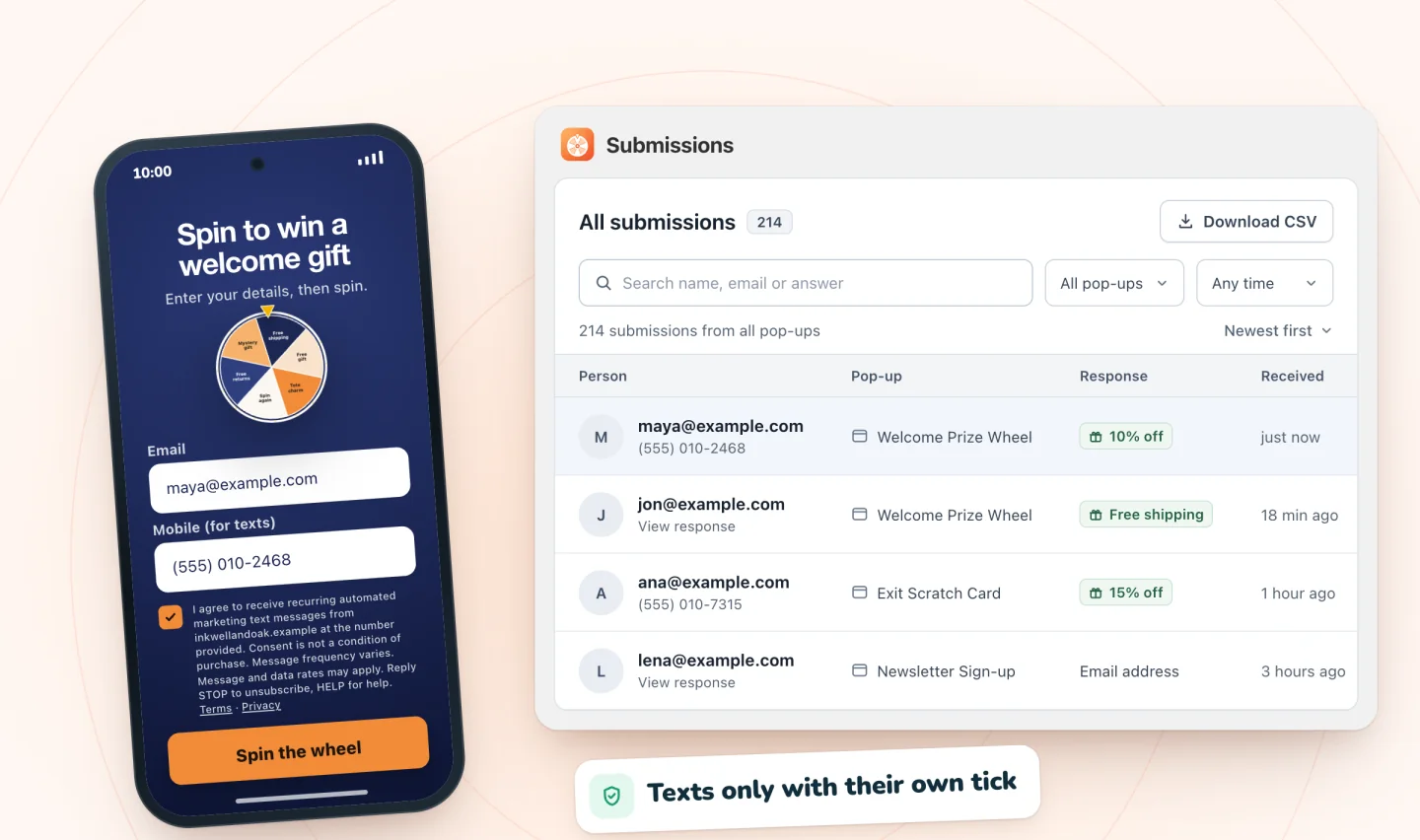
Every sign-up, saved with consent
Email addresses and phone numbers are saved with the consent each shopper gave and listed in Spin Wheel, with a CSV download. On Wix they also go to your contacts. Phone numbers are only signed up for texts when the shopper ticks a separate box.
- Email, SMS or both
- Consent saved with every sign-up
- Use the email and text tools you already have
A wheel for every kind of store
Prizes, odds and copy for eight kinds of stores, each following Spin Wheel's rule: every spin wins one of the store's prizes. Ready-made templates cover Black Friday, Valentine's Day and six more dates.
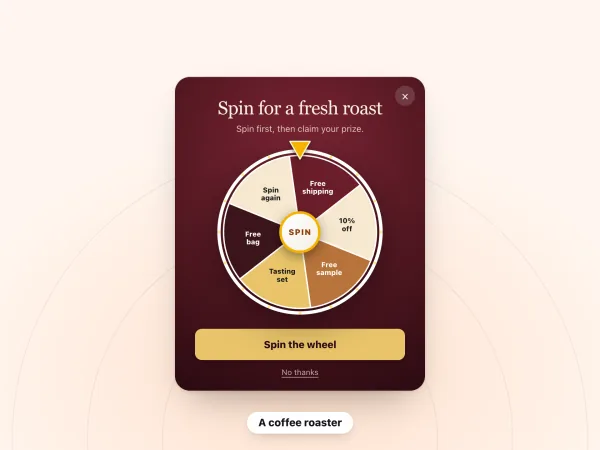
A coffee roaster
Spin for a fresh roast
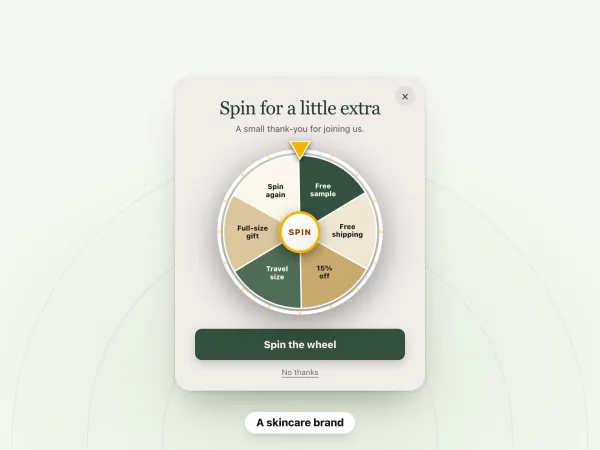
A skincare brand
Spin for a little extra
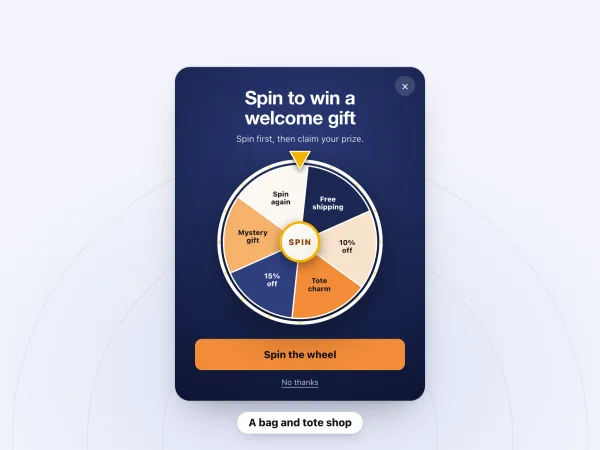
A bag and tote shop
Spin to win a welcome gift
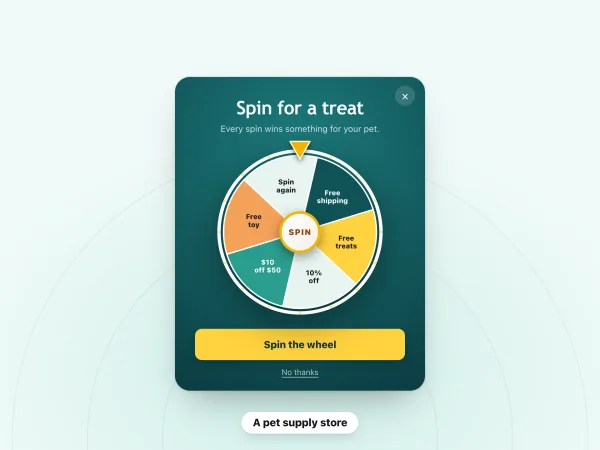
A pet supply store
Spin for a treat
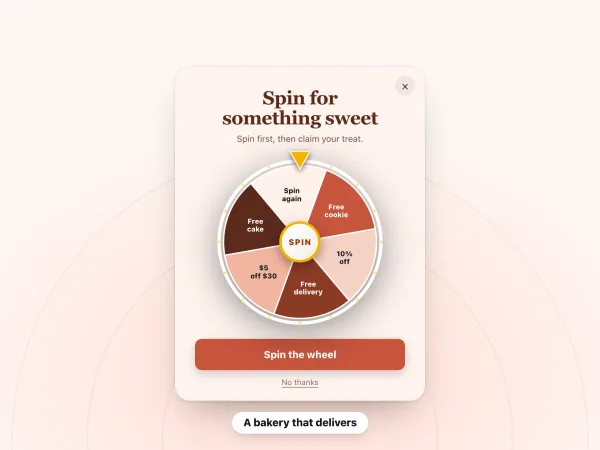
A bakery that delivers
Spin for something sweet
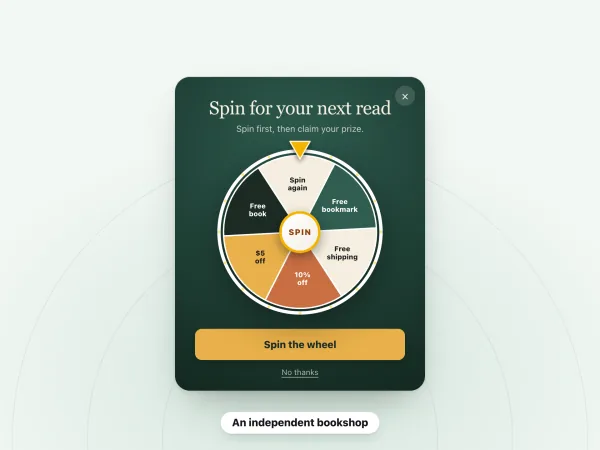
An independent bookshop
Spin for your next read
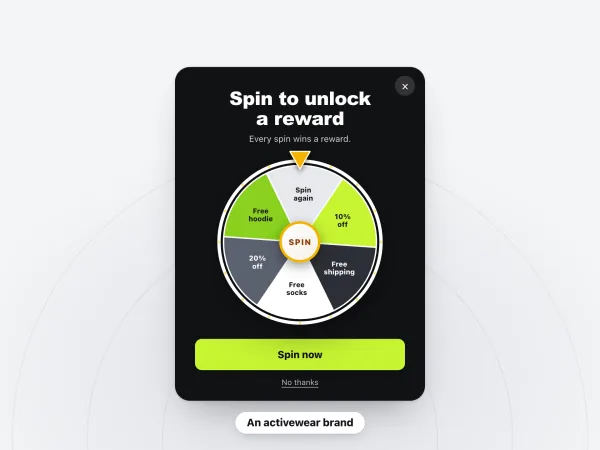
An activewear brand
Spin to unlock a reward
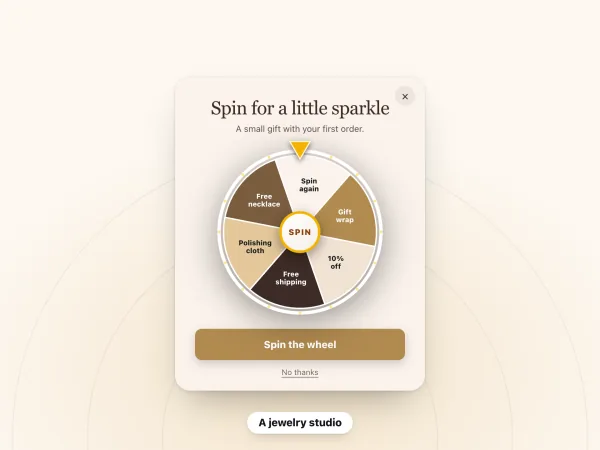
A jewelry studio
Spin for a little sparkle
A pop-up for every goal
Run as many as you like, all free.
Welcome offer
Greet first-time visitors with a spin for a first-order prize.
Spin-to-win pop-upExit offer
Give shoppers on their way out one last reason to stay.
Exit-intent pop-upEmail list growth
Trade a small reward for an email address, then keep in touch.
Email pop-upSMS subscribers
Collect phone numbers for texts, with a separate consent tick.
SMS pop-upDiscount codes
Hand out your store's own discount codes as prizes that work at checkout.
Discount pop-upScratch card
A calmer, tactile game: shoppers rub the foil to reveal a prize.
Scratch card pop-upMystery gift box
Shoppers pick a box and open it. Every box holds a prize.
Gift box pop-upHoliday sales
Seasonal prizes and copy for the busiest weeks of the year.
Holiday wheel ideasEverything free, with no caps
Every game, every trigger and every sign-up, on Shopify and Wix, for as long as you use it. When you want follow-ups too, add myuser.ai.
Unlimited pop-ups and sign-ups, free forever.
No card, no bill, no paid version.
- Unlimited live pop-ups and sign-ups
- Every game: spin wheel, scratch card, gift box and email pop-up
- AI designs from your store
- Prizes from your store's own discount codes, drawn on our servers
- Exit intent on desktop and phone
- Every sign-up saved with the shopper's consent
- No "Powered by" line on your pop-ups
No caps to pause your pop-ups and nothing charged per sign-up. A shopper sees one pop-up per page view, so pop-ups never stack.
Add myuser.ai for the emails and texts
myuser.ai, from the same team, writes and sends the welcome emails, cart reminders and texts that follow a sign-up. On Wix the two apps sync on their own; on Shopify they run side by side.
- On Wix: synced on their ownAs soon as both apps are on your site, your wheels and sign-ups show in both. Each wheel runs from the app it was made in, so shoppers see it once.
- Emails and texts to your sign-upsmyuser.ai writes welcome emails and cart reminders from your products and sends them. Texts need the shopper's tick and an approved number.
- On Shopify: one pop-up at a timeRun both on your store and shoppers see one of your pop-ups at a time, whichever app it comes from.
On Wix sites only, adding myuser.ai to a site that already runs Spin Wheel comes with a welcome gift, myuser.ai Launch free for 2 months, once per site, when Spin Wheel has been on it for a week or has collected sign-ups. Spin Wheel stays free forever, with or without myuser.ai.
Weighing up other apps?
Side-by-side looks at the pop-up and spin wheel apps Shopify and Wix stores use, with every fact linked to its source.
Learn what makes a pop-up work
Prizes, odds, timing and what to send after the sign-up.
How Spin-to-Win Pop-ups Work, With Shopify & Wix Setup
What happens from spin to checkout: who picks the prize, what a wheel costs, play or email first, what vendors' numbers show, and Shopify and Wix setup.
How to Add a Spin Wheel to a Wix Site (With Real Coupons)
Wix has no built-in spin wheel. Compare an app, an embedded widget and a no-game Wix Popup, then set prizes and odds and test the wheel on a phone.
How to Add a Spin Wheel to Shopify, With Real Discount Codes
Add a spin-to-win wheel to a Shopify store with a free app: make the prize codes, switch on the app embed in your theme, set the odds and test it live.
Free tools
More from the team behind Spin Wheel
We also make myuser.ai, which writes and sends the welcome email, cart reminders and texts after a sign-up and works with Spin Wheel on Shopify and Wix. Our Session Recordings app replays real visits and maps where visitors click and scroll, and our free tools cover pop-ups and prizes. How Spin Wheel and myuser.ai work together.

Frequently asked
Is Spin Wheel free?
Yes, free forever, on Shopify and Wix. Unlimited pop-ups and sign-ups, every game and AI design, and prizes from your own discount codes, with no paid version, no cap and no "Powered by" line. See what's free.
Is Spin Wheel on Shopify?
Yes. It's on the Shopify App Store as myuser.ai Spin Wheel & Popups, and on the Wix App Market as Spin Wheel: the same games, prizes and odds, free forever on both.
Do the prizes really work at checkout?
Yes. Each prize is one of your store's own discount codes (on Wix, a coupon), so it works at your checkout under the rules you set on it. Every winner of a prize gets that code, so give prize codes an end date and one use per customer. The winner sees the code on a card where one tap copies it, and winners who gave an email also get a backup copy by email.
Can shoppers lose?
No. Every spin wins one of your prizes. A decoy slice, such as one showing your logo, can sit on the wheel as decoration, but it's never landed on. You choose how often each prize comes up, and our servers draw it.
Does Wix have a built-in spin wheel?
No. Wix's help center says that it's not currently possible to create gamified promos such as "Spin to win" with Wix Promos. A spin wheel on a Wix store comes from an app like Spin Wheel.
What do I need to use it?
On Shopify, a store with an online store theme: you switch on Spin Wheel's Pop-ups app embed in your theme editor, one click from its Home. On Wix, a published site with Wix Stores. Each prize is one of your store's own discount codes; if you have none yet, Spin Wheel can create three starter ones. Pop-ups show on your live store, not inside the theme editor or the Wix Editor.
What happens when I add it to my store?
On the Shopify App Store, click Install and approve the permissions it asks for: your theme, products, discount codes and customers. It opens in your Shopify admin, reads your theme's logo, colors and fonts, and AI drafts pop-ups while you wait. Then pick a design and prizes, switch on Pop-ups in your theme editor from its Home, and go live. On the Wix App Market, click Add to Site, then Agree & Add to let Spin Wheel use your store's coupons and add sign-ups to your contacts. It then opens in your site's dashboard, where you pick a design and your prizes.
Will Spin Wheel slow down my store?
Spin Wheel adds one script to your store, and it loads asynchronously, so your pages don't wait for it to show.
Does it follow my cookie banner?
On Wix, yes. It remembers which pop-ups a visitor has already seen only when functional cookies are allowed, and it stores nothing that links a visitor's visits together unless they also allow analytics and advertising cookies. On Shopify, partly. Spin Wheel counts pop-up views and sets its visitor cookie only after the shopper allows analytics, and hands a sign-up to Shopify's visitor tools only after they allow marketing. The pop-ups can show before a choice is made, and the shopper's browser keeps a note of which pop-ups they've seen and whether they've signed up, so they aren't asked twice.
Does Spin Wheel email or text my shoppers?
Only one kind of email: winners who gave an email address get a backup copy of their code. Spin Wheel doesn't send shoppers marketing emails or texts. To follow up, use the tools you already have, or myuser.ai, from the same team: on Wix it syncs with Spin Wheel on its own.
Can't I just use Wix's built-in pop-ups?
You can. Wix's built-in pop-ups, once called lightboxes, open on the pages you choose, after an optional delay, or from a linked button. The editor has no trigger for a visitor who's about to leave: Wix's help center lists one as a feature request, and a developer could add one with Velo code. An app like Spin Wheel adds prize games, exit intent on desktop and phone, and prizes from your store's coupons. Our comparison of built-in pop-ups and apps covers the differences, and the guide to adding a pop-up to a Wix site shows both.
Give your next visitor a reason to sign up
Add Spin Wheel, pick a design AI made from your store, and start collecting sign-ups with prizes that work at checkout.