 Spin Wheel
Collect SMS subscribers with a pop-up, the right way
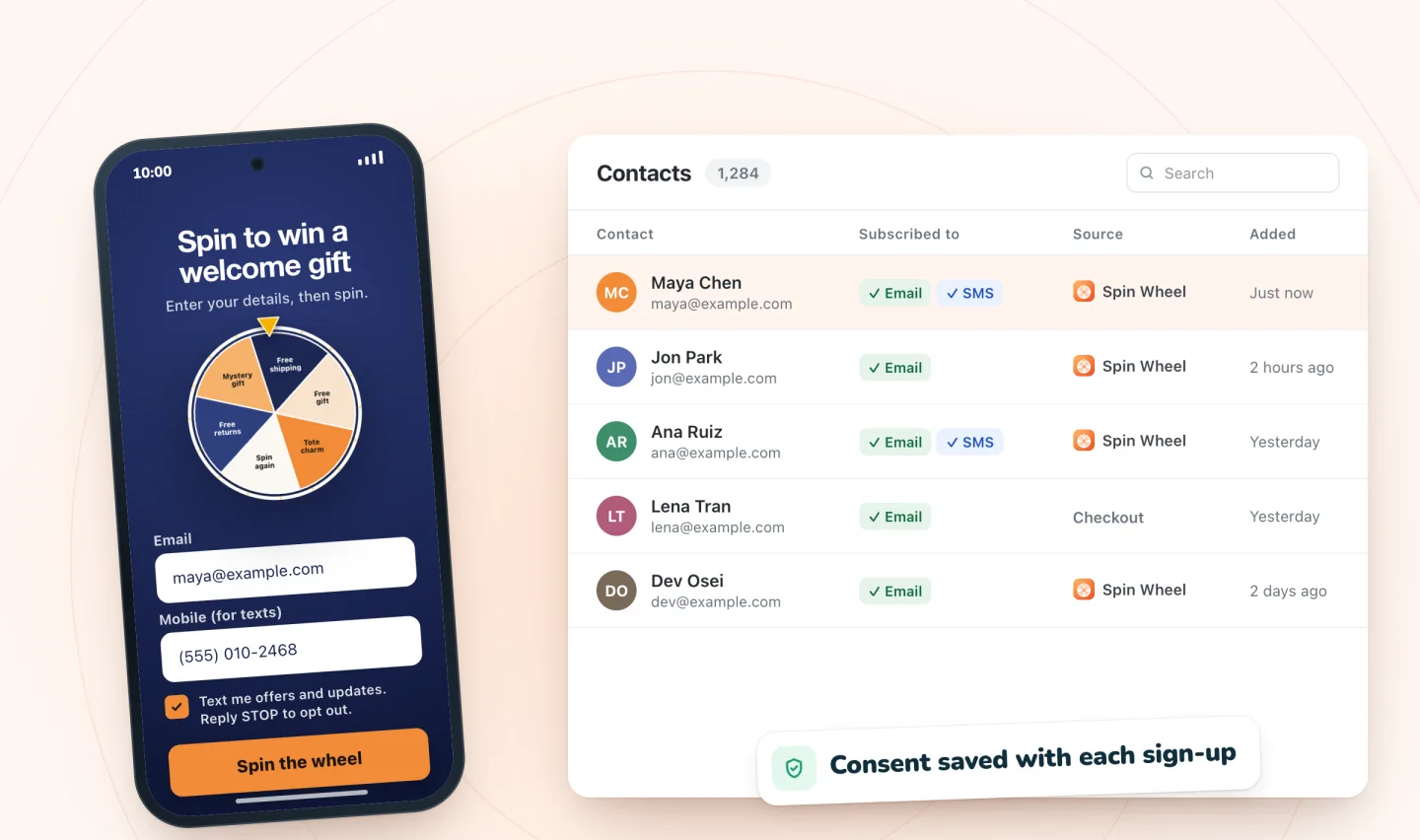
Add a phone field to any pop-up. Numbers are only signed up for texts when the shopper ticks a separate consent box.
Consent comes first
A phone number on its own isn't permission to text someone. Spin Wheel shows a separate SMS consent box under the phone field, with wording that tells shoppers they'll get offers and updates and can reply STOP to opt out. Only shoppers who tick it are signed up for texts, and that consent is saved to their contact.
Email and SMS together
Ask for an email address, a phone number, or both in the same pop-up. Shoppers can share their email without agreeing to texts.
Sending the texts
Spin Wheel collects SMS subscribers; it doesn't send marketing texts. Use your text tool, or myuser.ai's cart recovery by email and SMS. Keeping messages short helps, and this SMS length calculator shows when a text splits into two. For the consent details, read how to collect SMS sign-ups with consent.
Guides to go further
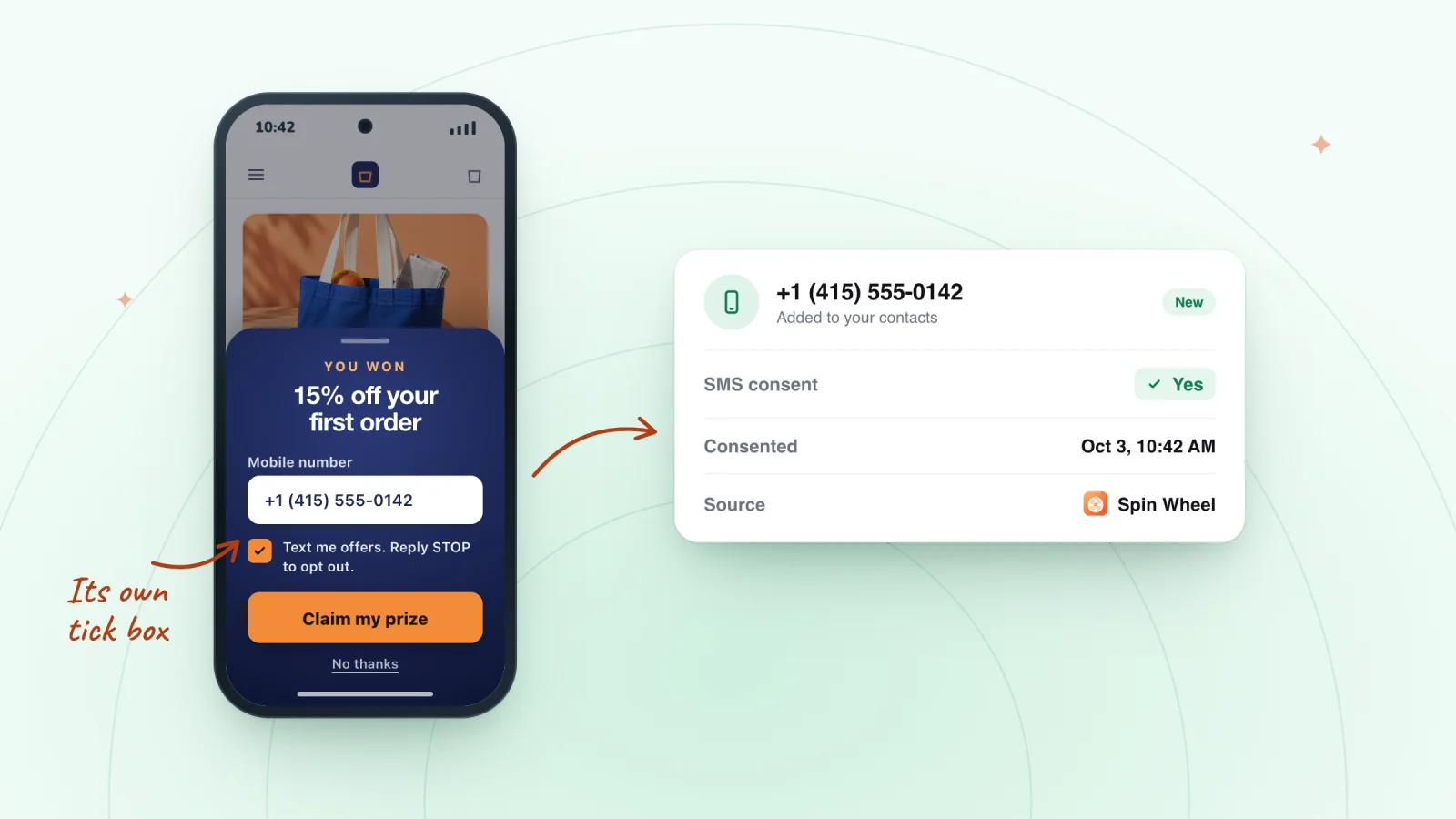
How to Collect SMS Sign-ups With Consent
Text sign-ups need clear permission. How to add a separate SMS consent box, what the consent text should cover, and how to keep records of every opt-in.
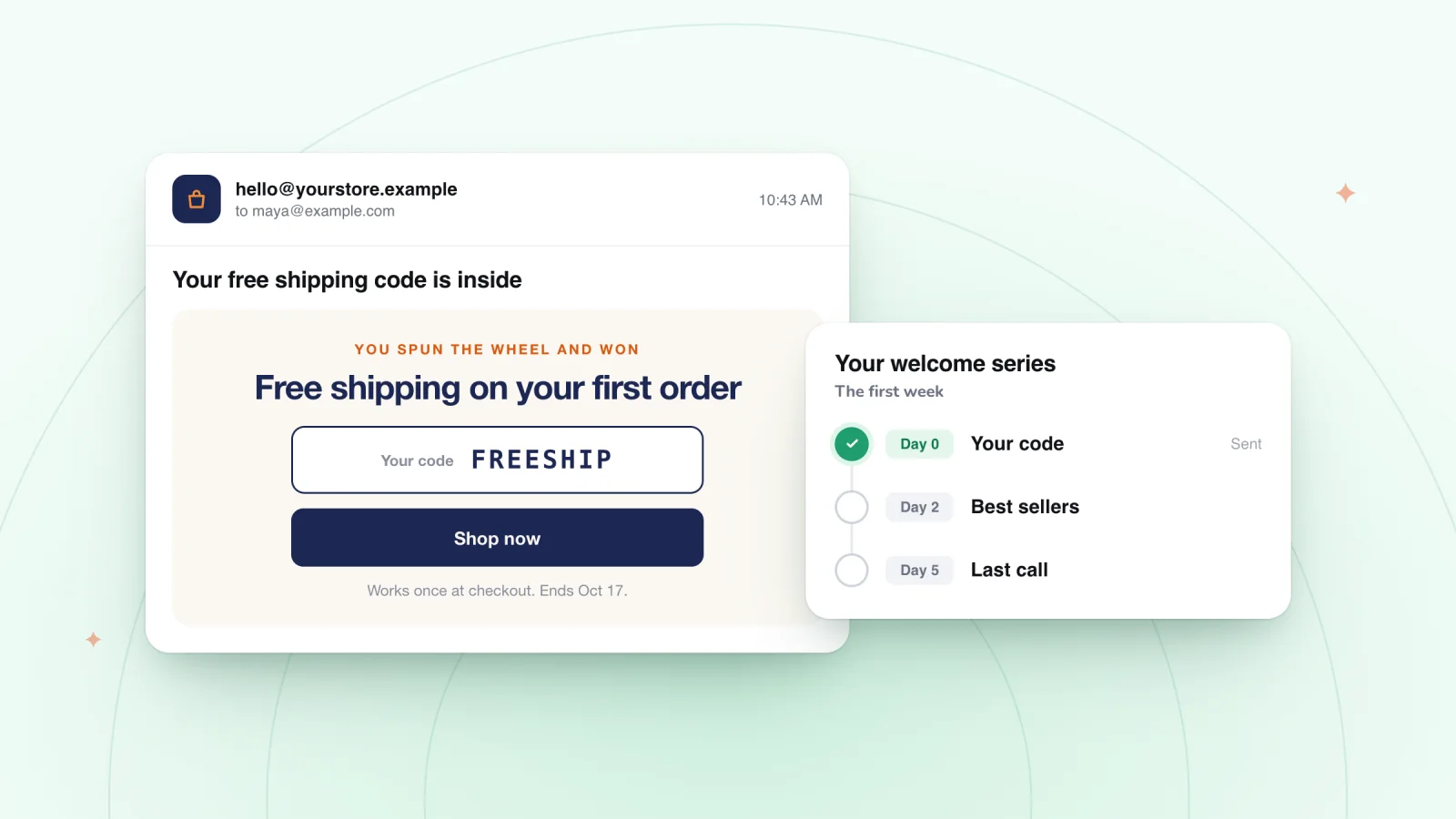
Welcome Email After Signup: What to Send New Subscribers
A pop-up sign-up is a promise. Get the prize code to shoppers fast, plan the first week of emails and texts, and skip habits that push subscribers away.
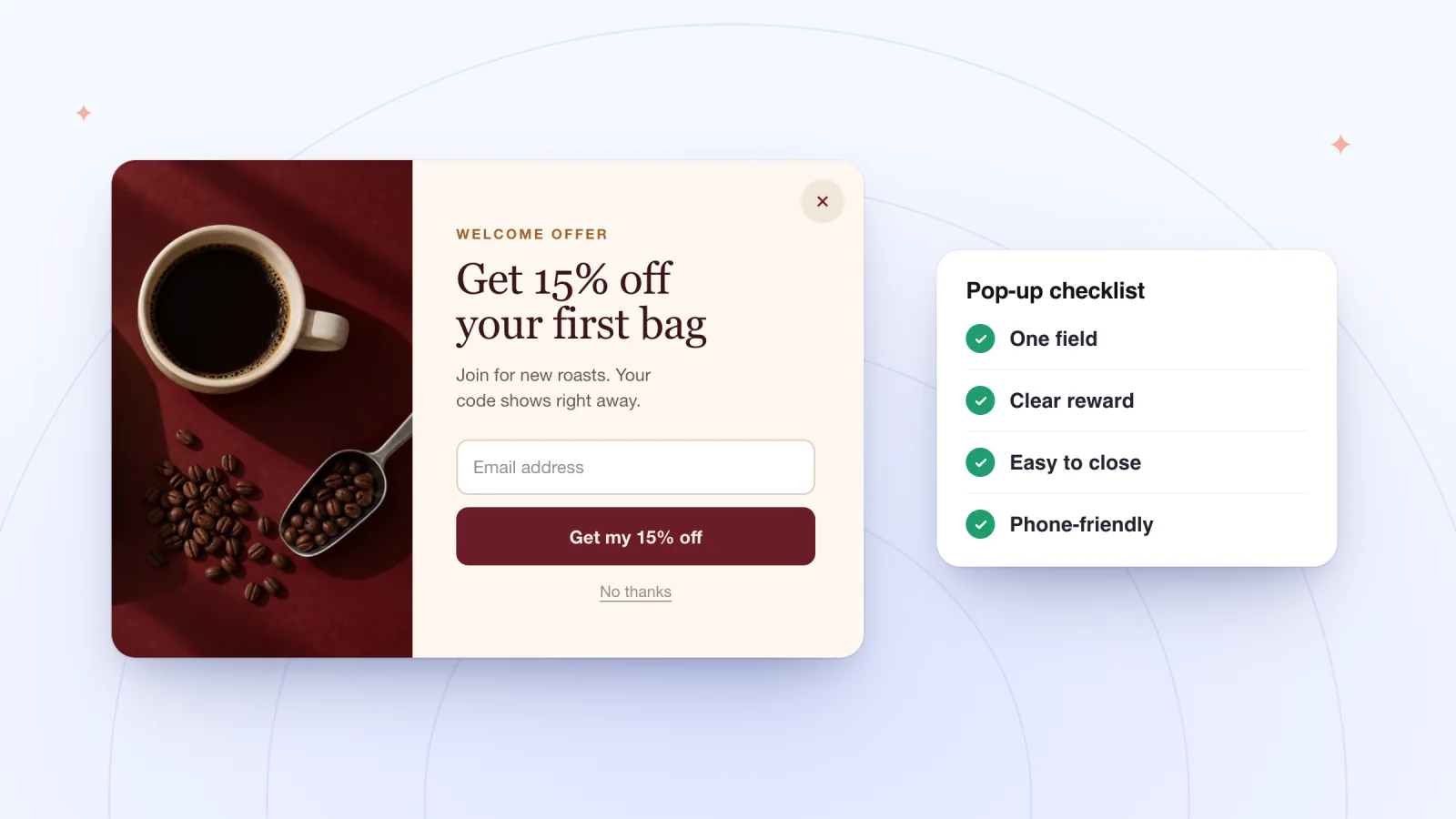
Email Pop-up Best Practices for Small Stores
Practical rules for an email pop-up shoppers fill in. When to show it, how many fields to use, what to say, phone layout, consent text and how to test it.
Frequently asked
Can a shopper give a phone number without agreeing to texts?
Yes. Texts need the separate consent tick.
Does Spin Wheel send texts?
No. It collects subscribers and their consent. Use your own text tool or myuser.ai to send messages.
Give your next visitor a reason to sign up
Add Spin Wheel, pick a design AI made from your store, and start collecting sign-ups with prizes that work at checkout.