
An email sign-up pop-up for Shopify and Wix stores that grows your list
Use a classic sign-up form or turn it into a game. Either way, every new subscriber is saved with the consent they gave.
Opens the Shopify App Store or the Wix App Market. No card needed.
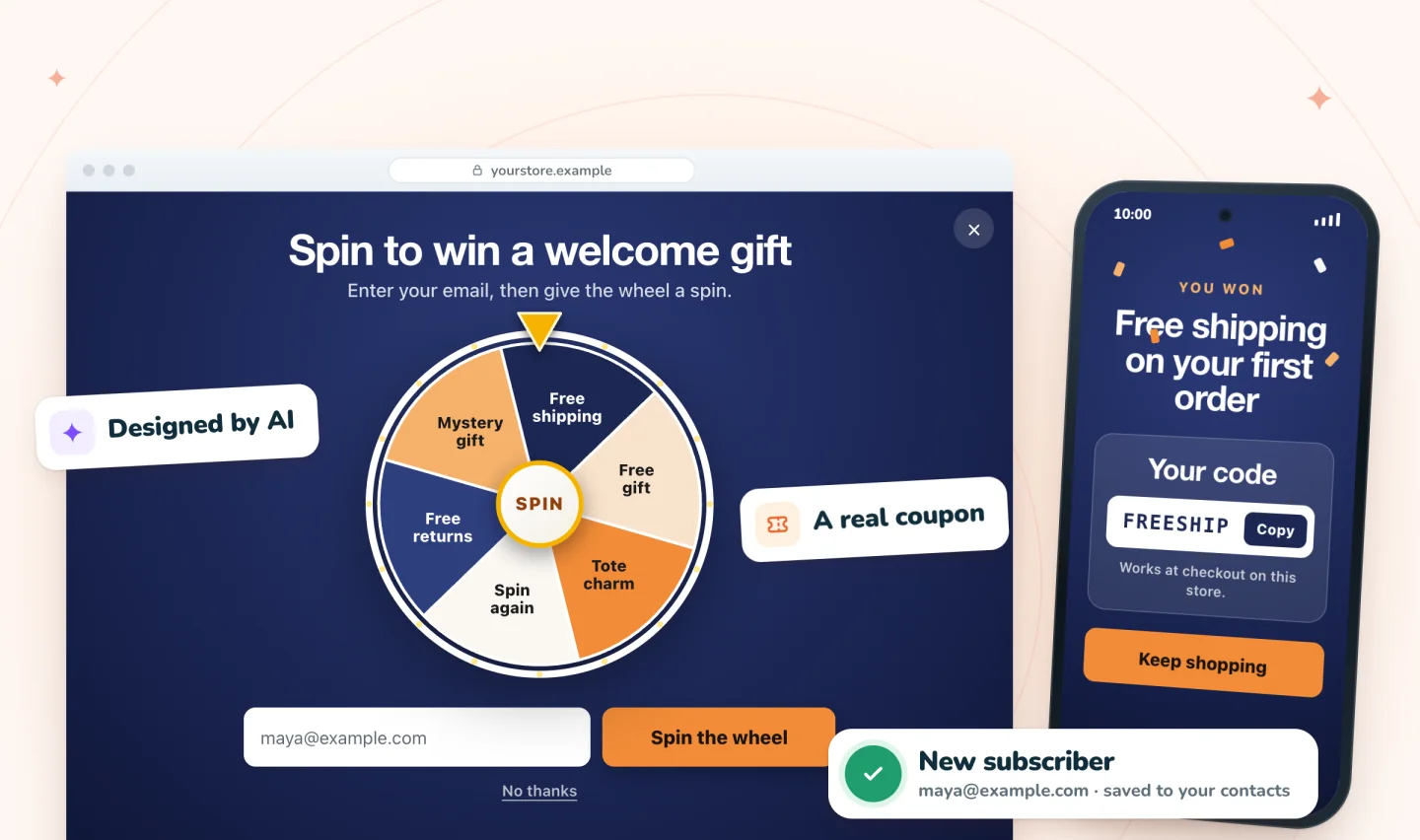
A form or a game, saved with consent
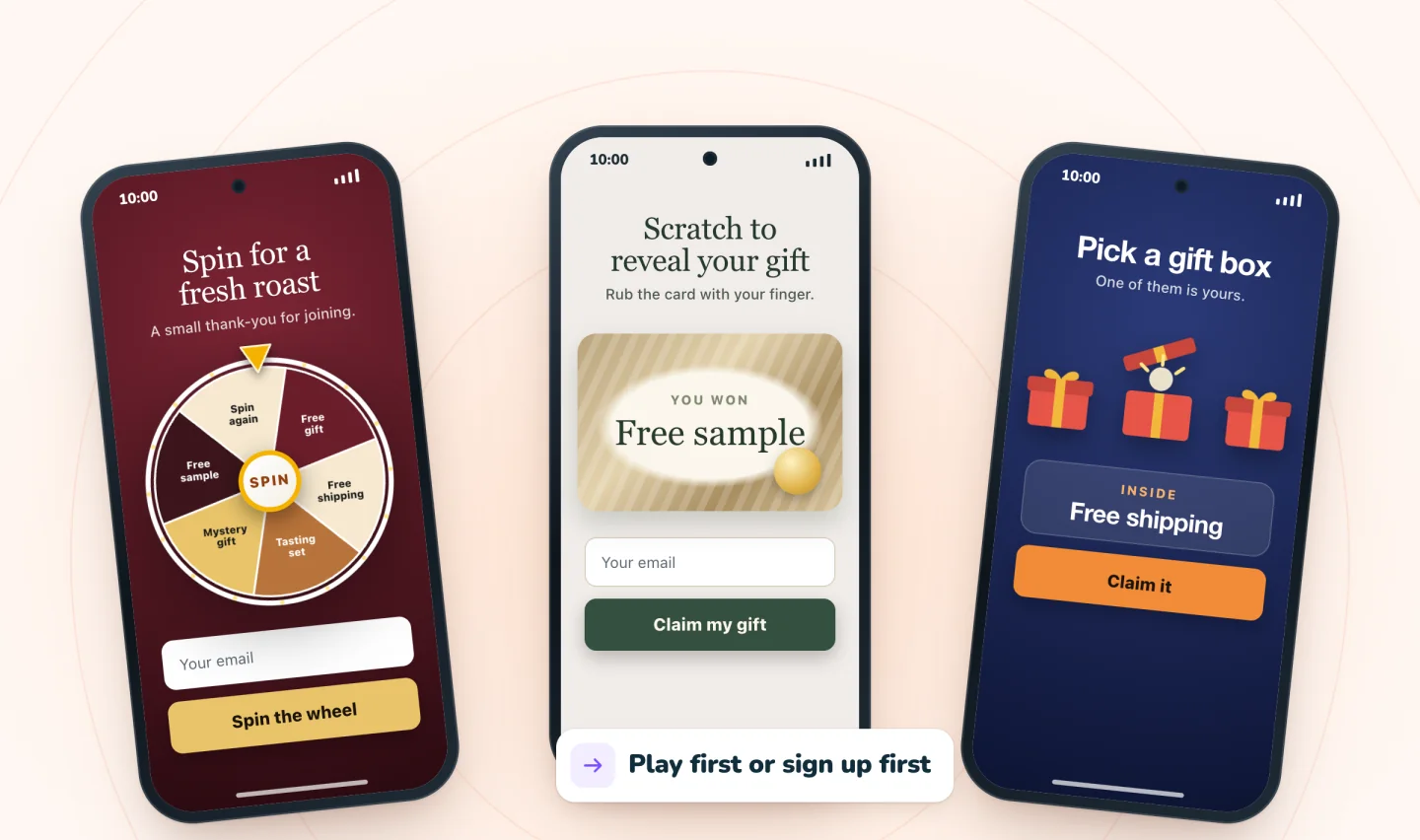
Ask simply, or make it fun
Spin Wheel includes a classic email pop-up for a straightforward offer, plus the spin wheel, scratch card and gift box for something more playful. All of them collect the same thing: an email address, a phone number for texts, or both.
- Ask for an email, a phone number, or both
- Play first and sign up to claim, or sign up first
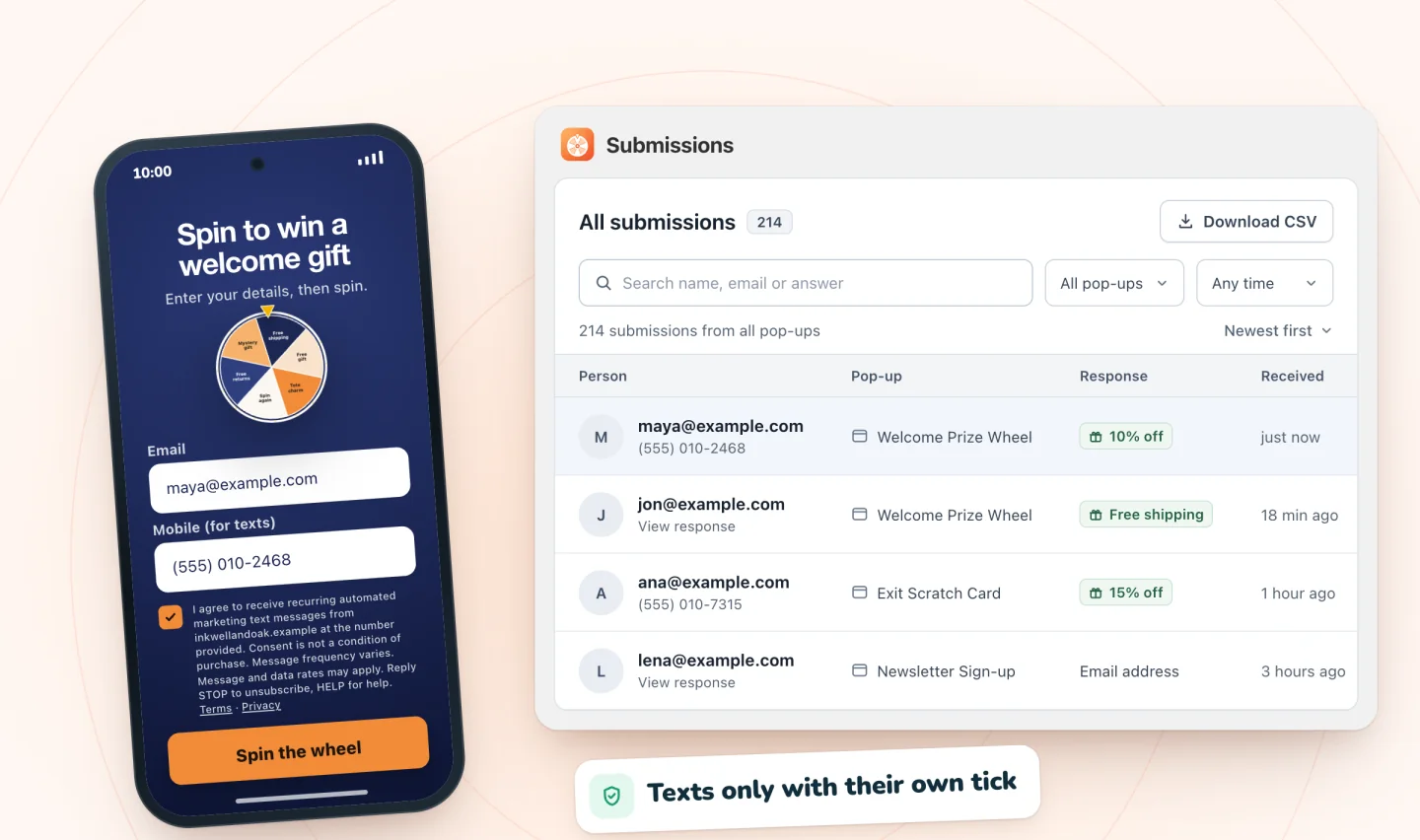
Every sign-up, saved with consent
Each sign-up is saved with the consent the shopper gave and listed in Spin Wheel, with a CSV download. On Wix it's also added to your contacts, or updates a contact you already have. From there, follow up with the email tool you already use.
- Consent saved with every sign-up
- A phone number is signed up for texts only with a separate tick
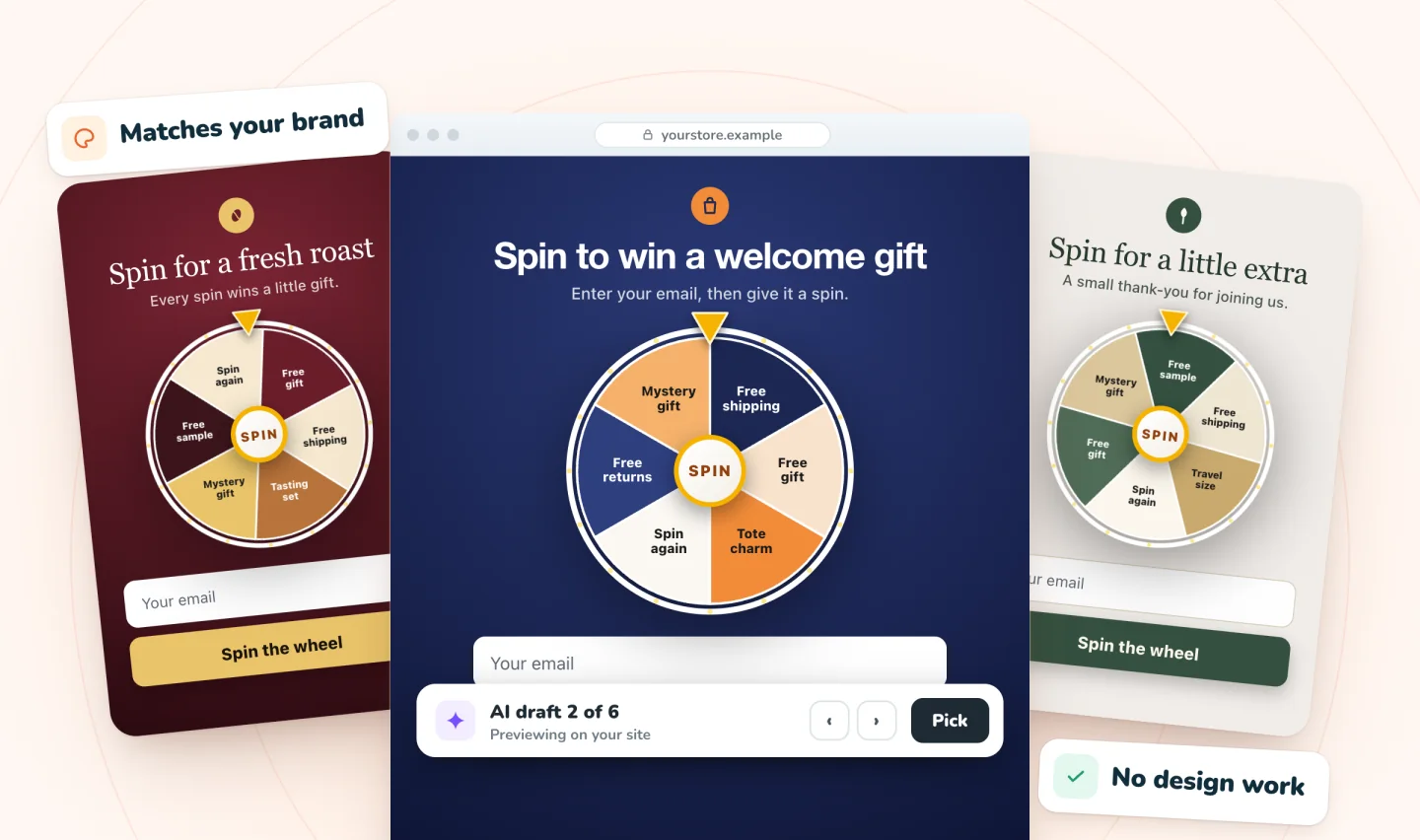
A pop-up that looks like your store
AI drafts the pop-up from your products, colors and fonts. Preview the drafts on your own pages, keep the one you like, then change any word.
Set it up on your store
No code to paste, and no form to build.
On Shopify
Add Spin Wheel
On the Shopify App Store, click Install and approve it in your Shopify admin. It opens in your admin and drafts pop-ups from your theme.
Pick a form or a game
Choose an AI draft or a classic sign-up form, and decide whether to ask for an email, a phone number or both.
Choose the reward and the moment
Point the reward at one of your discount codes, then pick when the pop-up opens: after a few seconds, on scroll, after a few pages or on exit.
Switch it on and follow up
On Home, press Turn on in theme editor and Save there, then click Go live. Set up a welcome email in the tool you already use: Spin Wheel doesn't send marketing emails.
On Wix
Add Spin Wheel
On the Wix App Market, click Add to Site, then Agree & Add. Spin Wheel opens in your site's dashboard.
Pick a form or a game
Choose an AI draft or a classic sign-up form, and decide whether to ask for an email, a phone number or both.
Choose the reward and the moment
Point the reward at one of your coupons, then pick when the pop-up opens: after a few seconds, on scroll, after a few pages or on exit.
Go live and follow up
Click Go live, then set up a welcome email in the tool you already use. Spin Wheel doesn't send marketing emails.
Get the basics right
Keep the form short, show it at a sensible moment and make the reward clear. Our email pop-up best practices cover timing, copy and the layout on phones, and this free sign-up pop-up checklist helps you review the details. Then plan what to send after the sign-up.
Welcome offers on Wix
Wix can't limit a coupon to first-time customers. The closest settings are one use per customer and an end date, and how to offer a first-order discount on Wix covers the workarounds. If you'd like the welcome email written and sent for you, myuser.ai does that from your products.
An app or Wix's own Popup?
Wix's built-in Popups can hold a subscribe form too, designed by you in the editor. An app adds prize games, exit intent on phones and computers, and rewards from your store's coupons. Here's a Wix popup vs a pop-up app, side by side. Comparing apps? See where the most-reviewed pop-up apps for Wix differ on price, free plans and games.
The email pop-up at a glance
| Pop-ups | A classic sign-up form, a spin wheel, a scratch card or gift boxes |
|---|---|
| Fields | Email, a phone number for texts, or both |
| Where sign-ups go | Listed in Spin Wheel, with a CSV download; on Wix, also your Wix contacts, with the consent given |
| Emails to your shoppers | Only a backup copy of a prize code, to winners who gave an email |
| Price | Free forever: unlimited pop-ups and sign-ups, with every game, on Shopify and Wix |
| With myuser.ai | On Wix the two sync on their own; on Shopify they run side by side, one pop-up at a time |
| What you need | Shopify: a store with an online store theme, with Spin Wheel's Pop-ups embed switched on. Wix: a published site with Wix Stores |
No paid version, no caps. See everything that's free.
Guides to go further
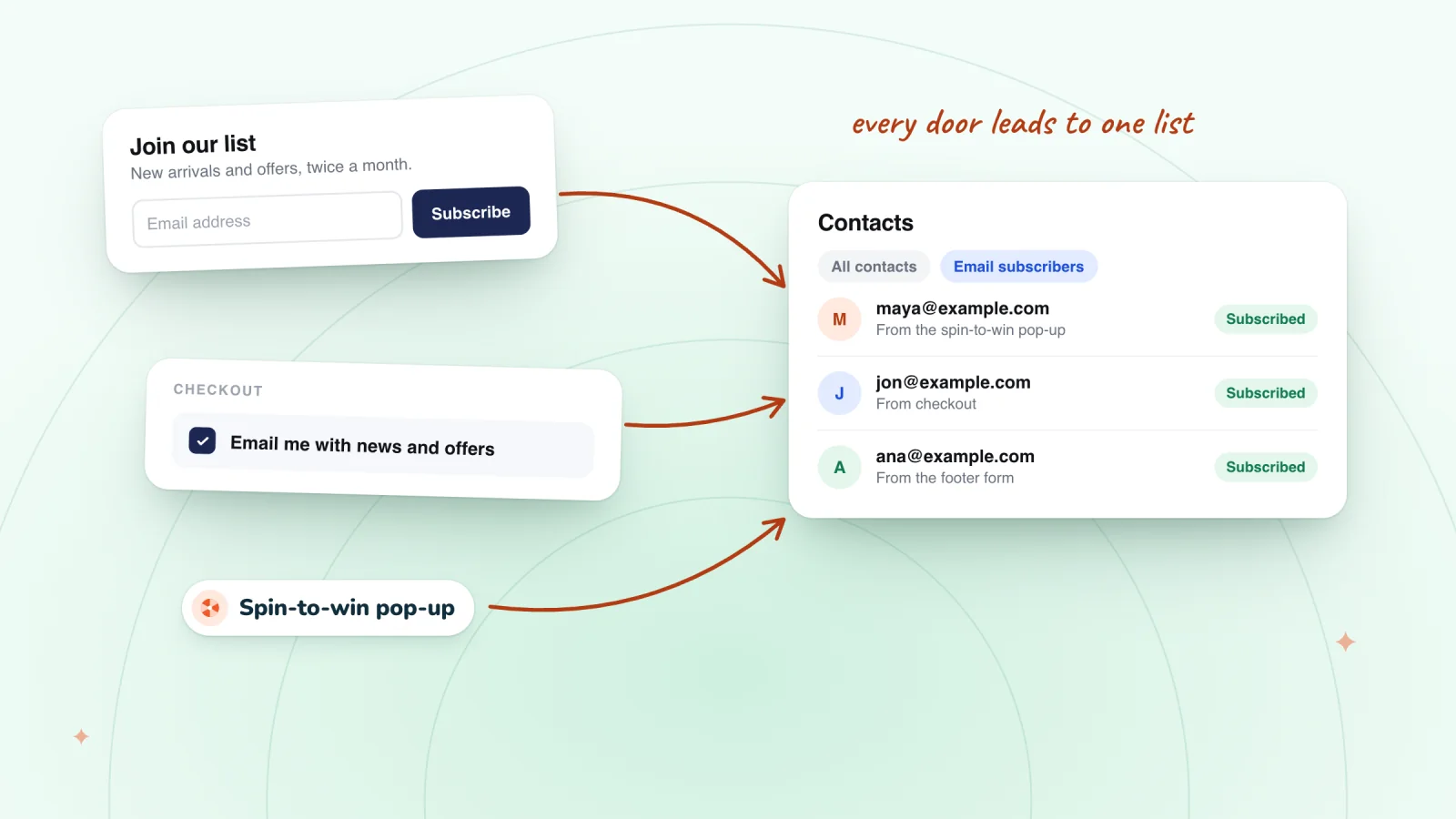
Grow Your Email List on Wix: Forms, Checkout and Pop-ups
Add a subscribe form, an opt-in box on your other forms, the checkout checkbox and a pop-up, import the list you have, then welcome each new subscriber.
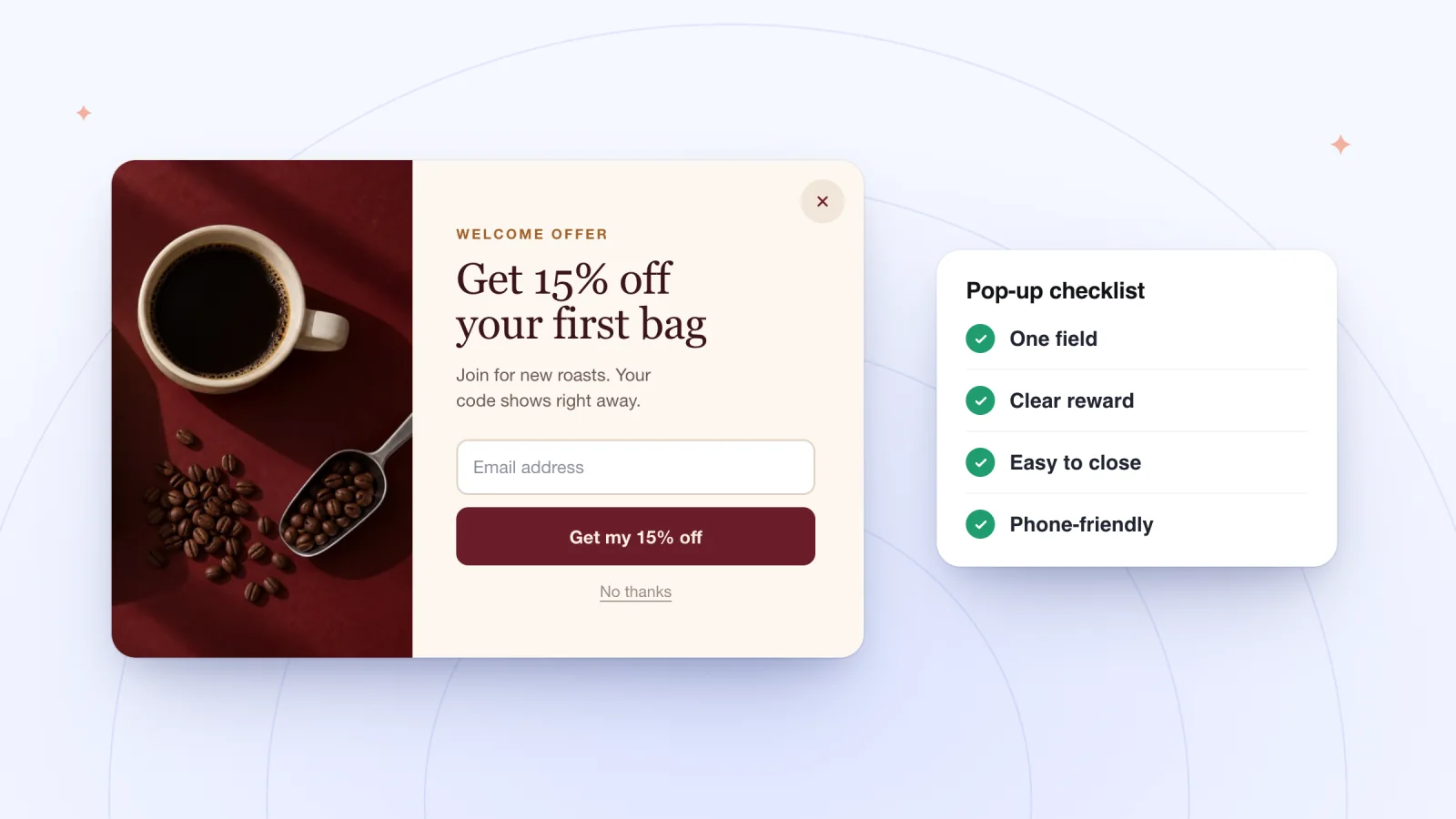
Email Pop-up Best Practices, With Copy Examples
When an email pop-up should open, what it should ask for and offer, the Wix setting behind each choice, and copy for four kinds of stores to adapt.
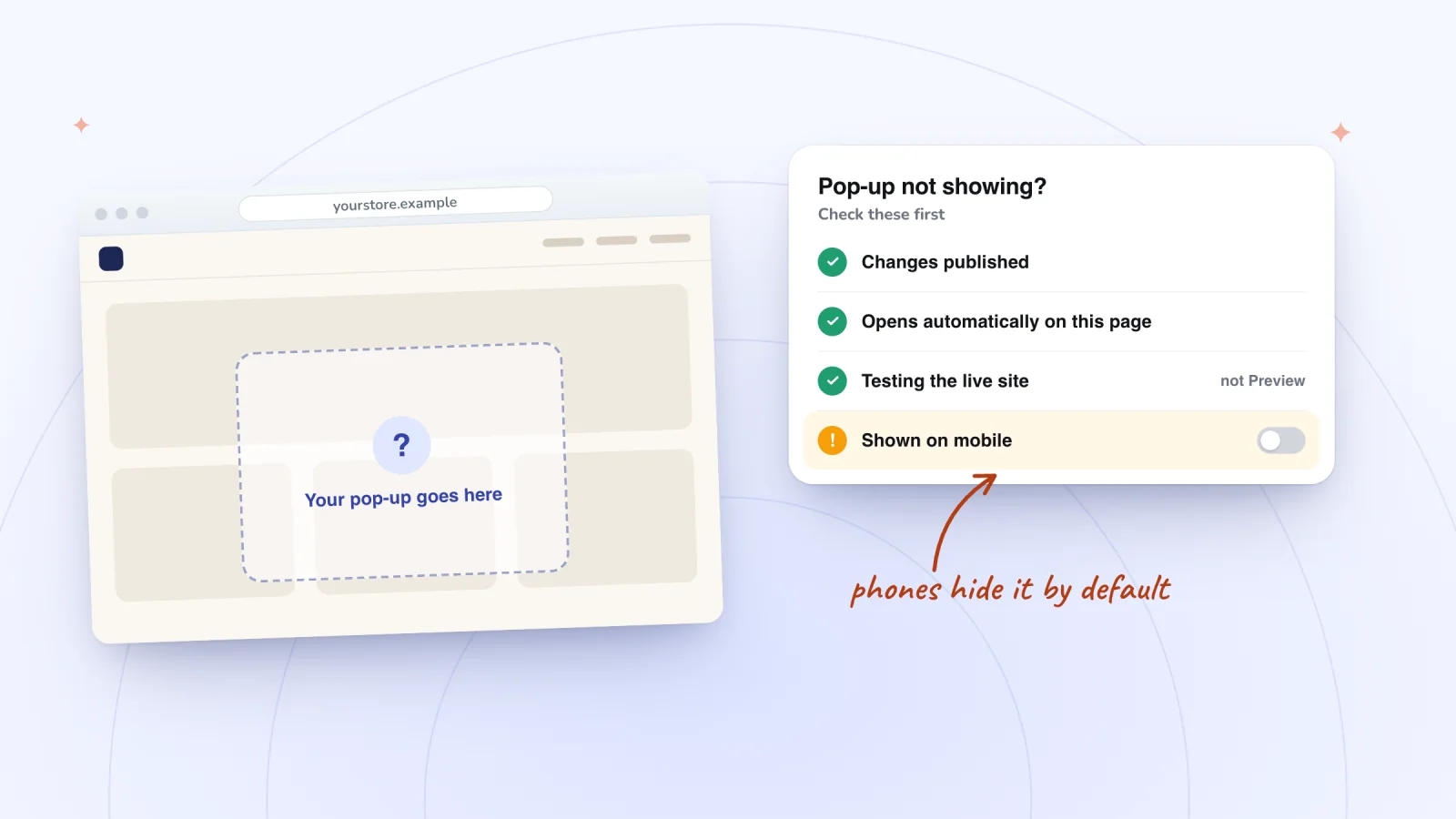
Wix Popup or Lightbox Not Showing? 7 Fixes
Usually the change isn't published, or you're checking Preview, where the Wix Editor never opens automatic pop-ups. Then check triggers, phones and cache.
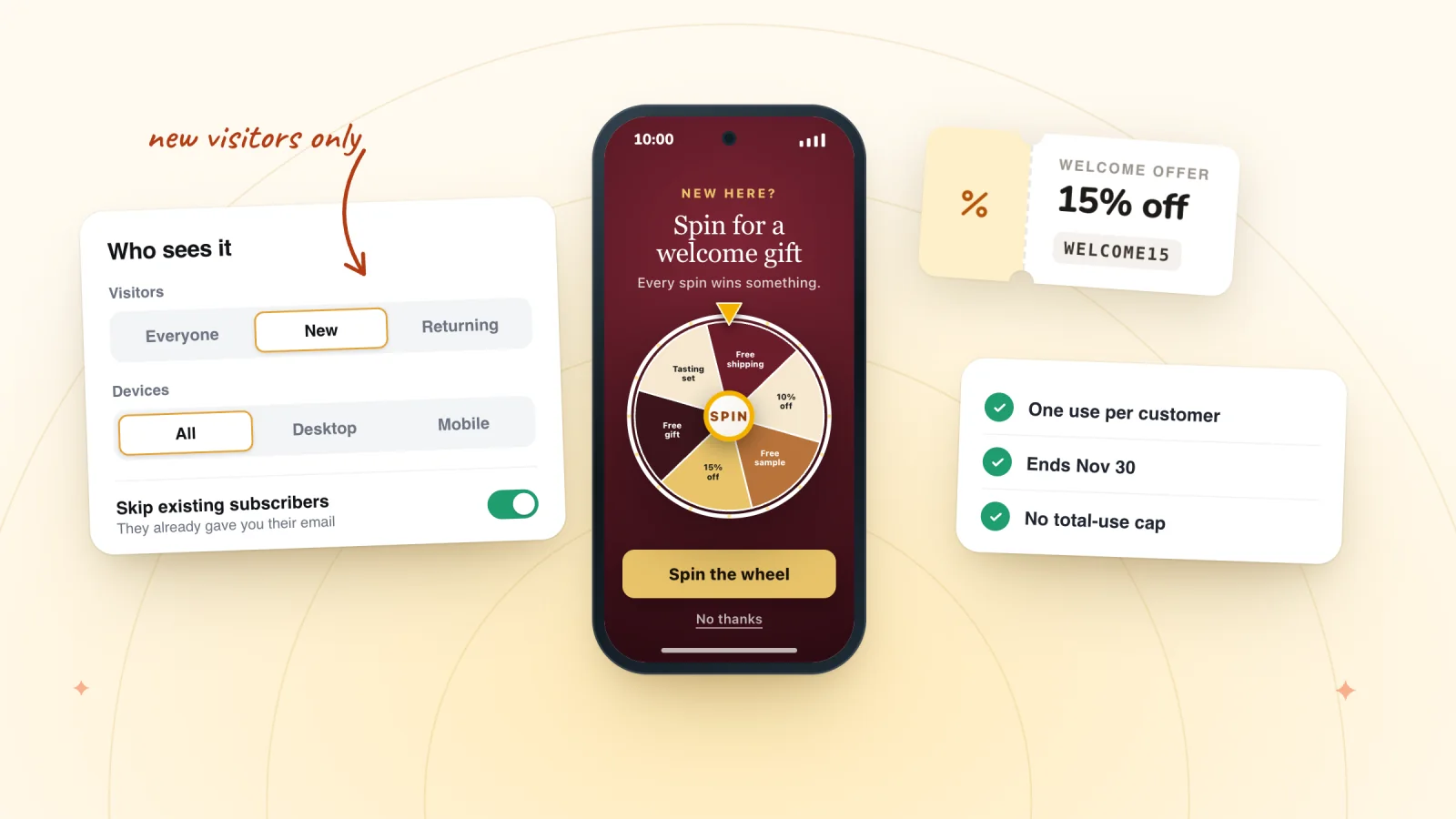
How to Offer a First-Order Discount on a Wix Store
Wix coupons can't be limited to first-time customers. See the closest settings, three ways to reach only new shoppers, the break-even math and loopholes.
What to Send After a Pop-up Sign-up on Wix
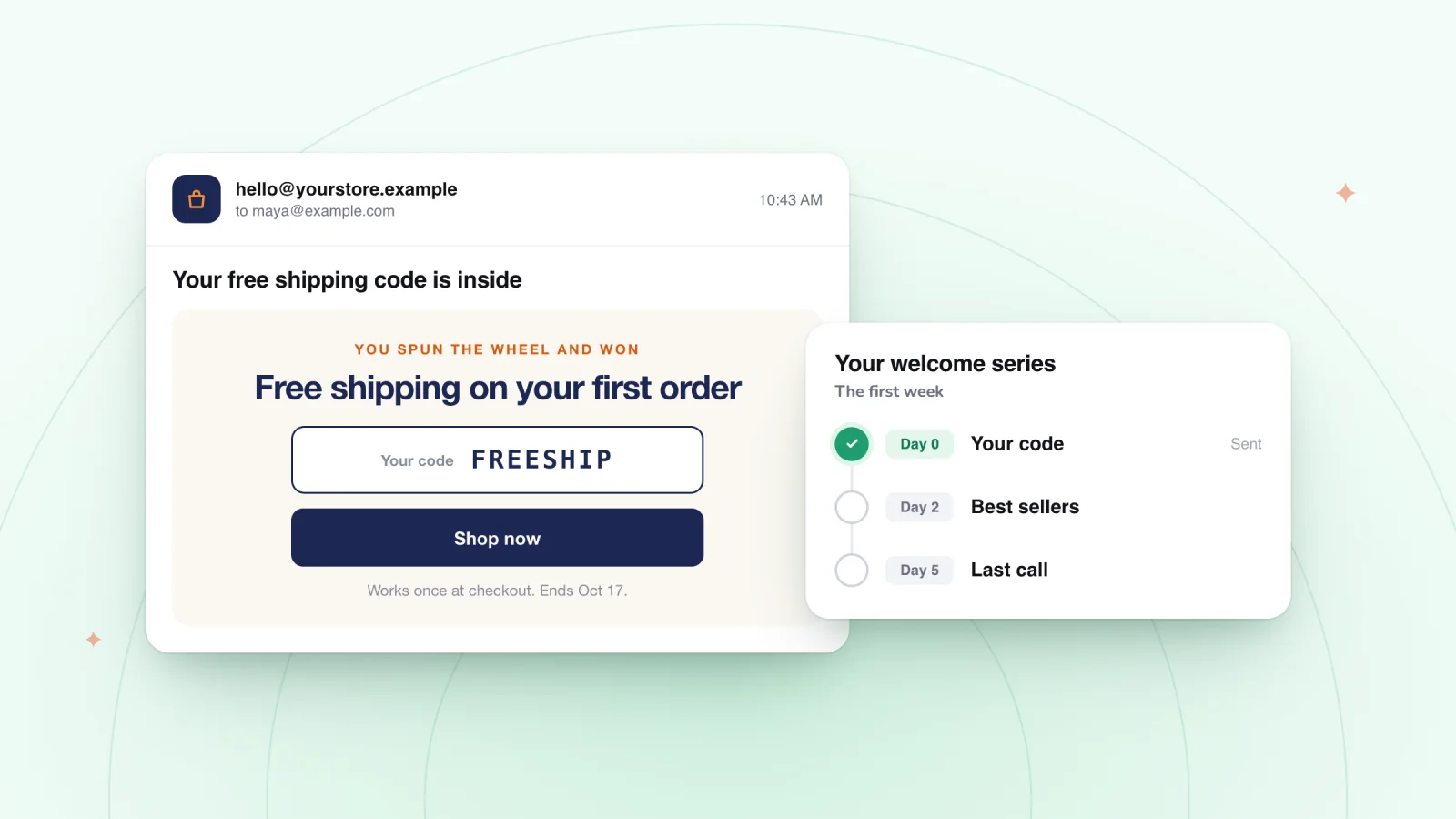
Spin Wheel shows the prize code and emails a backup to winners who gave an email. Then welcome Wix pop-up sign-ups with four emails ready to paste.
Frequently asked
Can I collect just an email?
Yes. Ask for an email, a phone number, or both.
Where do sign-ups go?
Into Spin Wheel's list of sign-ups, which you can download as a CSV. On Wix they're also added to your contacts, with the shopper's consent saved alongside, and a sign-up from someone already there updates their contact.
Will Spin Wheel welcome my new subscribers by email?
No. The only email it sends shoppers is a backup copy of a prize code, to winners who gave an email. Your welcome email comes from the tool you already use, or from myuser.ai, which writes and sends it from your products. On Wix, if you build it in Wix Automations, a Form submitted trigger won't fire for Spin Wheel sign-ups; the guide to a Wix welcome email that isn't sending explains what to use instead.
Do I need an online store?
Yes. Every reward is one of your store's own discount codes, so on Wix Spin Wheel needs Wix Stores, and on Shopify any online store theme works. For a Wix site without a store, Wix's own Popups can hold a subscribe form; see how to add a pop-up to a Wix site.
Also in Spin Wheel
Give your next visitor a reason to sign up
Add Spin Wheel, pick a design AI made from your store, and start collecting sign-ups with prizes that work at checkout.