 Spin Wheel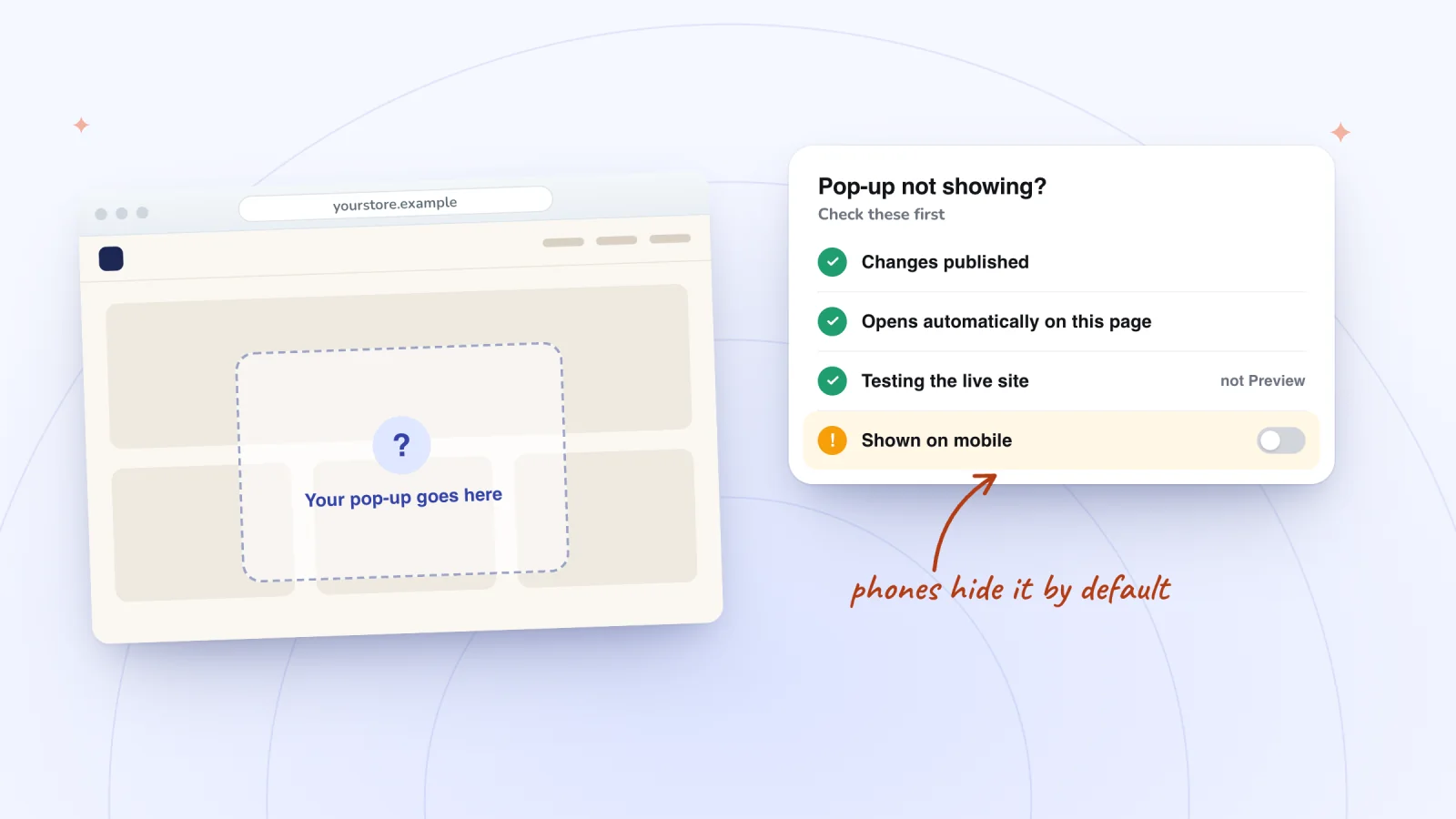
On this page
- Quick checklist
- It isn't published, or you're checking Preview
- Automatic display is off or set for other pages
- A delay or schedule is holding it back
- Another pop-up already opens on that page
- It's hidden on phones
- Your browser is showing an old copy
- It keeps showing too often
- You expected it to open as visitors leave
- A pop-up from an app doesn't show
- Frequently asked questions
- Try it on your store
- Sources
When a Wix pop-up won't appear, the cause is often a setting, an unpublished change or your own browser. Wix used to call its pop-ups lightboxes, so these fixes work for either name. Start with the checklist, then jump to the section that matches what you see.
Key takeaways
- Publish after every pop-up change and test on the live site, since Wix Editor pop-ups set to open automatically don't appear in Preview.
- In the Wix Editor, pop-ups stay hidden on phones until you choose Yes in the mobile editor, an option that appears only once the pop-up opens automatically on desktop.
- Check Set Triggers for the pages, delay and schedule, and remember that only one pop-up can open automatically on each page.
- If the live site still shows nothing, try a private window and clear your cache, and for an app's pop-up, check that it's live in the app and test its trigger.
Quick checklist
- Publish, then test on the live site, not in Preview.
- Check Set Triggers. For a pop-up that opens on its own, choose Yes and pick the right pages.
- Wait out the delay, and look for a schedule that has ended or hasn't started.
- Keep to one automatic pop-up per page.
- Switch it on for phones in the Wix Editor's mobile editor.
- Rule out your browser with a private window, then clear your cache.
- For an app's pop-up, check that it's live in the app and test its trigger.
It isn't published, or you're checking Preview
In the Wix Editor, Wix notes that clicking Save won't make your changes live. Wix Studio saves after every change, but the live site still updates only when you publish. Preview can mislead you too. In the Wix Editor, pop-ups set to open automatically appear only on the live site.
Fix: Click Publish at the top right of the editor, then test on your live site. Publish again after every pop-up change, including changes in the mobile editor.
Automatic display is off or set for other pages
The "Automatically display popup on pages" setting decides whether a pop-up opens on its own. Set to No, it opens only from an element linked to it, so if nothing links to it, nobody sees it. Set to Yes, it opens only on the pages you chose.
Fix: Open Set Triggers. In the Wix Editor, click Pages & Menu, then Popups, select the pop-up, click it on the canvas and click Set Triggers. In Wix Studio, click Pages, select the pop-up under Popups, click it on the canvas and click Set Triggers.
Choose Yes under "Automatically display popup on pages," then click Which pages is it on? and fix the list. The Wix Editor also offers First page visitor sees as an alternative to picking pages. If that box is ticked, the pop-up can open on whichever page a visitor lands on first. To open it from a button instead, see how to link a button to a pop-up.
A delay or schedule is holding it back
The Delay slider holds a pop-up back after the page loads, though Wix notes it isn't on every pop-up. In the Wix Editor, the timer starts once the site has fully loaded, so even a delay of 0 can mean a slight pause. Popup Scheduling keeps a pop-up hidden outside its dates and times.
Fix: In Set Triggers, check the delay and wait at least that long when you test. Then check the schedule's dates, times and time zone, or click Clear scheduling in the Wix Editor. For timing that suits each page, see email pop-up best practices.
Another pop-up already opens on that page
Only one pop-up can open automatically on a page. The Wix Editor lets more open from links, while Wix Studio disables a page that already has a pop-up when you set up another.
Fix: Choose one automatic pop-up per page. In the Wix Editor, set the extra one to No and link it to a button. In Wix Studio, give it a different page.
It's hidden on phones
In the Wix Editor, pop-ups are hidden from your mobile site by default. Tablets such as iPads show the desktop version of a Wix Editor site, so a pop-up can appear on a tablet but not on a phone.
Fix: In the mobile editor, click Menus & Pages, then Popups, and select the pop-up. Click the Settings icon, choose Yes under "Automatically display popup on pages" and publish. The Settings icon only shows once the pop-up is set to open automatically on desktop.
Wix's Studio guide doesn't mention a separate phone switch, but Studio can hide any element on a single breakpoint. On the mobile breakpoint, open Layers, look for the Hidden icon and click the Show icon.
Pop-ups that show up at the right moment
Delay, scroll, page-count and exit-intent triggers on desktop and phone. A closed pop-up waits as a small tab.
Add to Wix, it's free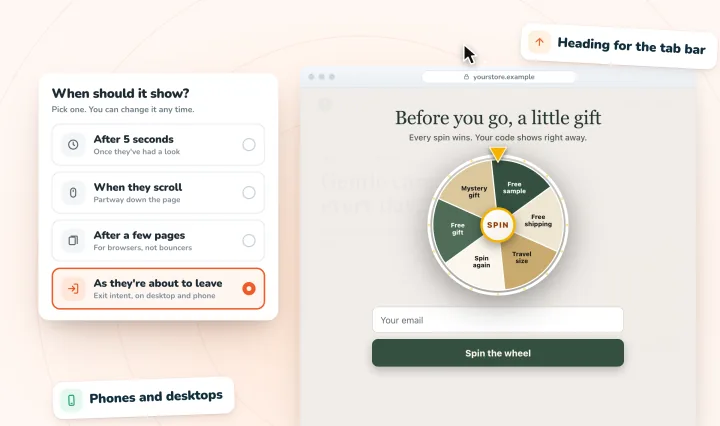
Your browser is showing an old copy
Browsers keep copies of pages to load them faster, and Wix notes these copies can drift from what's online. Extensions can also cause problems that only you see.
Fix: Work through Wix's troubleshooting steps:
- Open the live site in a private or incognito window. If the pop-up shows there, the issue is likely in your browser.
- Clear your browser's cache, or the cache and cookies on a phone.
- Turn off extensions, including ones added by security software.
- Try another supported browser, then republish your site.
It keeps showing too often
In the Wix Editor, a pop-up set to open automatically is displayed when a page loads. Wix's help center says neither editor has a setting to open a pop-up only once per visitor.
Fix: Show it on fewer pages, or set it to No and open it from a button. For once per browsing session or only a first visit, Wix's Velo tutorial, Creating a One-Time Popup, adds a little code that remembers the visitor in their browser. Repeat showings are among the pop-up mistakes that annoy shoppers.
You expected it to open as visitors leave
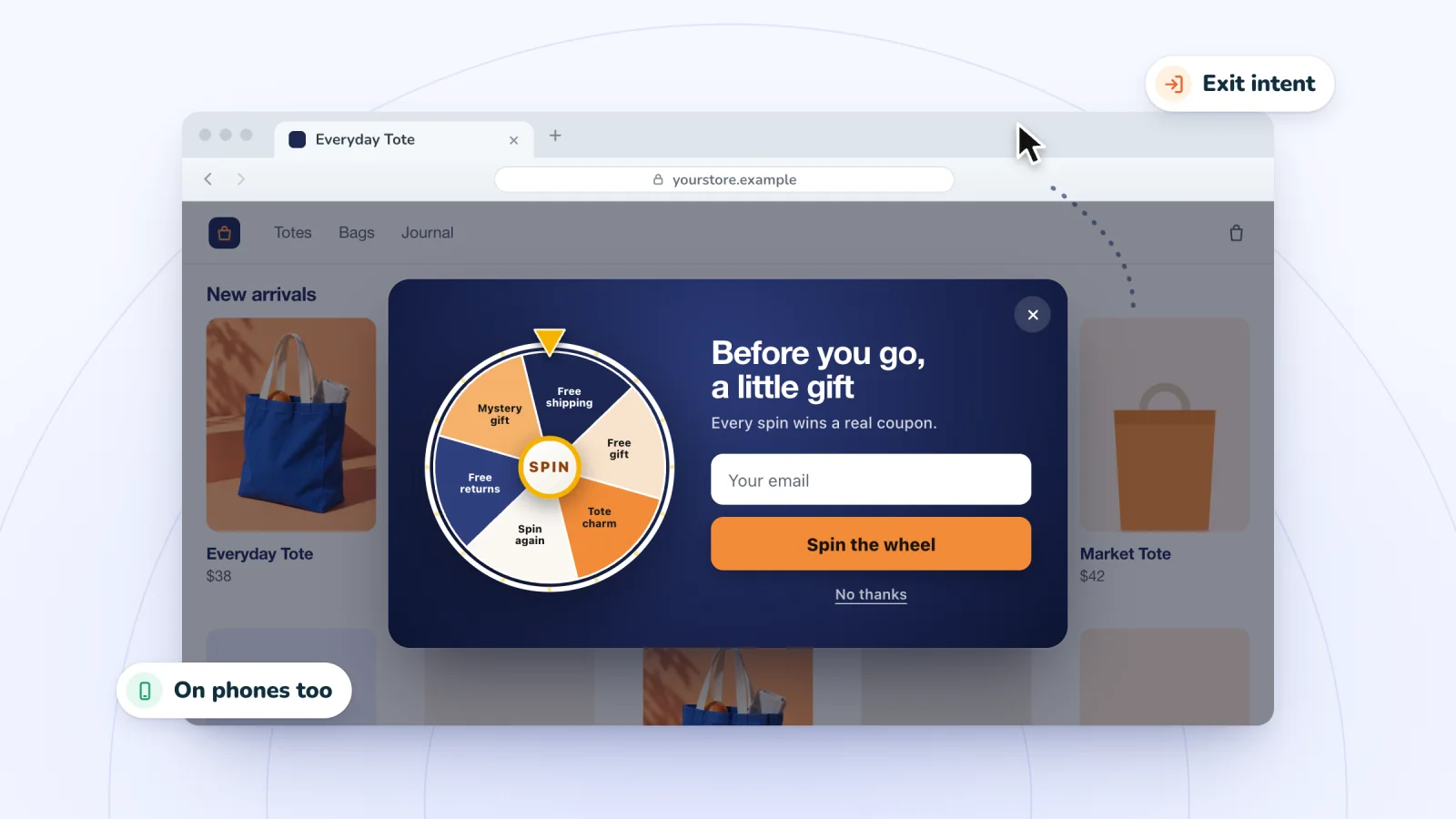
Wix's help center says a Wix Editor pop-up can't currently open when a visitor attempts to leave your site. Wix Studio's triggers are a page load, with a delay, or a linked element.
Fix: Use a pop-up app that offers an exit-intent pop-up, and see exit-intent pop-up timing for when to show one.
A pop-up from an app doesn't show
An app's pop-up is usually managed in the app, not in Wix's popup settings.
Fix: Check these in order.
- It's live in the app. Installing an app doesn't switch a pop-up on. Open the app from your dashboard and check that the pop-up is published.
- Setup is finished. Wix says some apps added from the dashboard or the Wix app also need adding in the editor. In the Wix Editor, click Add Apps, then Manage Apps, and click Complete Setup or Add to Site. In Wix Studio, Manage Apps is under App Market.
- Your site is published, including anything the app placed in the editor.
- The trigger has fired. Depending on the trigger, wait, scroll, browse a few pages or move the cursor quickly toward the browser tabs.
- You haven't closed it already. An app may remember a closed pop-up or a sign-up, so use a private window.
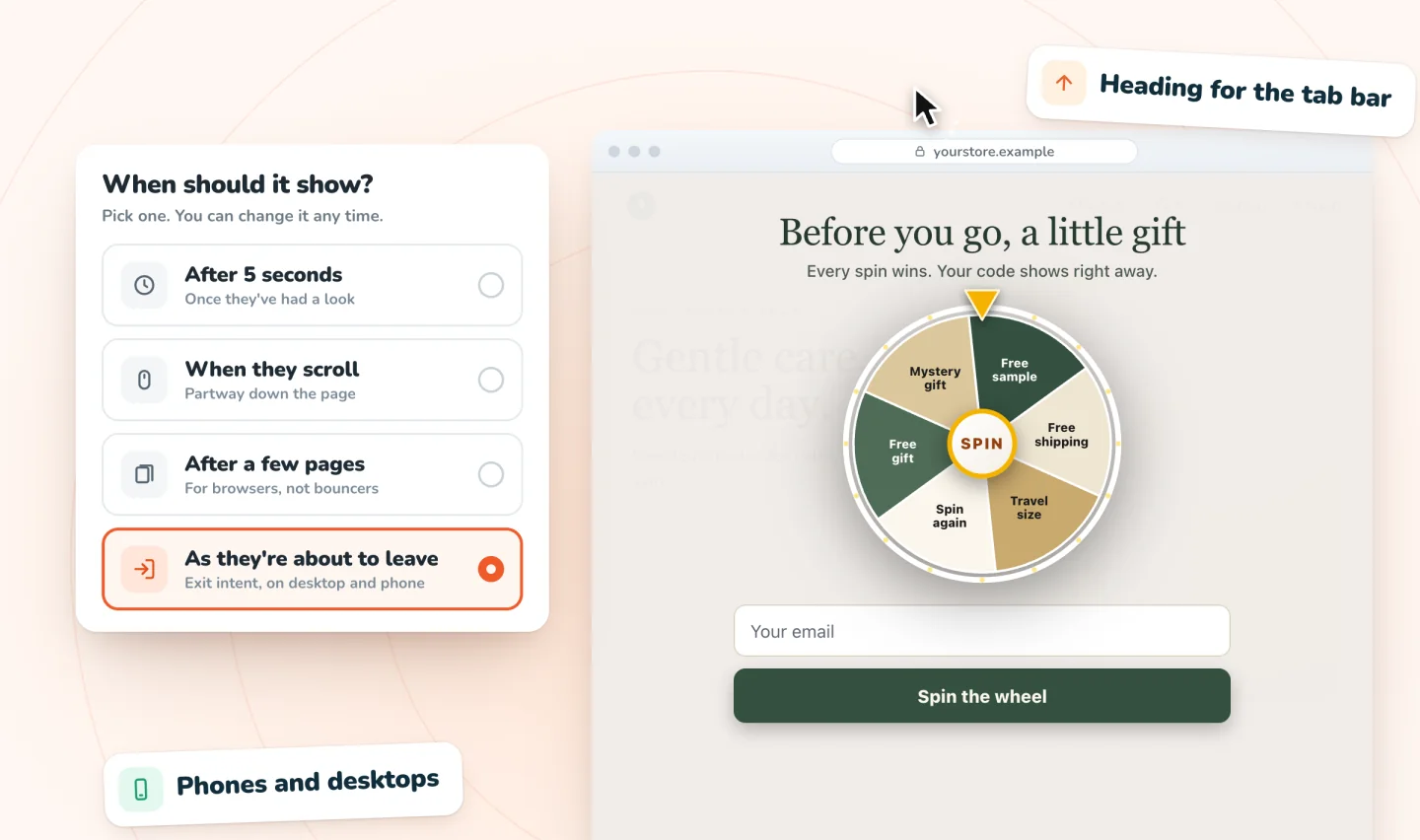
Spin Wheel's default is a 5-second delay after a shopper arrives, and on phones a closed pop-up waits as a small tab.
Still stuck? Contact the app's developer, since Wix Customer Care can only help with apps made by Wix.
Frequently asked questions
Why is my Wix lightbox not working on the live site?
Lightbox is Wix's old name for popups, so the same checks apply. Start by clicking Publish, since saved changes don't go live on their own. Then open Set Triggers and check that the pop-up opens automatically on the pages you expect, with no schedule or long delay in the way. Still nothing? Try a private window and clear your cache.
Why does my Wix popup show on a tablet but not on a phone?
On a site built in the Wix Editor, tablets such as iPads show the desktop version, while phones show the mobile version, where pop-ups are hidden by default. In the mobile editor, open Menus & Pages, then Popups, select the pop-up, click the Settings icon and choose Yes under "Automatically display popup on pages." Then publish.
Can I make a Wix popup show only once per visitor?
Not with a built-in setting, in either the Wix Editor or Wix Studio, according to Wix's help center. Wix's workaround is its Velo tutorial, Creating a One-Time Popup, which uses a little code to show a pop-up once per browsing session or only on a first visit. Wix suggests the Wix Marketplace if you'd rather hire someone.
Who can help when an app's pop-up won't show?
The app's developer. Wix's help center says Wix Customer Care can only assist with apps made by Wix. Every third-party app lists a phone number, website or email under App developed by on its Wix App Market page. Tell them the page, device and browser where it failed.
Try it on your store
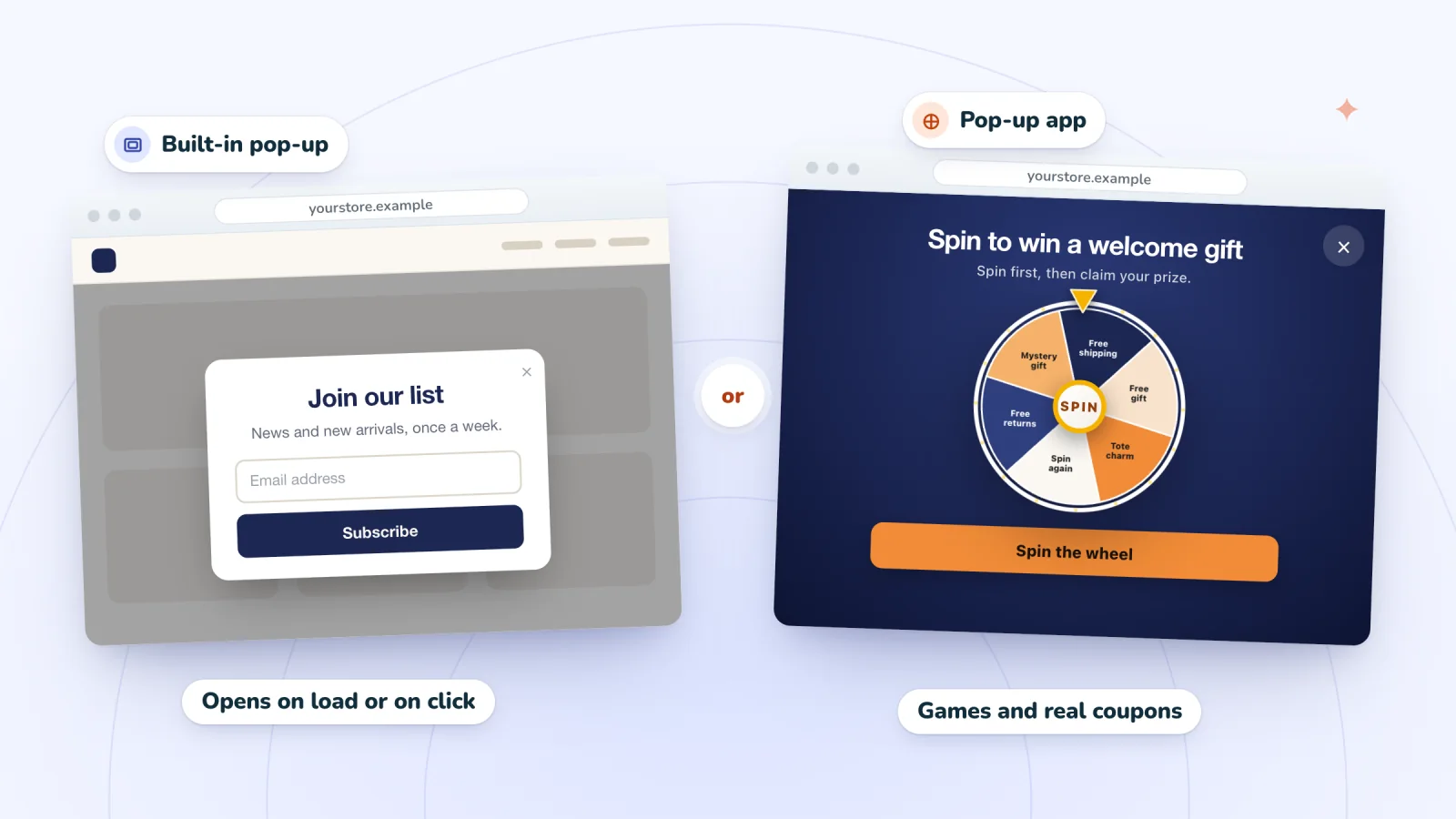
Spin Wheel adds spin-to-win, scratch-card, gift-box and classic email sign-up pop-ups to Wix sites with Wix Stores. Each can open after a delay (5 seconds by default), on scroll, after a few pages or on exit intent, on desktop and phone. The Free plan includes one live pop-up and 200 sign-ups a month, and the spin-to-win pop-up page shows how it works.
Sources
- Wix Editor: Adding and Setting up a Popup
- Wix Editor: Showing and Customizing Popups on Your Mobile Site
- Studio Editor: Using Popups
- Studio Editor: Working With Layers
- Wix Editor: Publishing Your Site
- Studio Editor: Saving, Previewing and Publishing Your Site
- Wix Editor: Troubleshooting Mobile Live Site Issues
- Wix Technical Assistant
- Clearing Your Browser's Cache
- Wix Editor Request: Popup Opens Only Once Per Site Visitor
- Studio Editor Request: Setting a Popup to Open Once per Site Visitor
- Velo Tutorial: Creating a One-Time Popup
- Wix Editor Request: Triggering a Popup when a Visitor Attempts to Leave Your Site
- Adding a Pending App in Your Editor
- Adding an App to Your Site

We build marketing apps for online stores: myuser.ai writes and sends emails and texts from a store's own products, and we make Spin Wheel and Session Recordings for Wix sites. Product details in our guides are checked against the apps themselves.