 Spin Wheel
A scratch-card pop-up shoppers rub to reveal a prize
A quieter, tactile alternative to a wheel. The shopper scratches the card, sees a real coupon, then signs up to claim it.
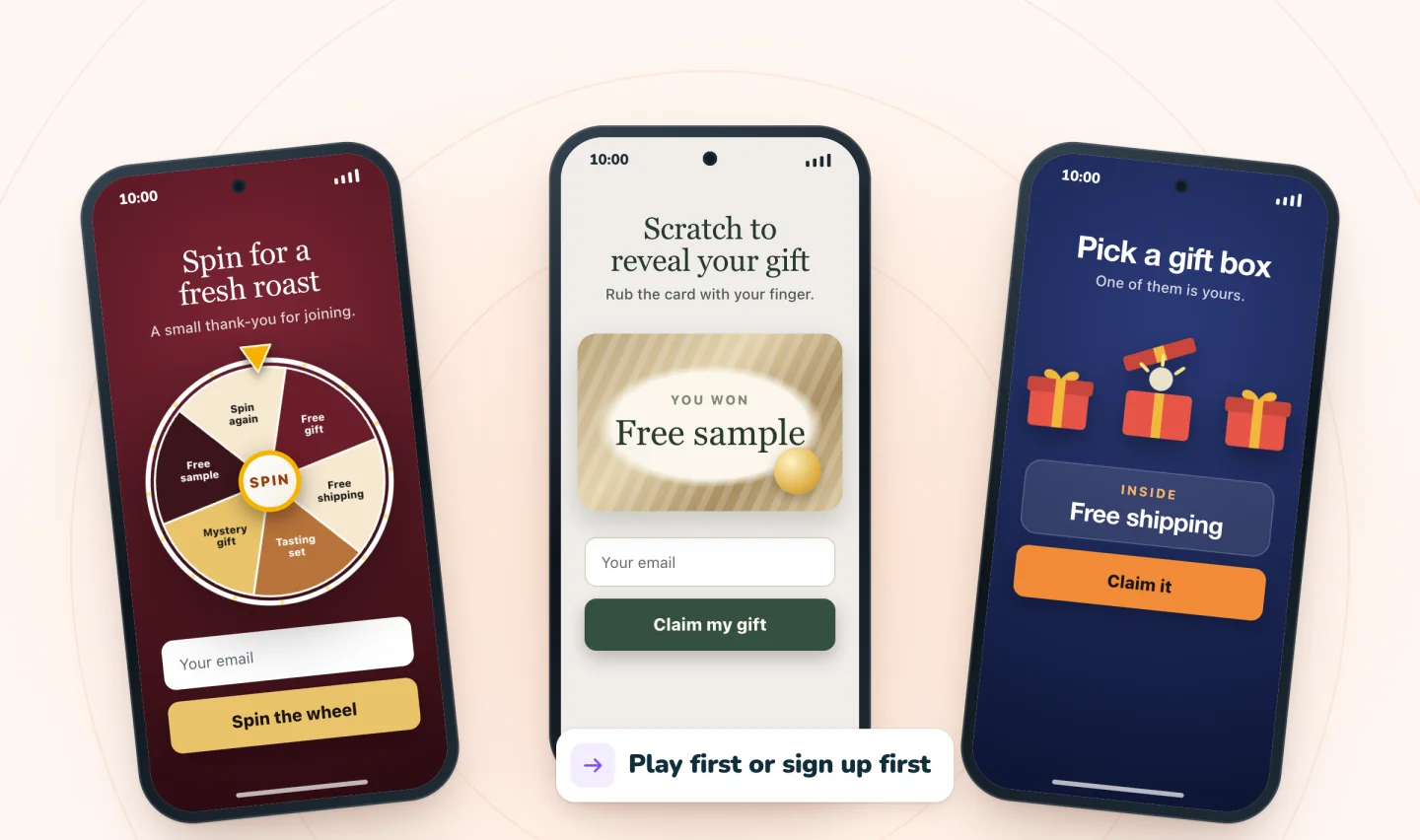
How the scratch card works
The pop-up shows a card with a foil layer. The shopper rubs it with a finger or the mouse, and the prize appears underneath. By default they scratch first and enter their email to claim the prize they revealed, which makes signing up feel like collecting something already won. You can switch to asking for the email first.
Why choose a scratch card
A scratch card suits stores that want something calmer than a spinning wheel, and it works well with a single headline offer. Several foil styles are available, from a classic sheen to brushed metal and a rainbow shimmer, and AI picks one that fits your store. Not sure which game to use? Read spin wheel, scratch card or gift box.
Real prizes, set by you
Each reveal is one of your store's coupons, shown with a Copy button and emailed as a backup. You set how often each prize appears, and our servers draw the result, so the card can't be gamed by refreshing the page.
Built for phones
Scratching is a natural phone gesture. On small screens the pop-up slides up from the bottom, and the revealed code has a one-tap Copy button.
Guides to go further
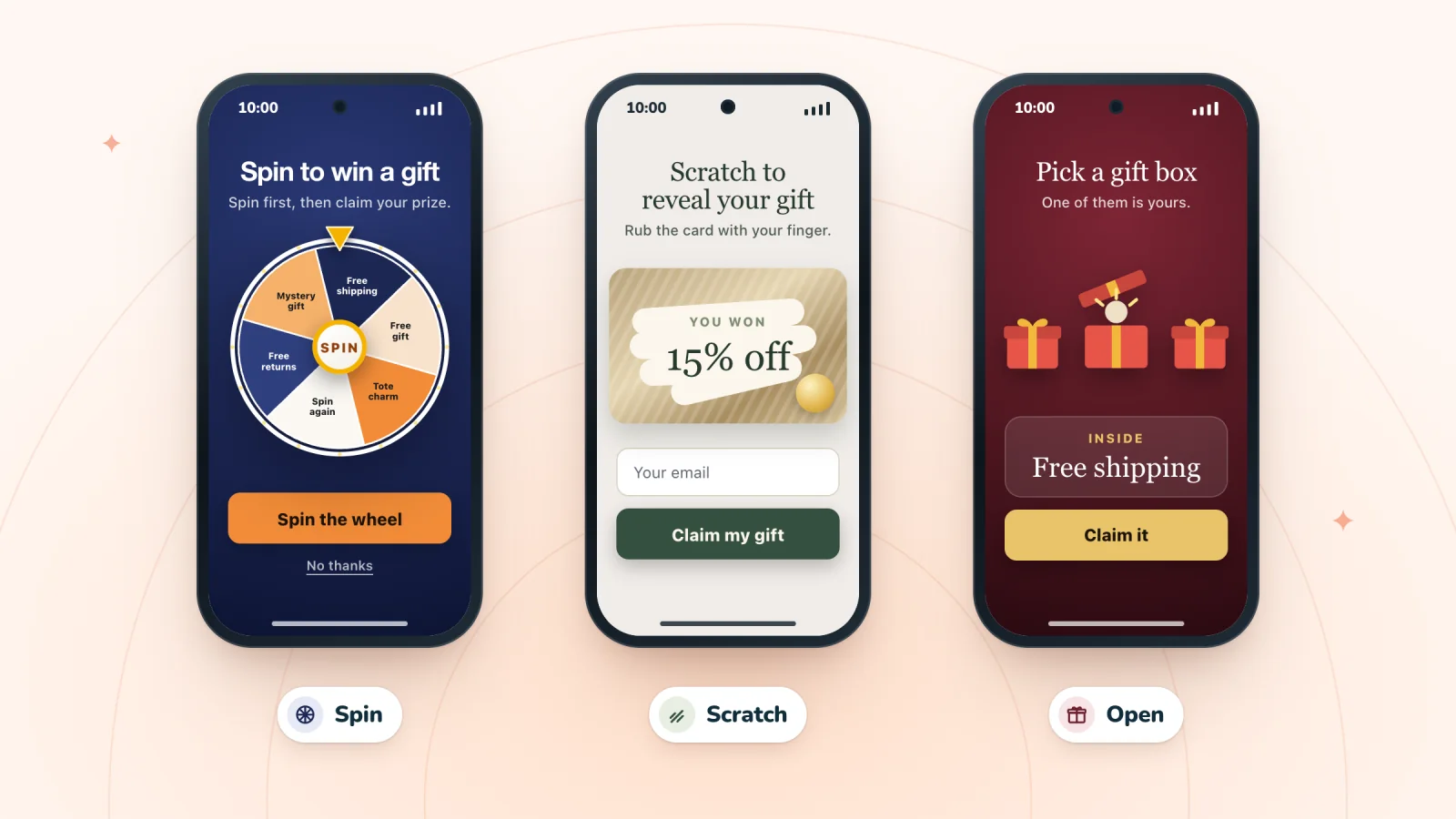
Gamified Pop-ups: Spin Wheel, Scratch Card or Gift Box
A spin wheel, a scratch card and a mystery gift box each feel different to play. Compare speed, mood and the best fit by store and season to pick your game.
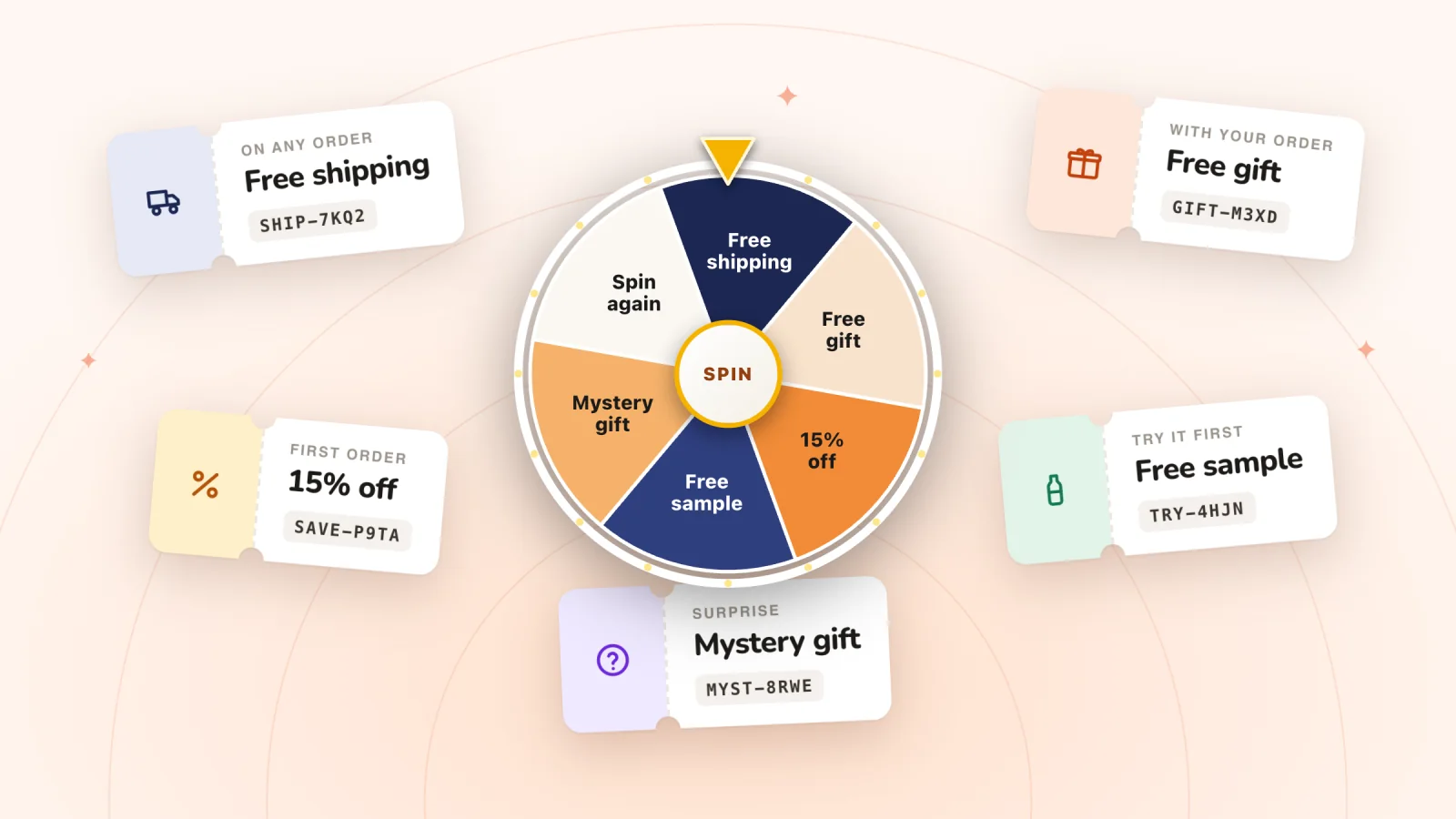
Spin Wheel Prize Ideas That Protect Your Margins
Choose wheel prizes by what they really cost you. Sample prize mixes for five kinds of stores, how to price each slice, and why every slice should win.
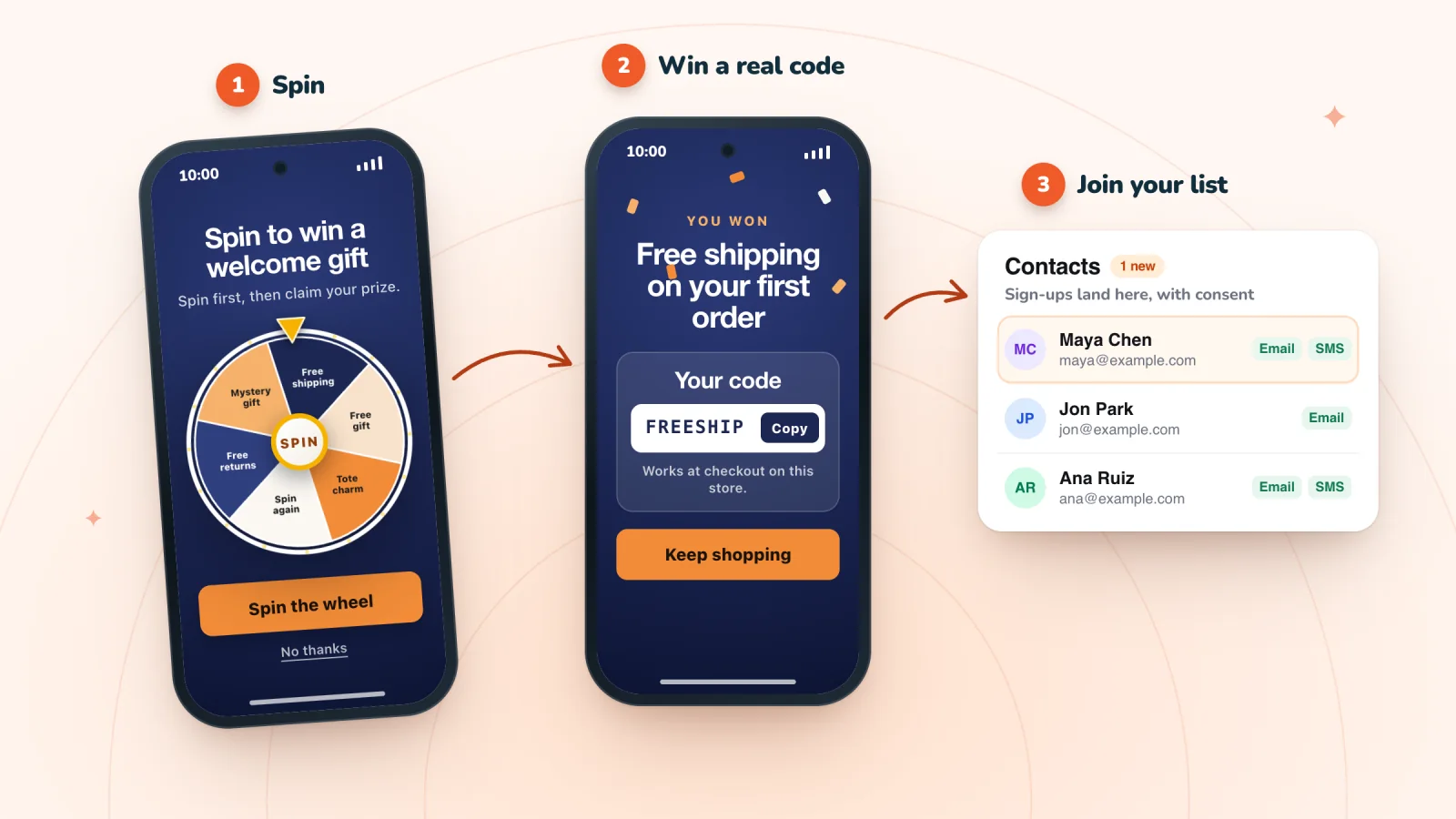
How Spin-to-Win Pop-ups Work (and When to Use One)
A spin-to-win pop-up trades a quick game for an email or phone number. See how the flow works, which order to pick, and when a wheel is the wrong fit.
Frequently asked
Can a scratch card have more than one prize?
Yes. Set several prizes and their odds, and each shopper reveals one of them.
Does the shopper have to sign up to scratch?
Not by default. They scratch first and sign up to claim. You can require the email first instead.
Give your next visitor a reason to sign up
Add Spin Wheel, pick a design AI made from your store, and start collecting sign-ups with prizes that work at checkout.