
A coupon and discount code pop-up for Shopify and Wix stores
Every prize is one of your store's own discount codes, so a winner's code works at your checkout under the rules you set on it.
Opens the Shopify App Store or the Wix App Market. No card needed.
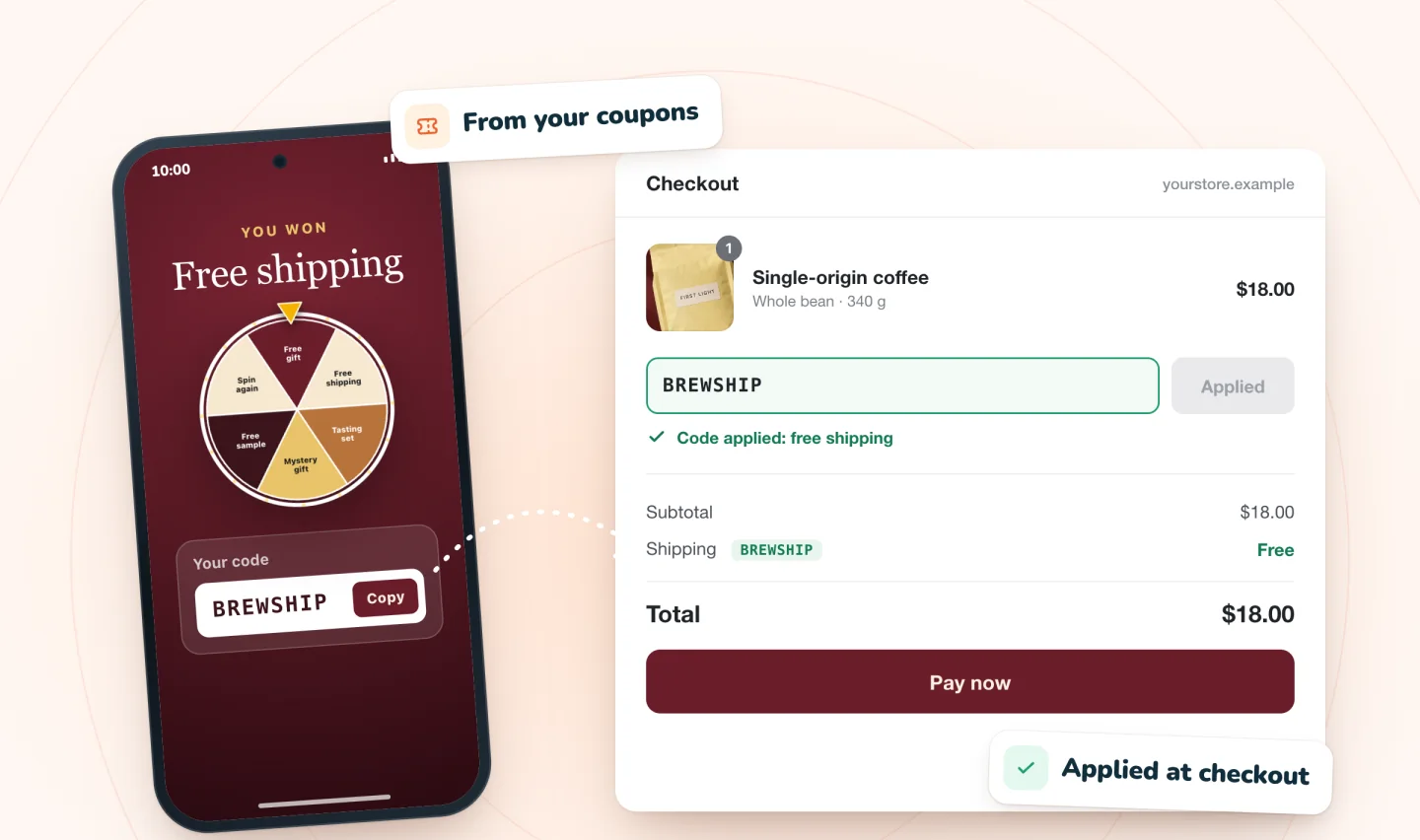
Your codes, handed out as prizes
Spin Wheel doesn't invent codes. Each prize points to a discount code you already manage in your Shopify admin or Wix dashboard.
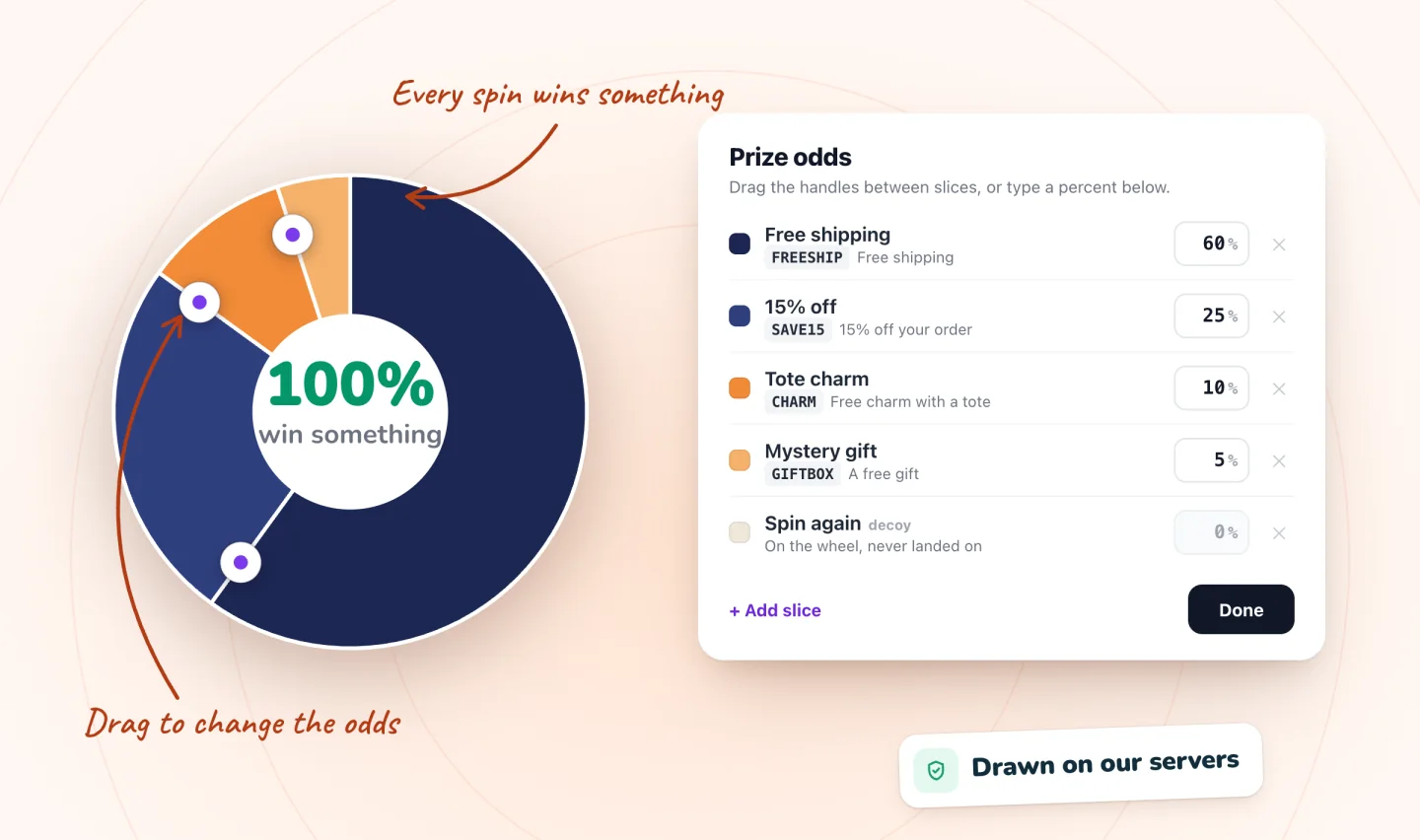
Each prize is a code you already manage
Pick which of your store's discount codes each prize uses. They stay in your Shopify admin or Wix dashboard, so you can review, change or end them like any other. Beside each slice, the editor shows what its code really gives, so you can check that the label matches the deal.
- Free shipping, a percentage off or an amount off
- No codes yet? Spin Wheel can create three starter ones
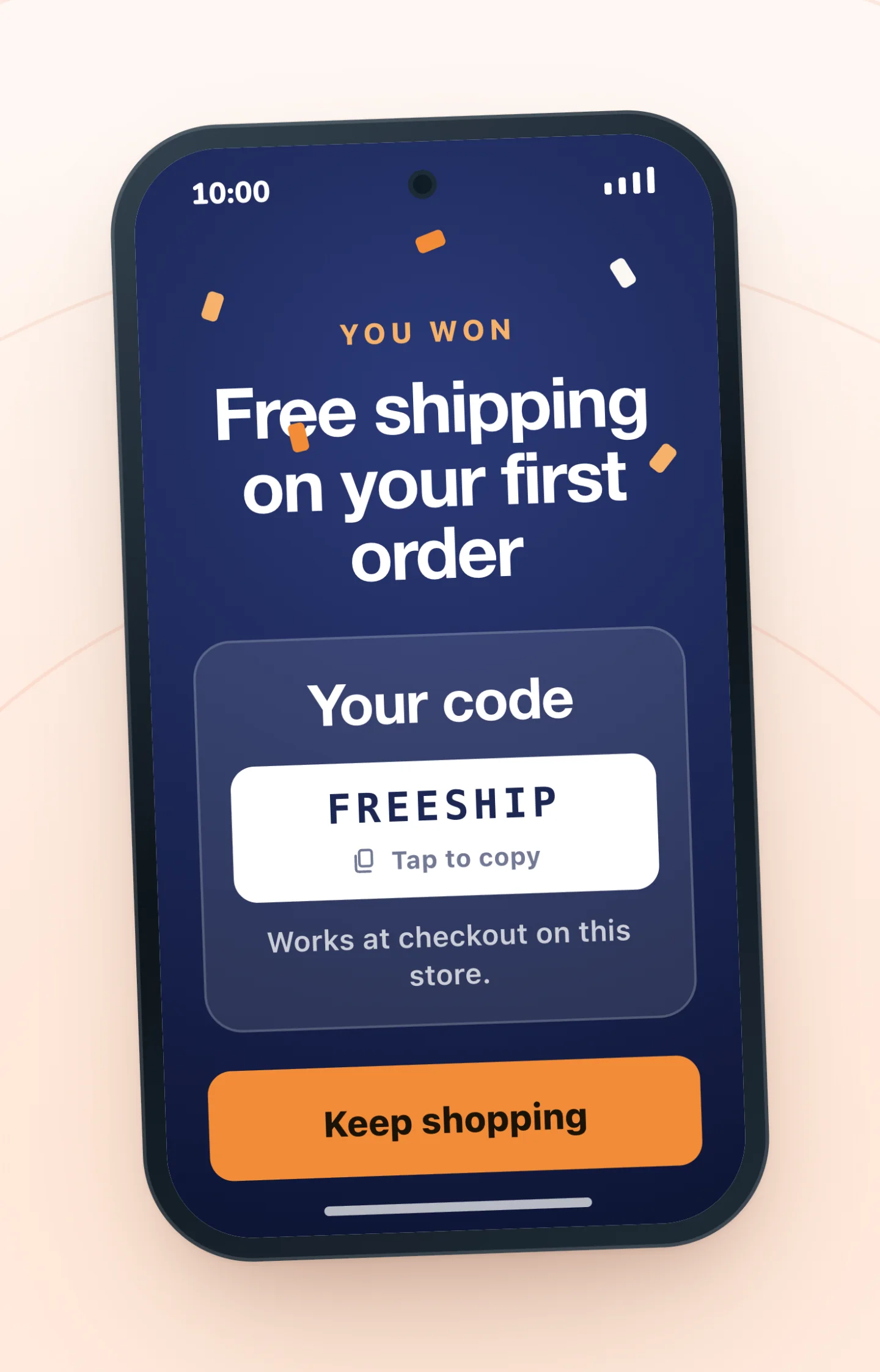
The code, right there in the pop-up
When a shopper claims a prize, its code shows in the pop-up and one tap copies it. Winners who gave an email also get a backup copy by email, so the code isn't lost if they close the window.
- 24 hours to claim a revealed prize by default
- Works at your normal checkout
Set up prize codes on your store
Most code problems start with the coupon's settings, so begin there.
On Shopify
Make the prize codes
In your Shopify admin, under Discounts, create each prize as a discount code: free shipping, a percentage or an amount off, with an end date and one use per customer.
Leave the total-use limit off
Everyone who wins a prize gets the same code, so a cap on total uses turns later winners away. Spin Wheel won't take a code capped at one use, an automatic discount, or a discount holding more than three codes.
Pick a code for each prize
In Spin Wheel, choose a design, then point every prize at one of your discount codes and set how often each one comes up.
Test each code
Before you promote it, apply each prize code in your own cart on your live store and check the discount.
On Wix
Make the prize coupons
Under Coupons in your Wix dashboard, create each prize: free shipping, a % Discount or a $ Discount, with an end date and one use per customer.
Leave the total-use limit off
Everyone who wins a prize gets the same code, so a cap on total uses turns later winners away. Spin Wheel won't take a coupon capped at one use.
Pick a coupon for each prize
In Spin Wheel, choose a design, then point every prize at one of your coupons and set how often each one comes up.
Test each code
Before you promote it, paste each prize code into your own cart on the published site and check the discount.
Your rules still apply
Because each code is your own, every condition you set on it applies, like an end date, a minimum order or which products it covers. Winners of the same prize get the same code, so turn on one use per customer for prize codes. A code limited to one use in total can't be a prize, since the first winner would use it up.
Put those rules where shoppers can read them. The free coupon terms and conditions template turns a coupon's settings into a line of fine print and a full terms paragraph, with a spin-to-win version for prize games.
When a code doesn't work
If a shopper says a code is refused on Wix, work through why a Wix coupon fails at checkout: an end date that has passed, a usage limit, a minimum order or a stray space are the usual causes. Wix can't limit a coupon to first orders; here's the closest you can get. On Shopify, open the code under Discounts in your Shopify admin and check that it's active, inside its active dates and its maximum uses, that the cart meets its minimum requirements, and that the shopper fits its eligibility.
Choosing the offer
Free shipping, a percentage and a fixed amount each cost you differently. Run the numbers with this break-even calculator, work out where free shipping over a set amount pays for itself with the free shipping threshold calculator, and read how to keep shared prize codes from leaking and welcome discount ideas beyond 10% off. To name the codes, these coupon code name ideas keep them readable and hard to guess.
The discount code pop-up at a glance
| Prize codes | Your store's own discount codes, one per prize |
|---|---|
| Who gets which code | Every winner of a prize gets that prize's code |
| Code types | Any discount shoppers enter as a code, such as free shipping, % off or $ off |
| Your code's rules | End dates, minimum orders, per-customer limits and product limits all apply |
| The code on screen | Shown in the pop-up with one tap to copy, plus a backup email for winners who gave an email |
| Price | Free forever: unlimited pop-ups and sign-ups, with every game, on Shopify and Wix |
| With myuser.ai | On Wix the two sync on their own; on Shopify they run side by side, one pop-up at a time |
| What you need | Shopify: a store with an online store theme, with Spin Wheel's Pop-ups embed switched on. Wix: a published site with Wix Stores |
No paid version, no caps. See everything that's free.
Guides to go further
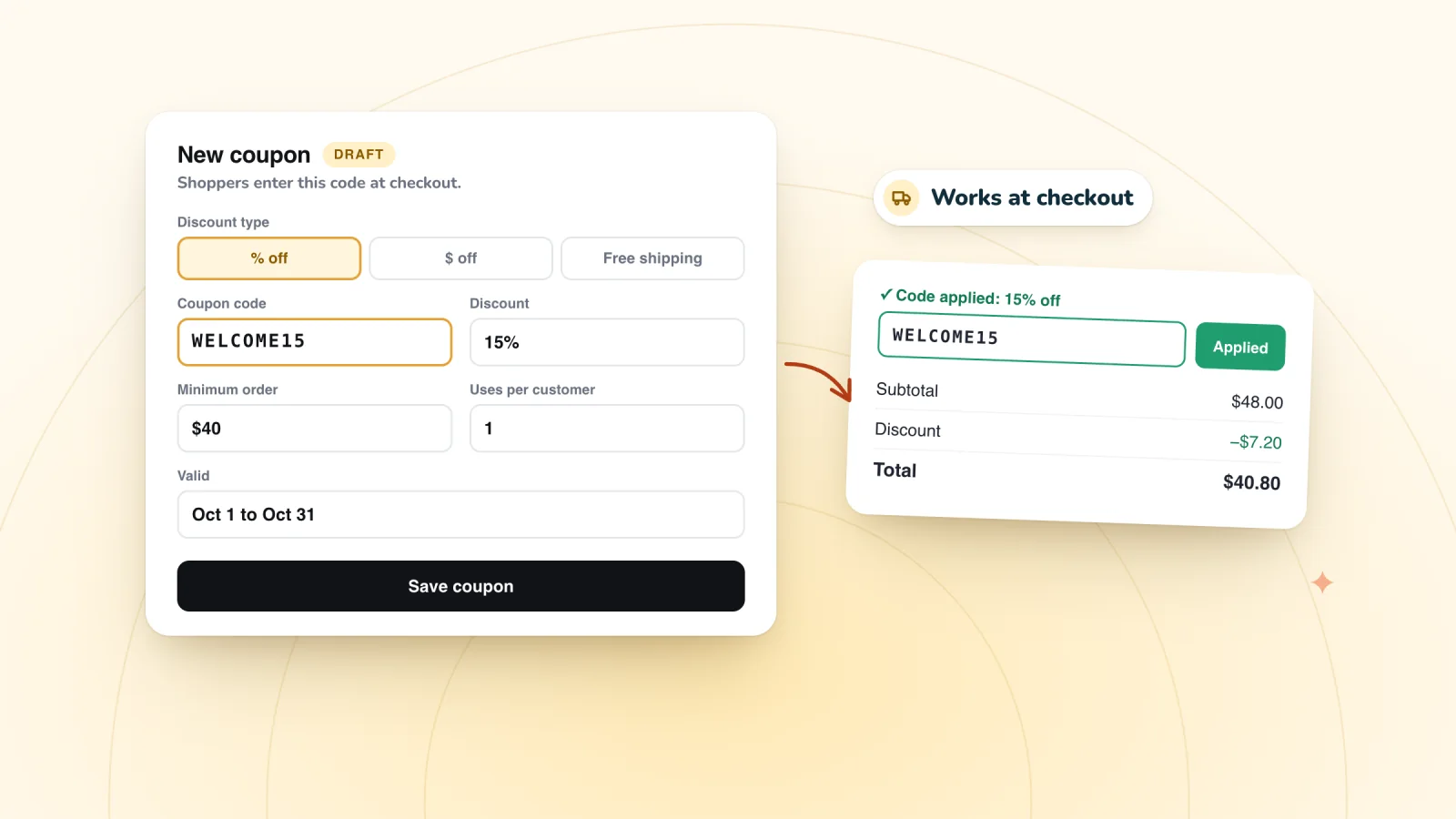
How to Create a Coupon Code on Your Wix Store, Step by Step
In your Wix dashboard, open Coupons, click + New Coupon, pick one of five types, set dates, limits and a minimum order, then test the code in your cart.
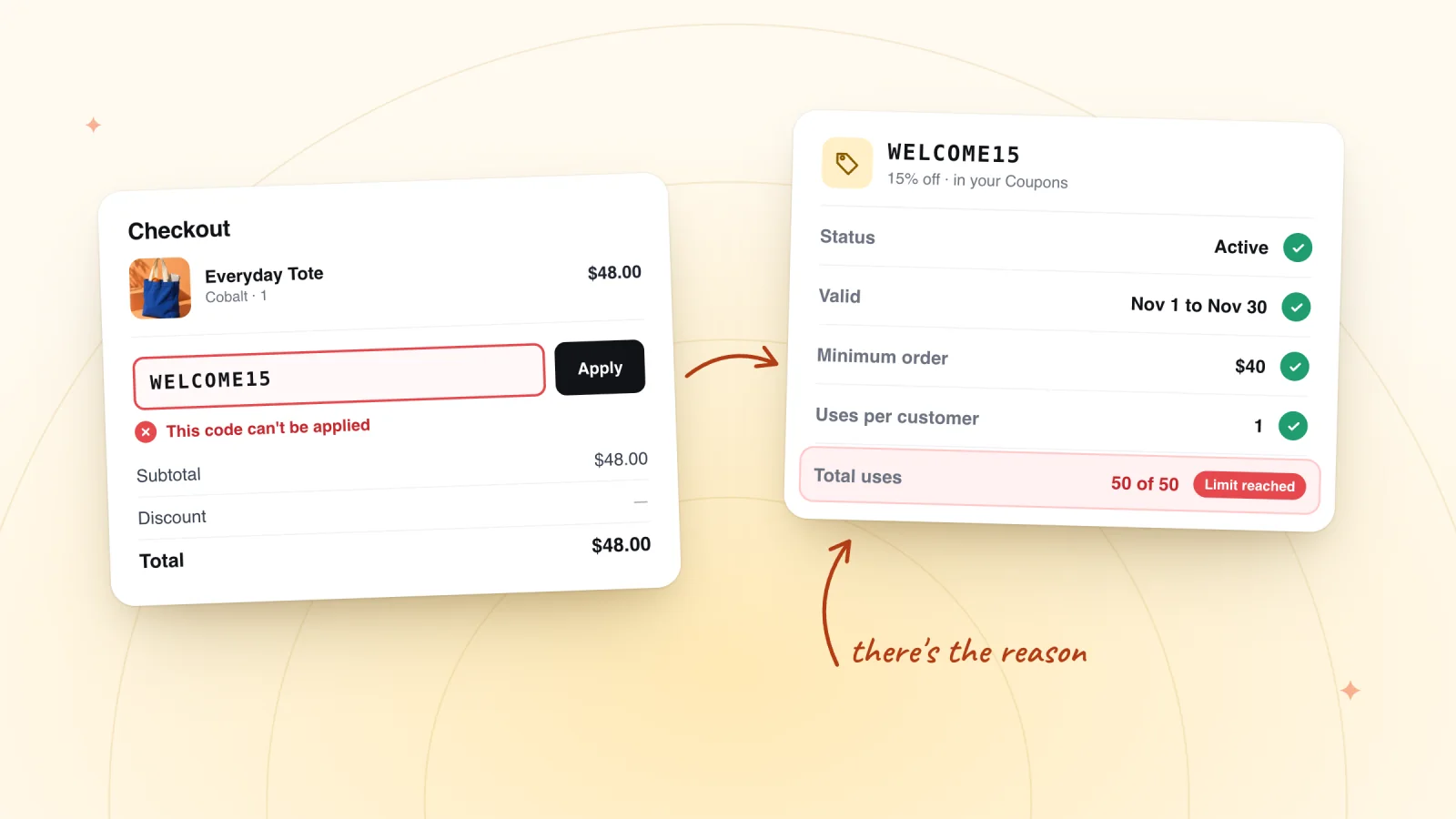
Wix Coupon Code Not Working at Checkout? Fixes to Try
Wix coupon not applying at checkout? Check its dates, status, usage limits, minimum order and scope, plus spaces and automatic discounts.
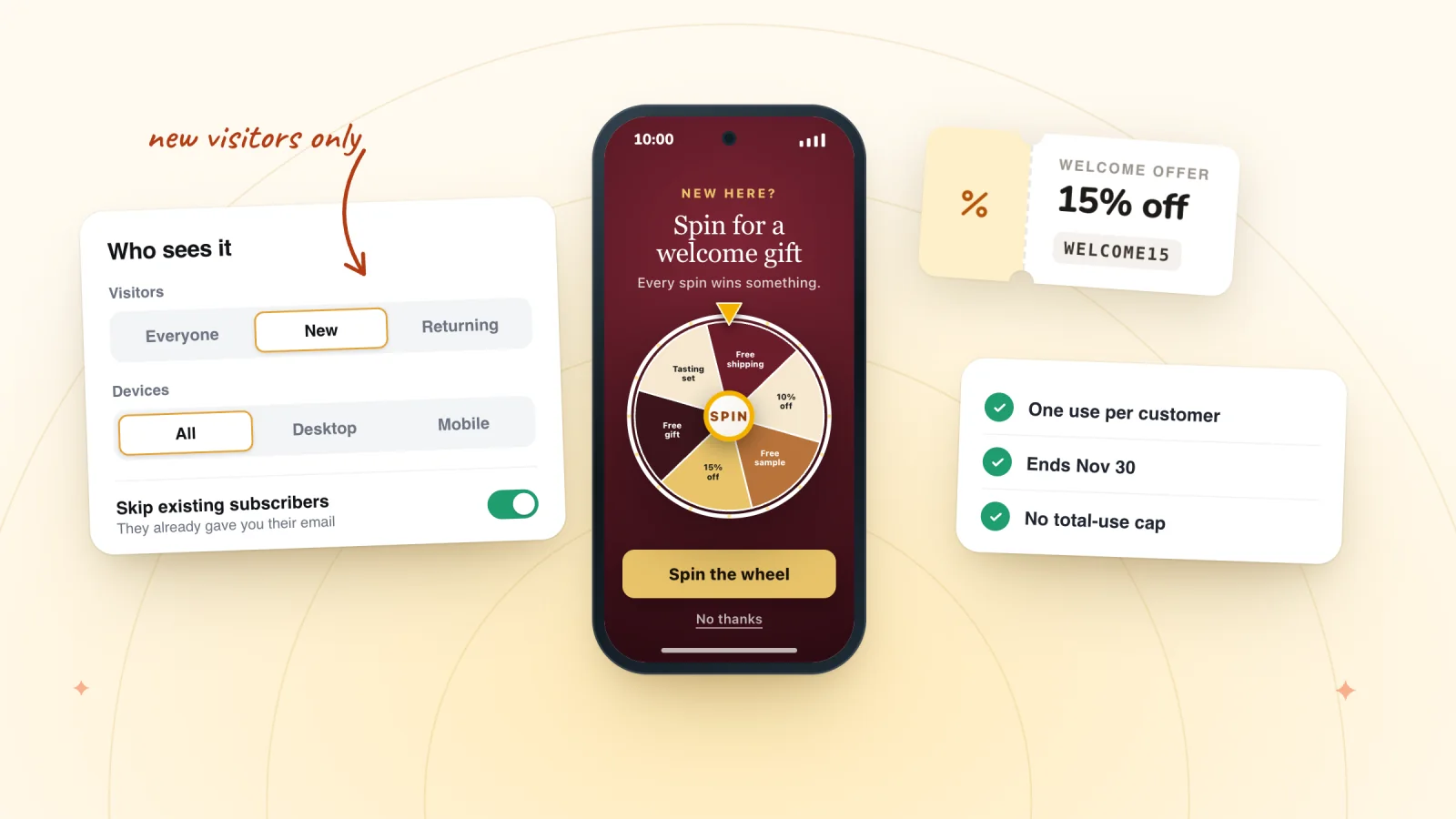
How to Offer a First-Order Discount on a Wix Store
Wix coupons can't be limited to first-time customers. See the closest settings, three ways to reach only new shoppers, the break-even math and loopholes.
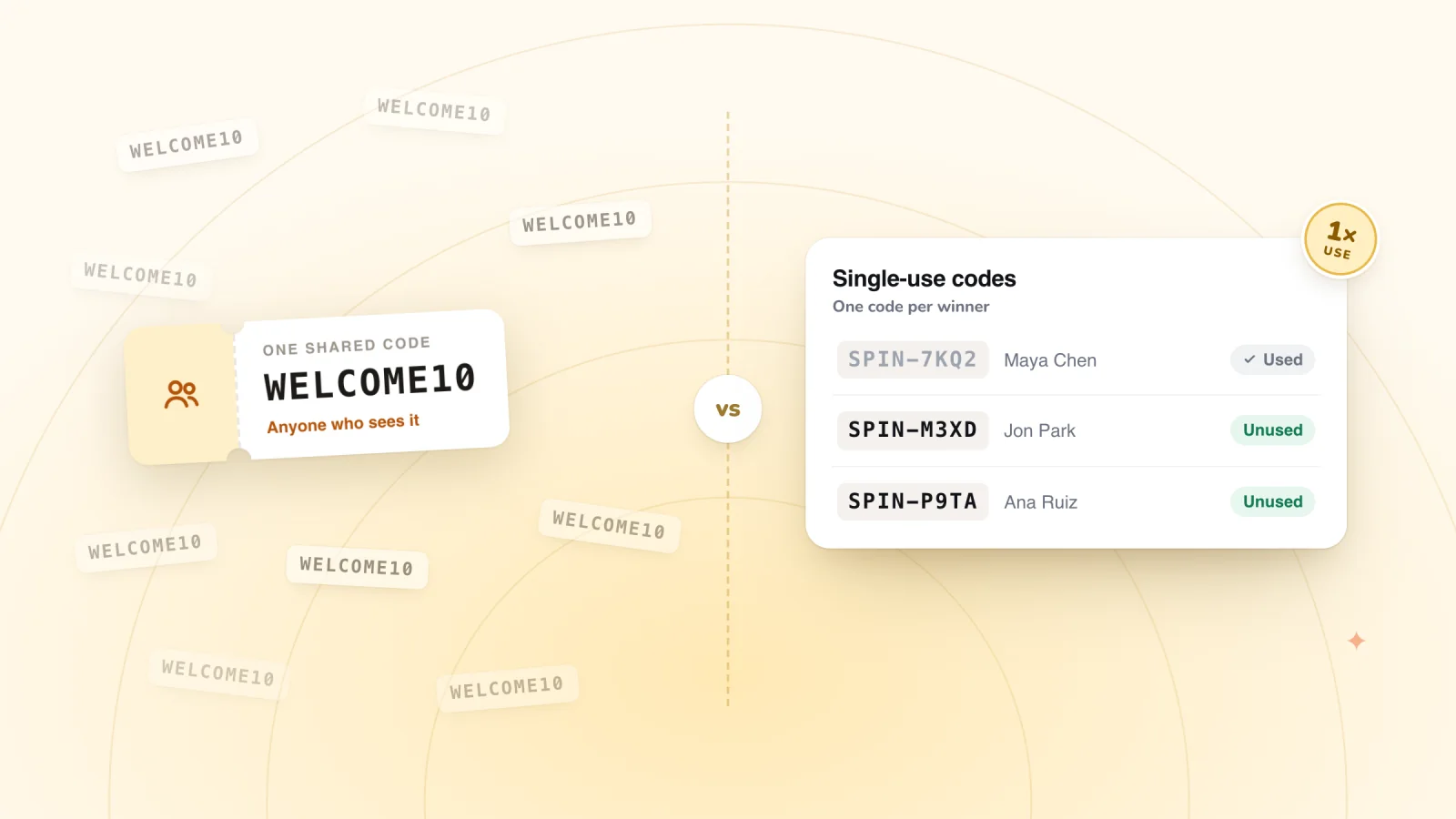
Shared vs Unique Coupon Codes: Stop Prize Code Leaks
When every winner of a pop-up prize shares one code, an end date, one use per customer and no total cap keep a leaked code cheap. Unique codes suit emails.
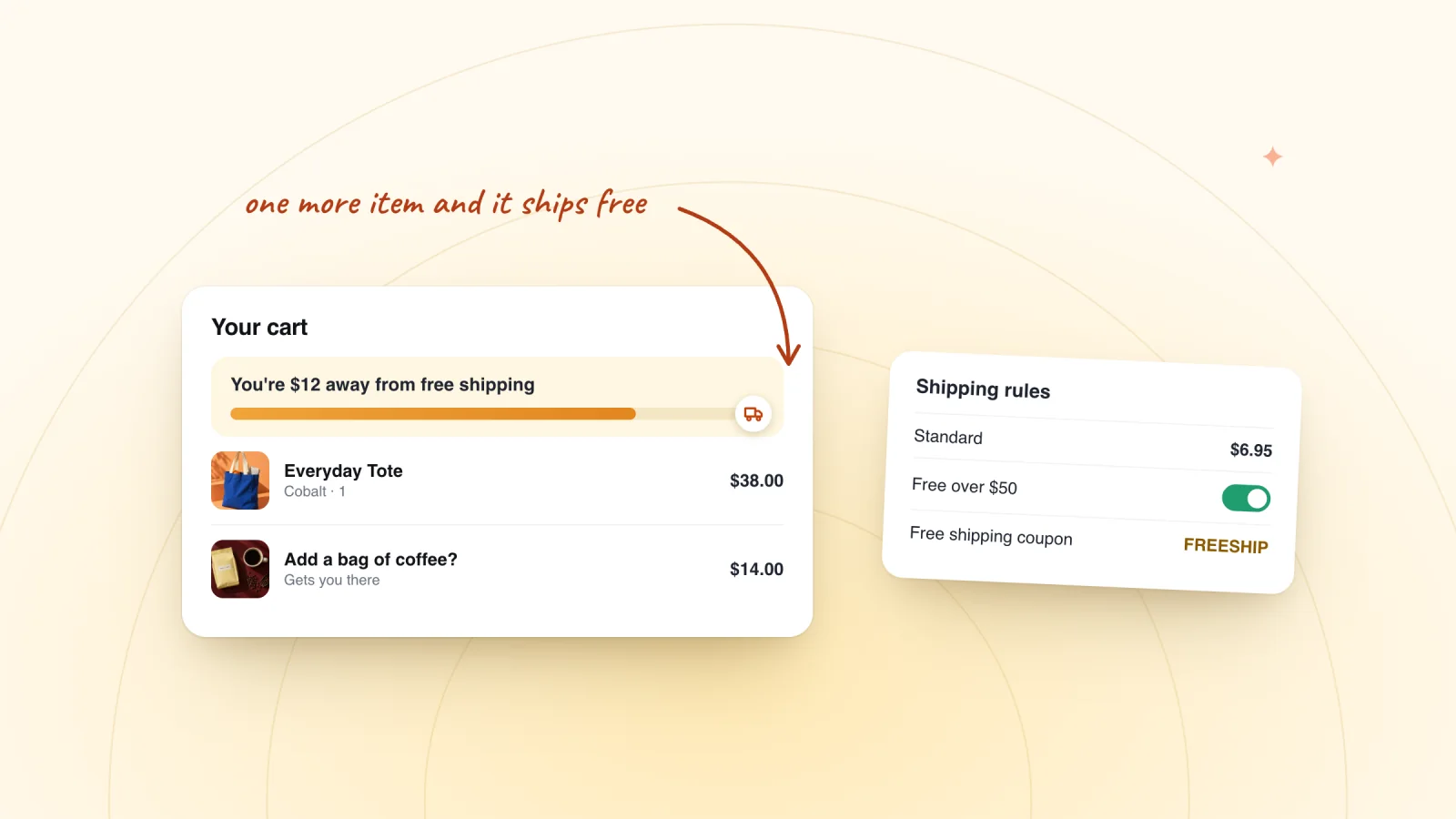
Free Shipping Over a Set Amount in Wix: Setup and Threshold
In Wix, edit each region's rate in Shipping, delivery & fulfillment and tick free shipping over a set amount, then pick a threshold that pays for itself.
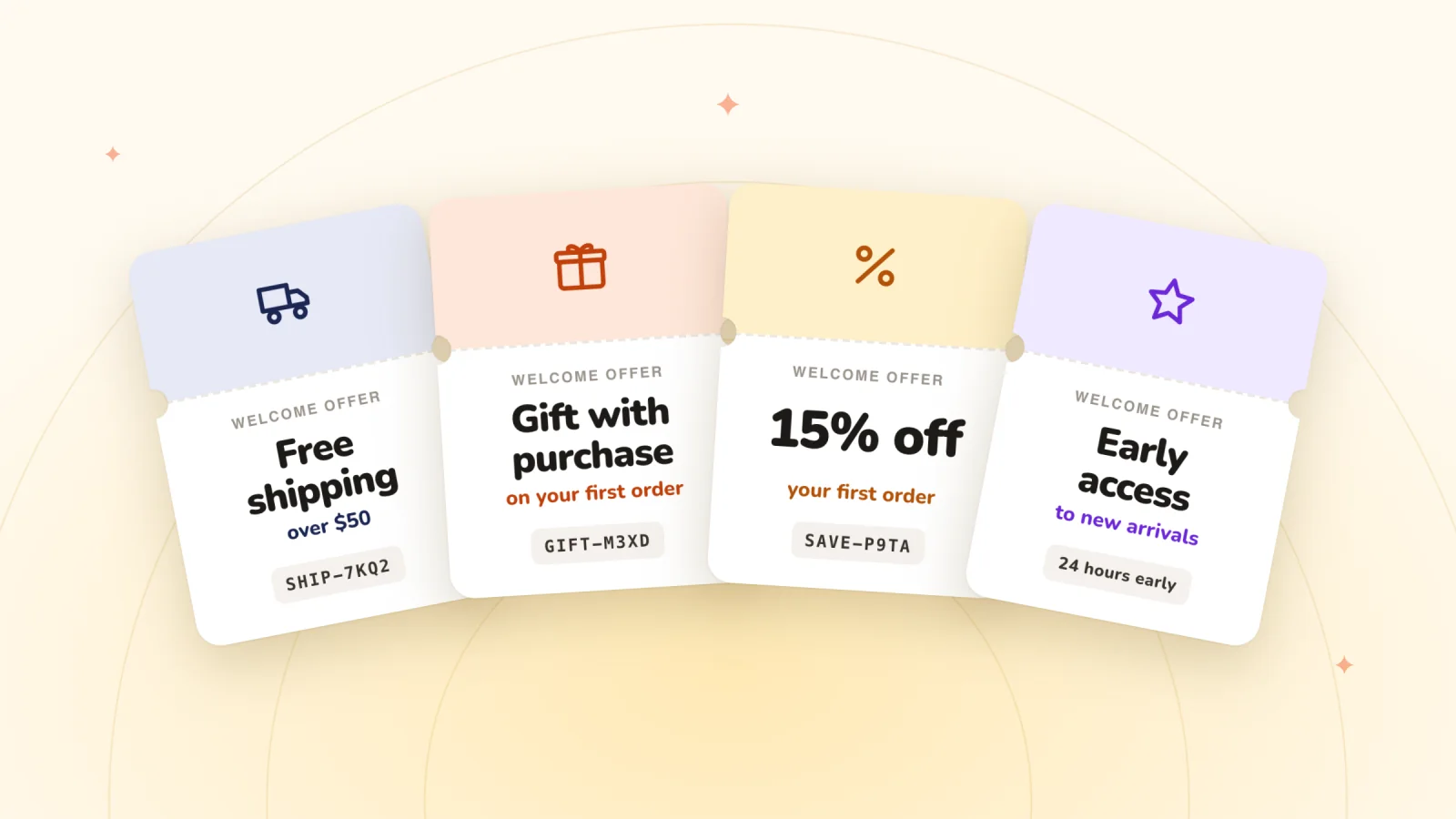
Welcome Discount Ideas Beyond 10% Off for Wix Stores
Welcome offers beyond 10% off, from gifts with purchase to tiered codes and early access, the Wix coupons behind them and what each offer costs you.
Frequently asked
Does each winner get a unique code?
No. Each prize is one of your store's own discount codes, and everyone who wins that prize gets it. That's why prize codes should have an end date and one use per customer, with no cap on total uses.
Can winners share their code?
A winner can pass a code on, as with any discount code. Give prize codes an end date and turn on one use per customer in its settings, and those limits apply at checkout.
What kinds of discounts can I give?
Any discount shoppers enter as a code, such as free shipping, a percentage off or an amount off. For a free item, a discount of that product's full price, limited to that product, does the job once the shopper adds it to the cart.
Can Spin Wheel create the coupons for me?
Yes, if your store has none it can use. Spin Wheel can create three starter codes when you ask: 10% off, 15% off and free shipping (20% off if a free-shipping code can't be made), each one shared code, once per customer, for a year. On Shopify they're ordinary discount codes under Discounts; on Wix, ordinary coupons in your dashboard. Otherwise you pick from the codes you already have.
Also in Spin Wheel
Give your next visitor a reason to sign up
Add Spin Wheel, pick a design AI made from your store, and start collecting sign-ups with prizes that work at checkout.