On this page
- Quick checklist
- The app embed is off, or switched on but not saved
- You published a different theme
- You're checking the theme editor, not the live store
- The pop-up isn't live in the app
- You've already seen it, or signed up, in this browser
- Your cookie banner isn't hiding it
- Another pop-up already opened on the page
- Its pages, devices or visitors don't match yours
- A spin-to-win pop-up has no prize it can pay
- Still not showing?
- Frequently asked questions
- Try it on your store
- Sources
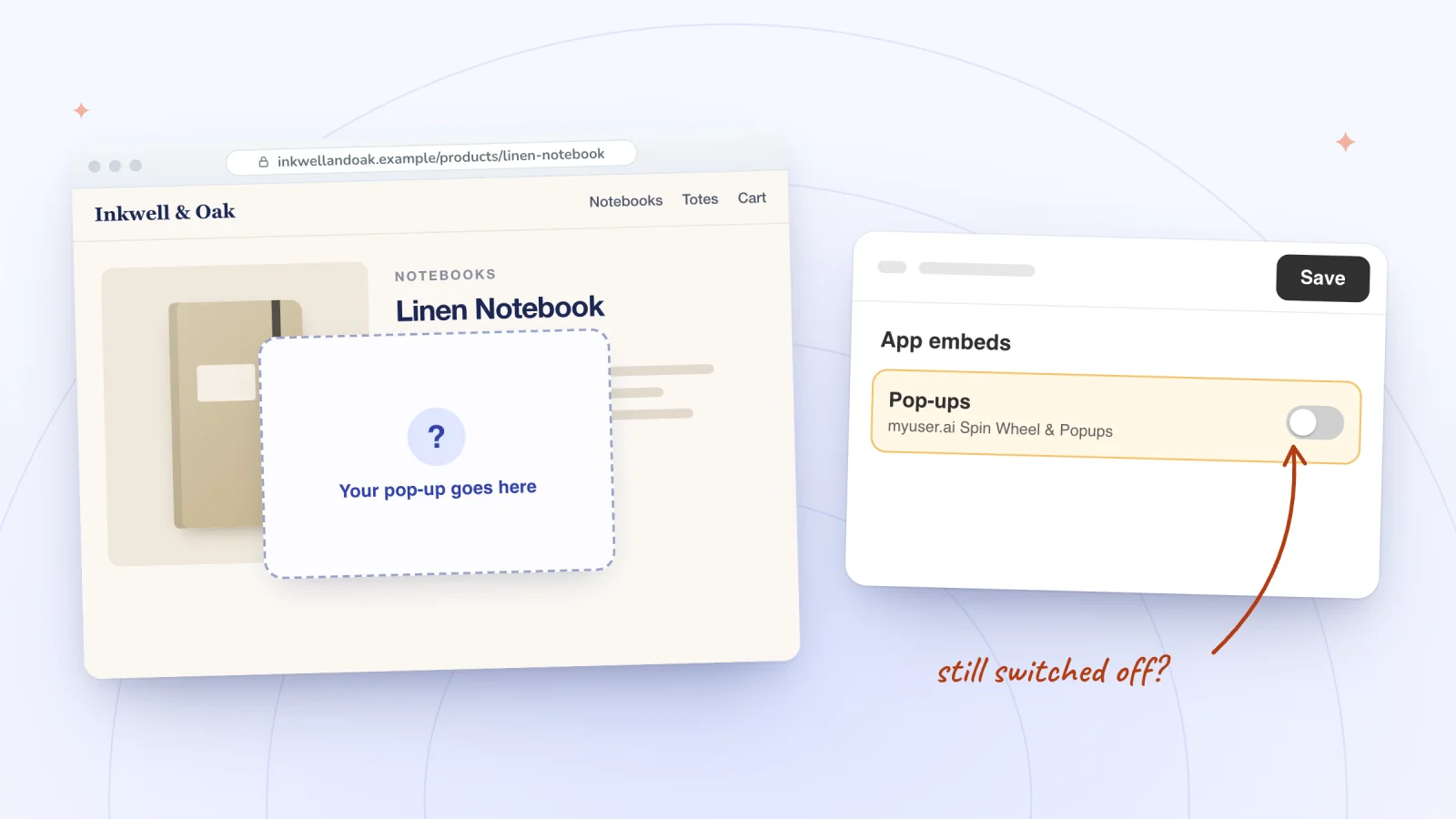
A pop-up from an app usually doesn't show on a Shopify store because its app embed is switched off, or was switched on and never saved, in the theme your store has published. After that, check for a newly published theme, a test inside the theme editor, a pop-up that isn't live in the app, and the app's own rules about when to show it.
Shopify's developer docs say app embeds "are inactive until an app user turns them on in the theme editor," so installing an app is never the last step. The checks below go in the order to try them, with notes for Spin Wheel, our pop-up app, along the way.
Key takeaways
- Switch the app's embed on under App embeds in your live theme's editor, then click Save: Shopify keeps app embeds off until you do.
- Publishing a different theme means switching each app's embed on again in that theme.
- Test the live store in a private window: Spin Wheel's pop-ups don't show in the theme editor, and by default they stay away once you've seen one or signed up in that browser.
- A spin-to-win pop-up shows only while at least one of its prizes has an active discount code behind it.
Quick checklist
- Switch on the app embed in your live theme, then click Save.
- Switch it on again after changing themes.
- Test the live store, not the theme editor.
- Make the pop-up live in the app.
- Open a private window to get past once-per-session and sign-up rules.
- Test one pop-up at a time.
- Check its pages, devices and visitors.
- Check the prizes behind a spin-to-win pop-up.
The app embed is off, or switched on but not saved
Shopify's help center describes app embeds as app elements that float or display as an overlay in your theme, and a pop-up app built on them shows nothing until its embed is on in the theme your store has published. Turning the switch on isn't the last step either: the change goes live only when you click Save.
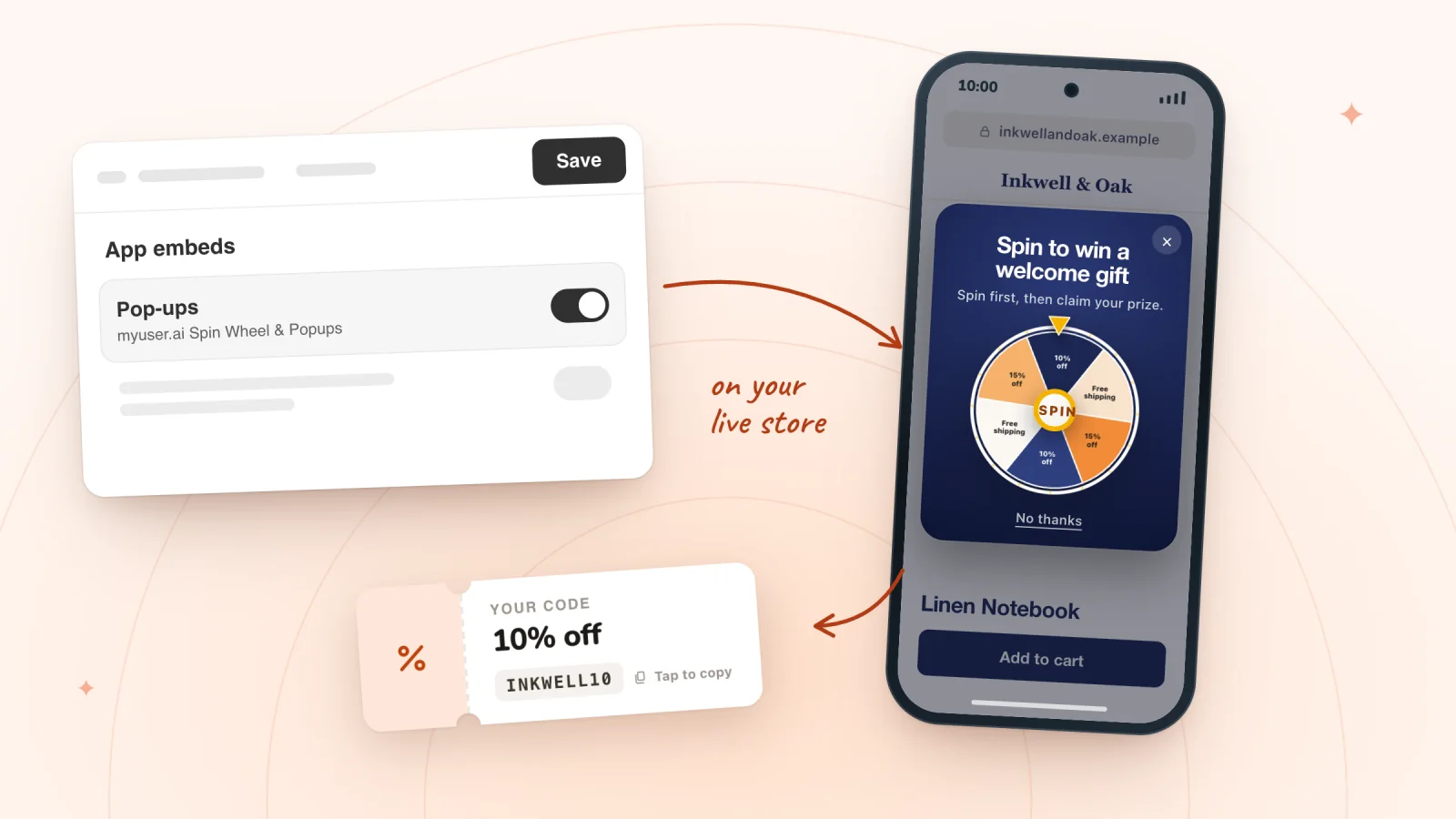
Fix: In your Shopify admin, go to Online Store, find your live theme and click Edit theme. On the sidebar, click the App embeds icon, click the toggle beside the app's embed to turn it on, then click Save.
In Spin Wheel, the embed is called Pop-ups. Spin Wheel's Turn on in theme editor button opens this panel in your live theme with Pop-ups already switched on, so all that's left is Save. If Pop-ups is switched off later, Spin Wheel's Home says so and shows the same button. For the whole setup, from the prize codes to going live, see how to add a spin wheel to Shopify.
You published a different theme
Shopify's help center says that if you later change your published theme, you'll need to re-activate your apps in the new theme, because they won't be active by default. A pop-up that worked yesterday can disappear the moment a new theme goes live.
Fix: Open the new theme's editor, click the App embeds icon, switch the app's embed back on and click Save. Spin Wheel's Home shows its Turn on in theme editor step again until you do.
You're checking the theme editor, not the live store
Spin Wheel's pop-ups never open inside the theme editor, so they don't cover the page you're editing. A preview of a theme you haven't published may not have the embed switched on either.
Fix: Open your store's own address in a private window, the way a shopper would.
The pop-up isn't live in the app
Installing Spin Wheel doesn't put a pop-up live. The pop-ups its AI drafts at install start out switched off: keep the ones you want on the Pop-ups page, where a switched-on pop-up's card shows Active, then click Go live on Spin Wheel's Home. Home leads with whichever step is still missing, so start there.
Fix: Open Spin Wheel's Home and finish the step it shows. Another app's pop-up usually has its own publish or status switch in that app.
You've already seen it, or signed up, in this browser
Spin Wheel's Only once per session setting is on by default, so a pop-up that has shown once stays away for the rest of that browsing session. Spin Wheel also stops asking anyone who has signed up in that browser, your test sign-up included.
Fix: Open a fresh private window for each test, or another browser. A pop-up set to show only to returning visitors is the exception: a fresh private window counts as a first visit, so test that one in a browser that has been to your store before.
Pop-ups that show up at the right moment
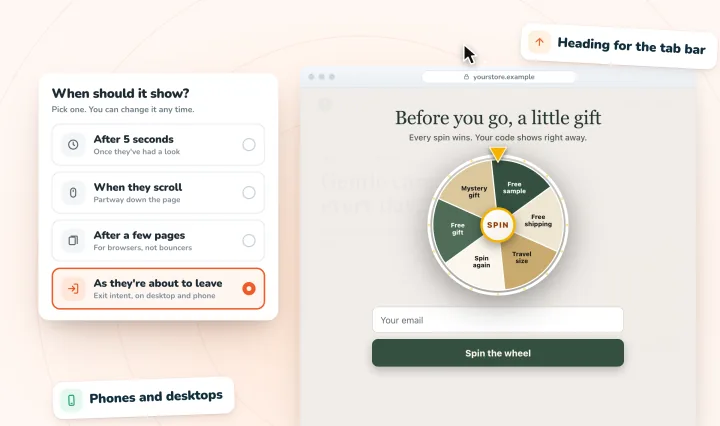
Delay, scroll, page-count and exit-intent triggers on desktop and phone, and one pop-up per page load, so they never stack.
Your cookie banner isn't hiding it
On Shopify, Spin Wheel's pop-ups can show before a shopper answers your cookie banner, so the banner isn't what's holding one back. What waits for the shopper's choice is the tracking: Spin Wheel counts pop-up views and sets its visitor cookie only after the shopper allows analytics, and hands a sign-up to Shopify's visitor tools only after they allow marketing. The shopper's browser keeps a note of which pop-ups they've seen and whether they've signed up, so they aren't asked twice, and that note is why a private window matters when you test.
Another app may treat the banner differently. Shopify's help center says a third-party tool honors a shopper's choice when it's properly integrated with Shopify's Customer Privacy API, so ask that app's developer how theirs behaves.
Another pop-up already opened on the page
Spin Wheel never stacks pop-ups. Once one of your pop-ups or slide-ins opens, no other opens until the page reloads, and that holds across Spin Wheel and myuser.ai: with both apps on your store, a shopper sees one pop-up at a time, whichever app it comes from. Banners don't count, so a banner can show beside a pop-up.
Fix: Test each pop-up in its own private window, or give your pop-ups different pages or triggers so they don't compete.
Its pages, devices or visitors don't match yours
Each Spin Wheel pop-up has Pages, Devices and Visitors settings. Mobile means a browser window under 768 pixels wide, so a phone turned sideways can count as a desktop, and a narrow desktop window as a phone.
Fix: Open the pop-up's settings, check who sees it and where, and test on a page and device it covers.
A spin-to-win pop-up has no prize it can pay
A game shows only while at least one of its prizes has an active discount code behind it. If every prize code on a wheel has ended or been deleted, Spin Wheel holds the wheel back rather than take an email and give nothing back, and its Home flags it with a Real prizes on your wheel step.
Fix: Give each prize a live discount code under Discounts in your Shopify admin, then choose it for that prize in Spin Wheel. Leave the code's total-use limit off, as the settings for prize codes explain.
Still not showing?
Try another browser with its extensions switched off, then contact us with the page, device and browser where it failed. For another app's pop-up, its developer can check what their app sees.
Frequently asked questions
Why isn't my pop-up showing on my Shopify store?
Most often its app embed is switched off, or switched on and never saved, in the theme your store has published. Go to Online Store, click Edit theme on your live theme, open App embeds, turn the app's embed on and click Save. Then test the live store in a private window.
Do I need to switch an app embed on again after changing themes?
Yes. Shopify's help center says apps aren't active by default in a newly published theme, so re-activate each one there. For Spin Wheel, switch on Pop-ups in the new theme and click Save.
Why can't I see my pop-up in the theme editor?
Spin Wheel's pop-ups don't show inside the theme editor, so the page you're editing stays clear. Open your live store in a private window to see the pop-up as a shopper would.
Why does my pop-up show once and then stop?
Two defaults hide it. Only once per session keeps a pop-up that has already shown away for the rest of that browsing session, and Spin Wheel stops asking anyone who has signed up in that browser, your test sign-up included. Open a fresh private window to see it the way a first-time visitor would.
Does a cookie banner stop Spin Wheel's pop-ups?
No. On Shopify they can show before a shopper answers the banner. What waits for the shopper's choice is the tracking: views are counted and the visitor cookie is set only after the shopper allows analytics, and a sign-up is handed to Shopify's visitor tools only after they allow marketing. The browser keeps its note of seen pop-ups and sign-ups either way, so nobody is asked twice.
Try it on your store
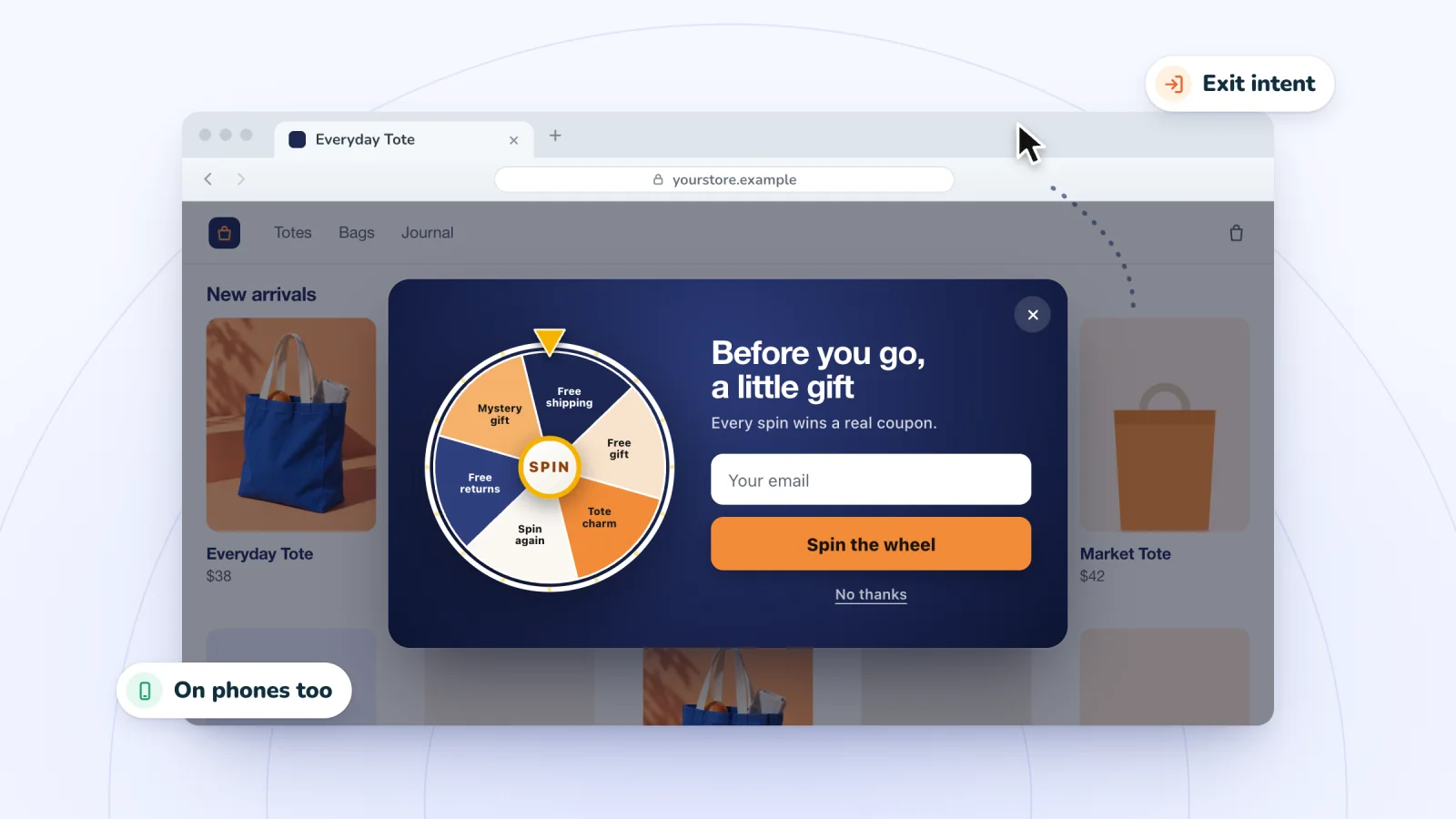
Spin Wheel needs one switch in your theme editor, and its Home shows which step is still missing. Need a pop-up that opens as shoppers leave? Spin Wheel adds an exit-intent pop-up to Shopify stores, with one of your store's own discount codes as the prize.

Sources
- Extend your theme with apps, Shopify Help Center
- Configure theme app extensions, Shopify developer docs
- Migrate to theme app extensions, Shopify developer docs
- Configuring customer privacy settings, Shopify Help Center
We read each of these pages on October 29, 2026.

We build marketing apps for online stores: myuser.ai writes and sends emails and texts from a store's own products, and we make Spin Wheel and Session Recordings, free apps for online stores. Product details in our guides are checked against the apps themselves.