 Spin Wheel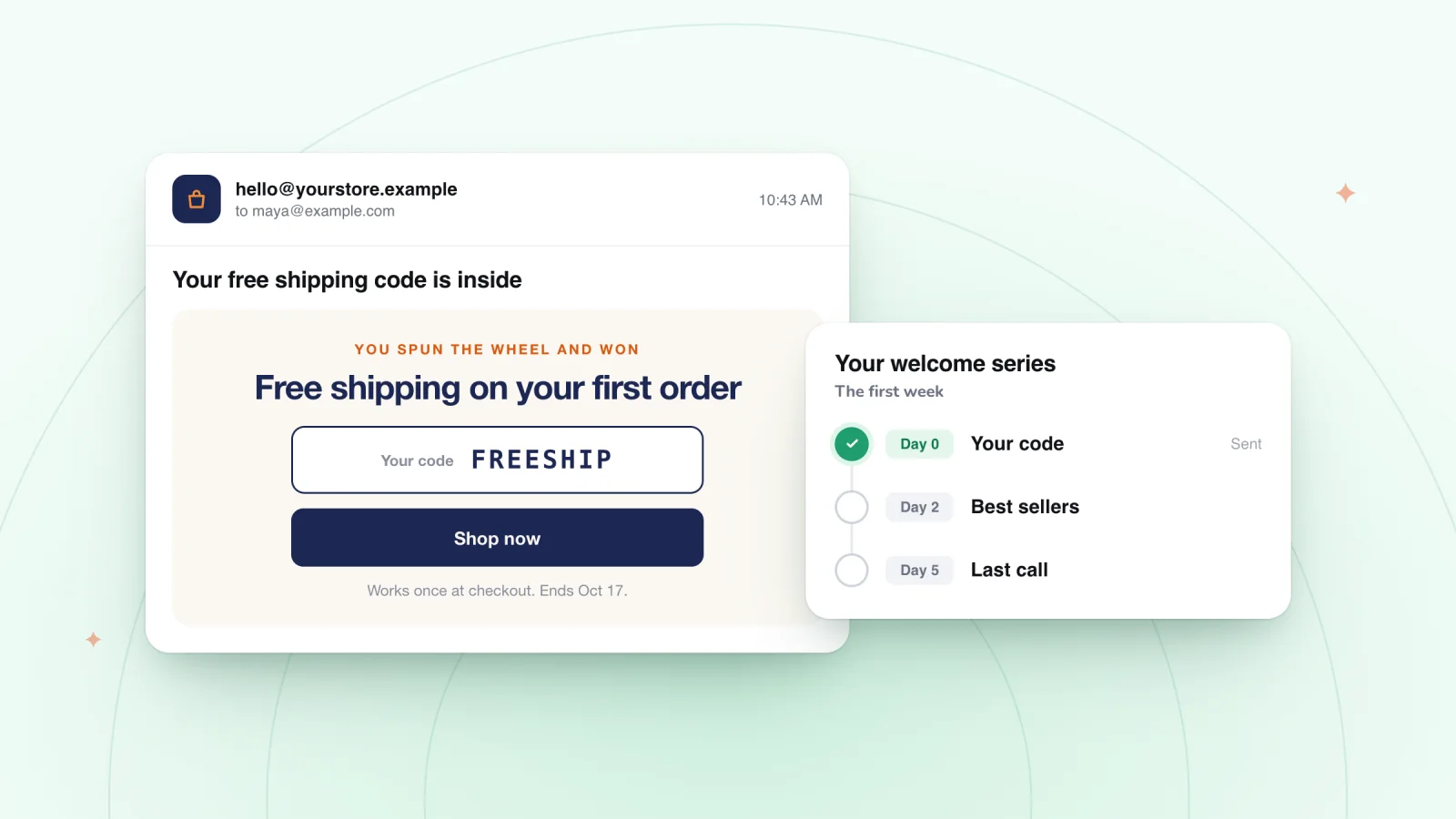
On this page
- Deliver the prize code right away
- Match the welcome to how they signed up
- Make the first email look like the next step
- Plan the first week
- Stop the reminders once they buy
- What to avoid in the first week
- Check how the first week is working
- Let software handle the sending
- Frequently asked questions
- Try it on your store
Someone who just signed up through your pop-up is waiting for the prize you promised. What they receive in the next few minutes, and over the next few days, shapes how they feel about every email that follows. Here is a simple plan for the first week.
Key takeaways
- Show the prize code on screen and send it by email within minutes, as copyable text near the top.
- Match the welcome to how they signed up, naming the prize, the cart or the early access they joined for.
- Plan the first week as four emails: the code, your story, help choosing and a reminder before the code ends.
- Stop welcome reminders as soon as a subscriber buys, and never top your welcome offer in week one.
Deliver the prize code right away
The code should reach the shopper in two places. It should appear on screen the moment they win, and it should land in their inbox within minutes as a backup.
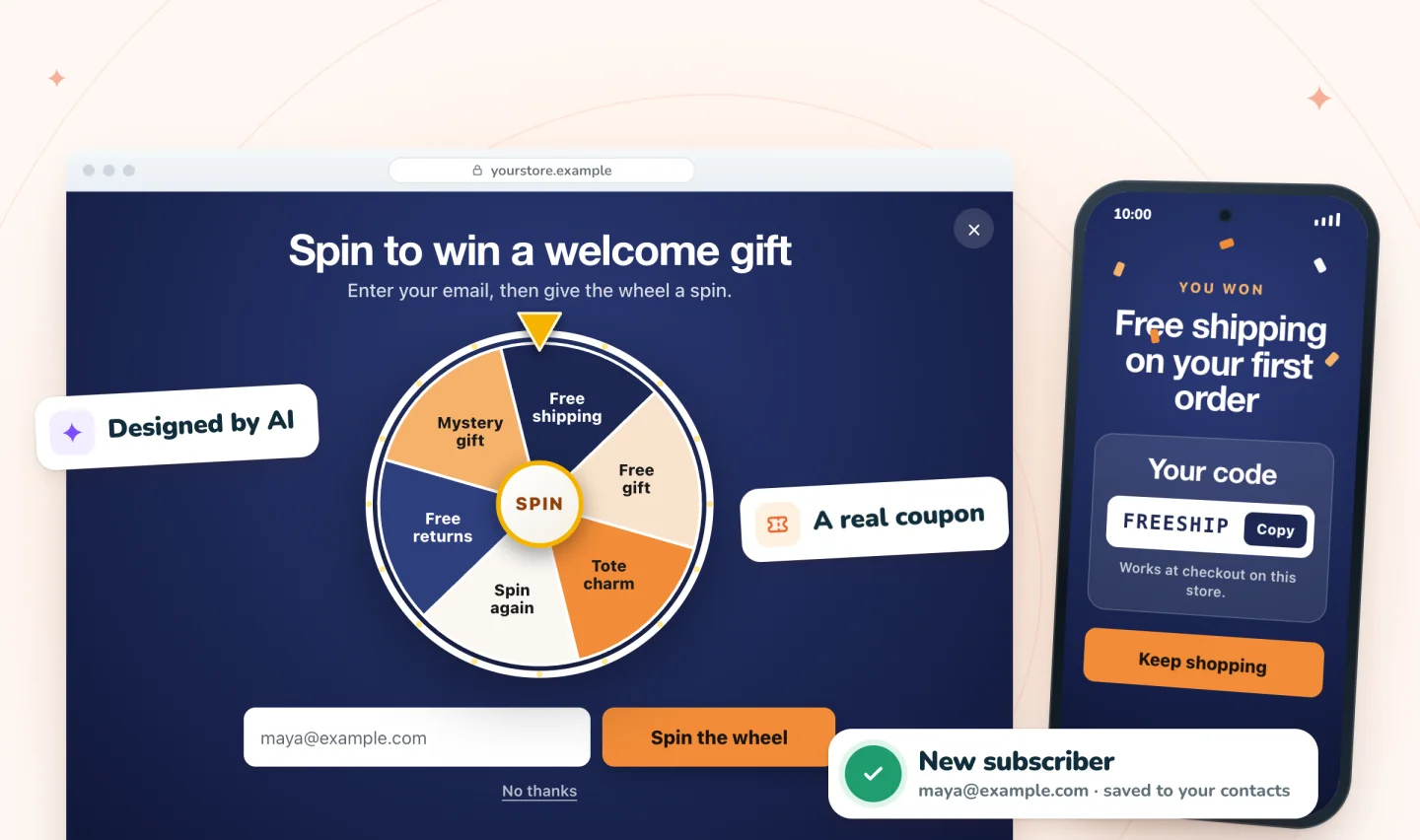
The inbox copy matters because plans change. A shopper might win a code on their phone at lunch and come back to buy on a laptop that evening. If the code only ever lived in a pop-up, it's gone.
Whether the code arrives by itself or inside your first welcome email, make it easy to use:
- Say what's inside in the subject line. "Your free shipping code is inside" is easy to find later, when someone searches their inbox. The preview line beside it matters too; these subject line and preheader pairs show how the two work together.
- Put the code near the top as text. A code inside an image can't be copied, and some inboxes hide images until the reader allows them.
- Spell out the terms. Say what the code is for, any minimum order, and when it ends.
- Add one clear button back to the store. A link to the product they were viewing, or to your best sellers, gives them an obvious next step.
Match the welcome to how they signed up
A generic "Thanks for joining" wastes the context you already have. The way someone signed up tells you what they care about.
- They won a prize in a game. Name the prize and the game. "You spun the wheel and won free shipping" feels personal, and it reminds them why they signed up.
- They signed up on the way out with items in the cart. Point back to the cart. Their first email can link straight to it, with the code ready to use.
- They joined for early access or news. Tell them when the next release is coming, so the promise feels real from day one.
Make the first email look like the next step
The welcome email should feel like it came from the same place as the pop-up. A shopper who signed up a minute ago should recognize it at a glance in a crowded inbox.
- Use your store's name as the sender name, spelled exactly as it appeared in the pop-up.
- Carry over the look. The same colors, logo and tone of voice tie the email to the moment they signed up.
- Repeat the promise in the first line. "Here's the free shipping you won" picks up right where the pop-up left off.
An email that looks nothing like the pop-up can seem unfamiliar enough to be skipped, even by someone who signed up minutes earlier. Before it goes live, a free AI email reviewer can check the subject line, copy and button for you.
Plan the first week
Space the welcome messages so each one has a clear job. Here is one way to pace them.
| When | Message | Its job |
|---|---|---|
| Within minutes | The code email | Deliver the prize and its terms |
| Day 2 | Your story | Who you are and why you make what you make |
| Day 4 | Help choosing | Best sellers, a sizing guide or a short how-to |
| Day 6 or 7 | A friendly reminder | Mention the code before it ends, for people who haven't used it |
Keep each email short and focused on one idea. The story email can be a few paragraphs and one photo. The help email works best when it answers a question new customers actually ask you.
For drafts you can adapt, see this three-email welcome series. For ideas on tone and layout, browse these welcome email examples.
If they also signed up for texts
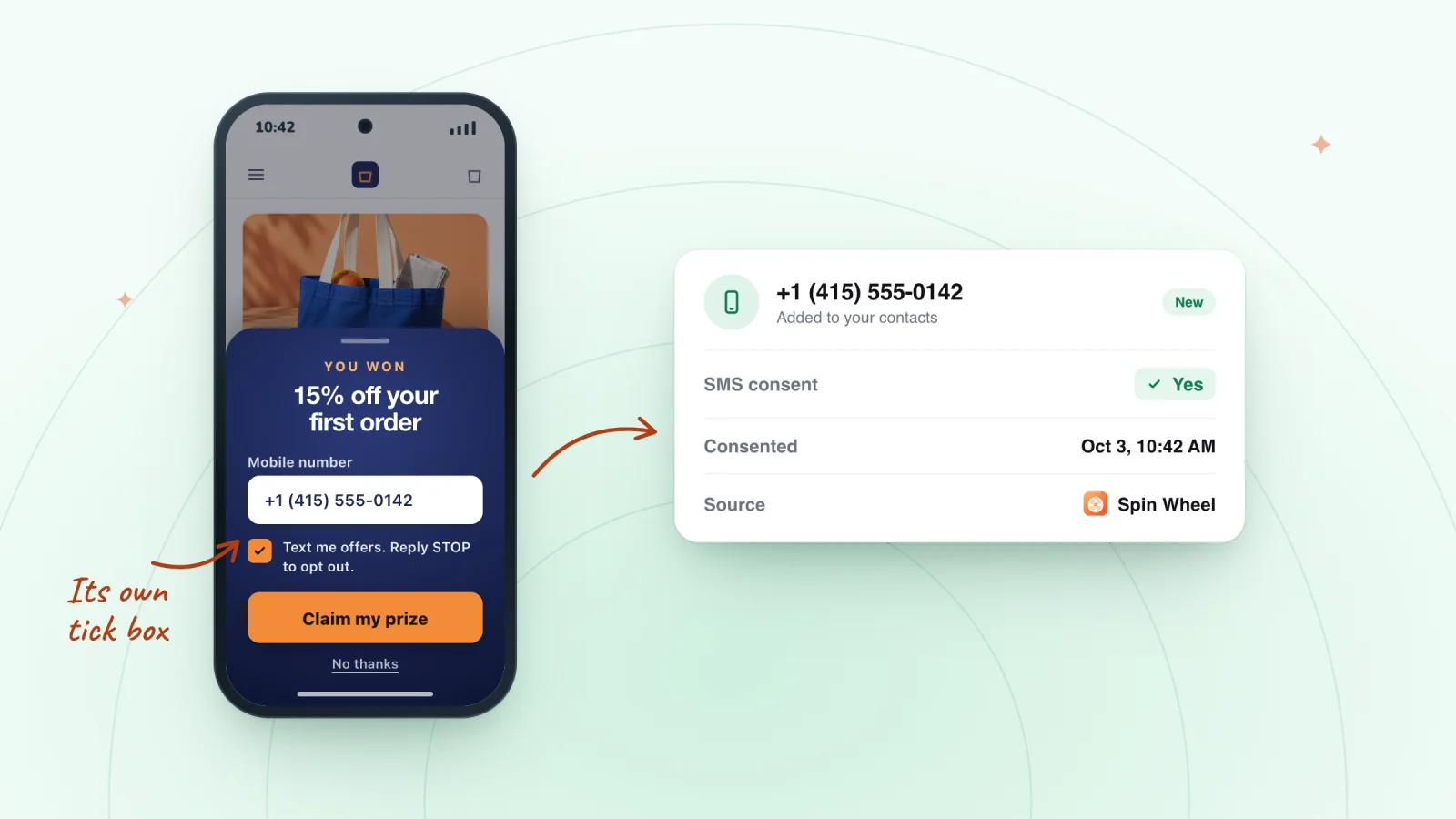
Texts feel more personal than email, so send fewer of them. In the first week, one text with the code, or one reminder before it ends, is plenty. Every number on your list should have opted in through a clear consent box first. The guide to collecting SMS sign-ups with consent covers how, and an SMS pop-up can collect both permissions at once.
Collect email and SMS sign-ups with consent
Every sign-up is saved to your contacts with the consent the shopper gave. Texts need a separate tick.
Add to Wix, it's free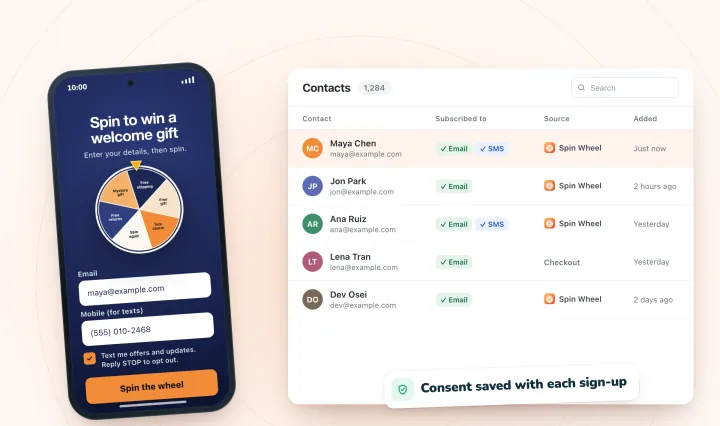
Stop the reminders once they buy
Reminding a new customer about a code they already used makes your store look like it isn't paying attention. When a subscriber places an order, move them from the welcome reminders to an order confirmation and a thank-you.
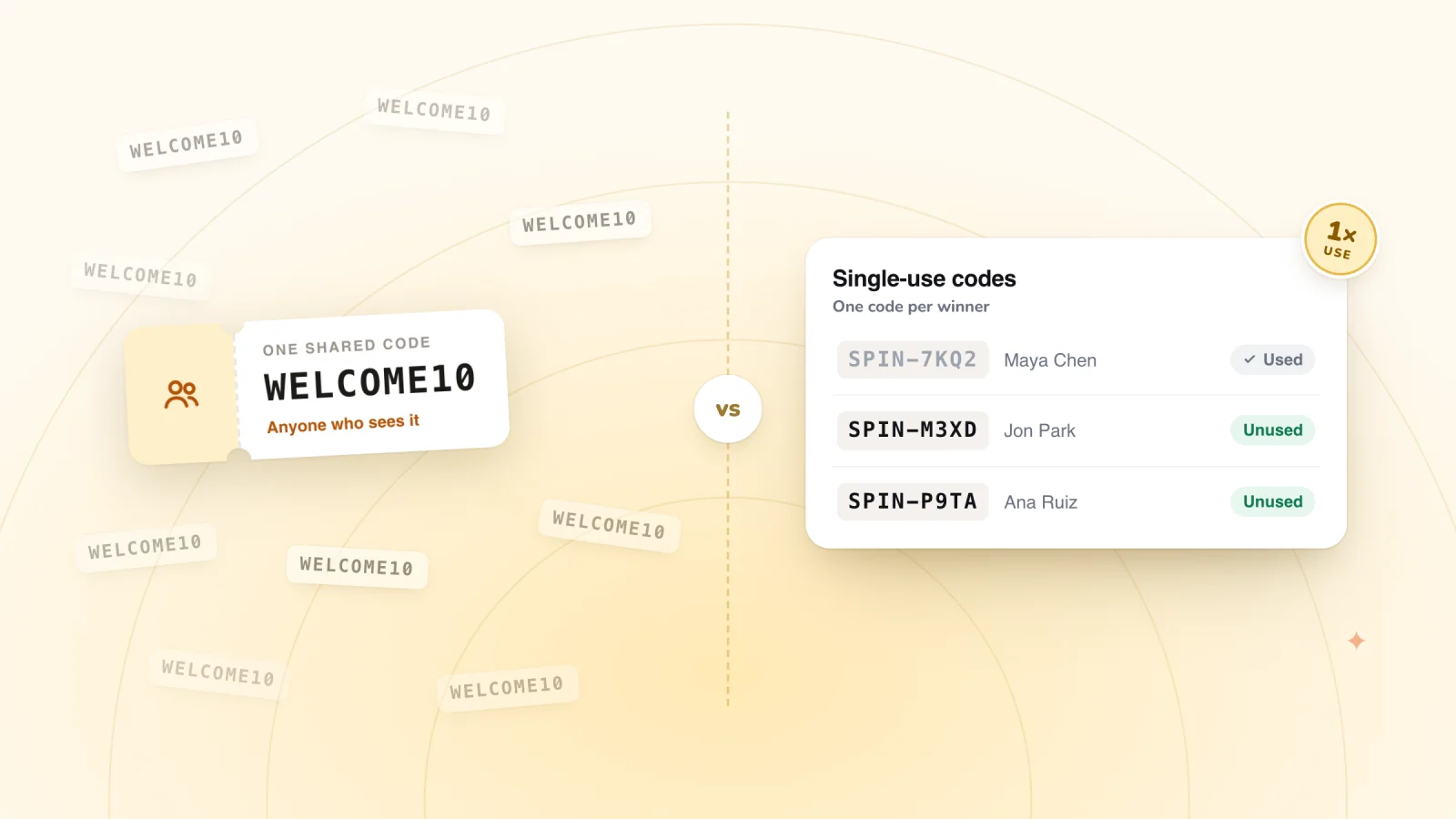
This is much easier when each subscriber has their own code, because you can see exactly who used theirs. The guide to unique coupon codes explains the difference between one shared code and a code per shopper.
What to avoid in the first week
- Daily promotions. A new subscriber who gets an offer every day before their first order may start tuning you out.
- Topping your own offer. If day 3 brings a bigger discount than the welcome code, the people who already used the first one will feel short-changed.
- A no-reply sender. New subscribers sometimes reply with questions. Let those replies reach a real inbox that someone reads.
- Breaking the pop-up's promise. If the pop-up said "about twice a month," hold to that. Five emails in week two says the pop-up wasn't telling the truth.
- Asking for a review too soon. Wait until the order has arrived and had time to be used.
Check how the first week is working
Once the plan has run for a month or so, a few numbers tell you whether it's doing its job.
- Codes used before they ended. Count how many people who won a code went on to place an order with it. That's the clearest sign the welcome is landing.
- Clicks by email. If one email in the sequence gets far fewer clicks than the others, it's the one to rewrite first.
- Unsubscribes by email. A jump in unsubscribes after one particular message suggests it asked too much or arrived too soon.
Let software handle the sending
Writing, timing and sending all of this takes real time every week. myuser.ai can write and send these welcome emails and texts automatically. Whatever tools you use, the plan stays the same. Deliver the prize, introduce yourself, help them choose, and stop once they buy.
Frequently asked questions
How many emails should a welcome series have?
There's no fixed number, but three or four emails in the first week give a small store room to cover the basics. Give each one a single job: deliver the code, tell your story, help people choose, and remind them before the code ends. Add more only if each extra email has its own purpose, and stop the reminders once someone buys.
Should a welcome email include a discount code?
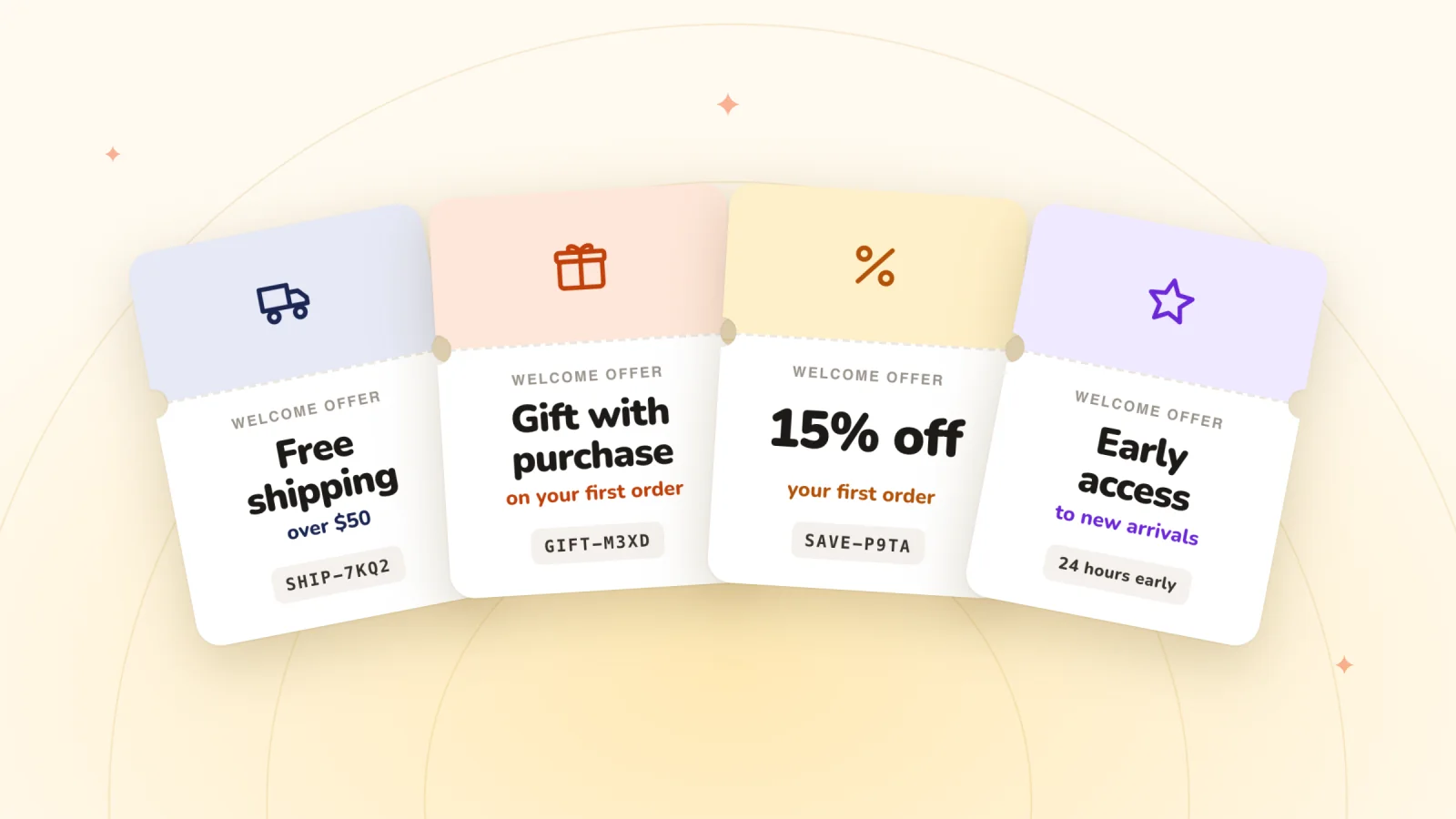
Yes, if your pop-up promised one, and it should be the first thing they see. If the sign-up offer was something else, such as early access or a free gift, deliver that instead. There's no need to add a discount you never promised. Keep any code easy to copy and its terms short.
What should you do if a subscriber says the code email never arrived?
Ask them to check their spam or promotions folder and to search their inbox for your store's name. If it's not there, check the address was typed correctly, then send the code again yourself, or a fresh one if it has expired. Showing the code on screen as well as by email gives winners a second way to keep it.
Try it on your store
Spin Wheel shows the winning code right in the pop-up with a Copy button and emails the winner a backup copy of the code. It doesn't send marketing emails or texts. Every sign-up lands in your site's contacts, so the email or text tools you already use can take it from there, and you can read more on the email pop-up page.

We build marketing apps for online stores: myuser.ai writes and sends emails and texts from a store's own products, and we make Spin Wheel and Session Recordings for Wix sites. Product details in our guides are checked against the apps themselves.