On this page
- When should each holiday pop-up go live?
- How do you schedule a Black Friday sale on Wix?
- Black Friday and Cyber Monday
- Small Business Saturday
- Giving Tuesday
- Holiday gifting
- Boxing Day and New Year clearance
- Valentine's Day
- Mothering Sunday, Mother's Day and Father's Day
- Back to school, summer and your store's anniversary
- Swap wheels in Spin Wheel without a gap
- After the season
- Frequently asked questions
- Try it on your store
- Sources
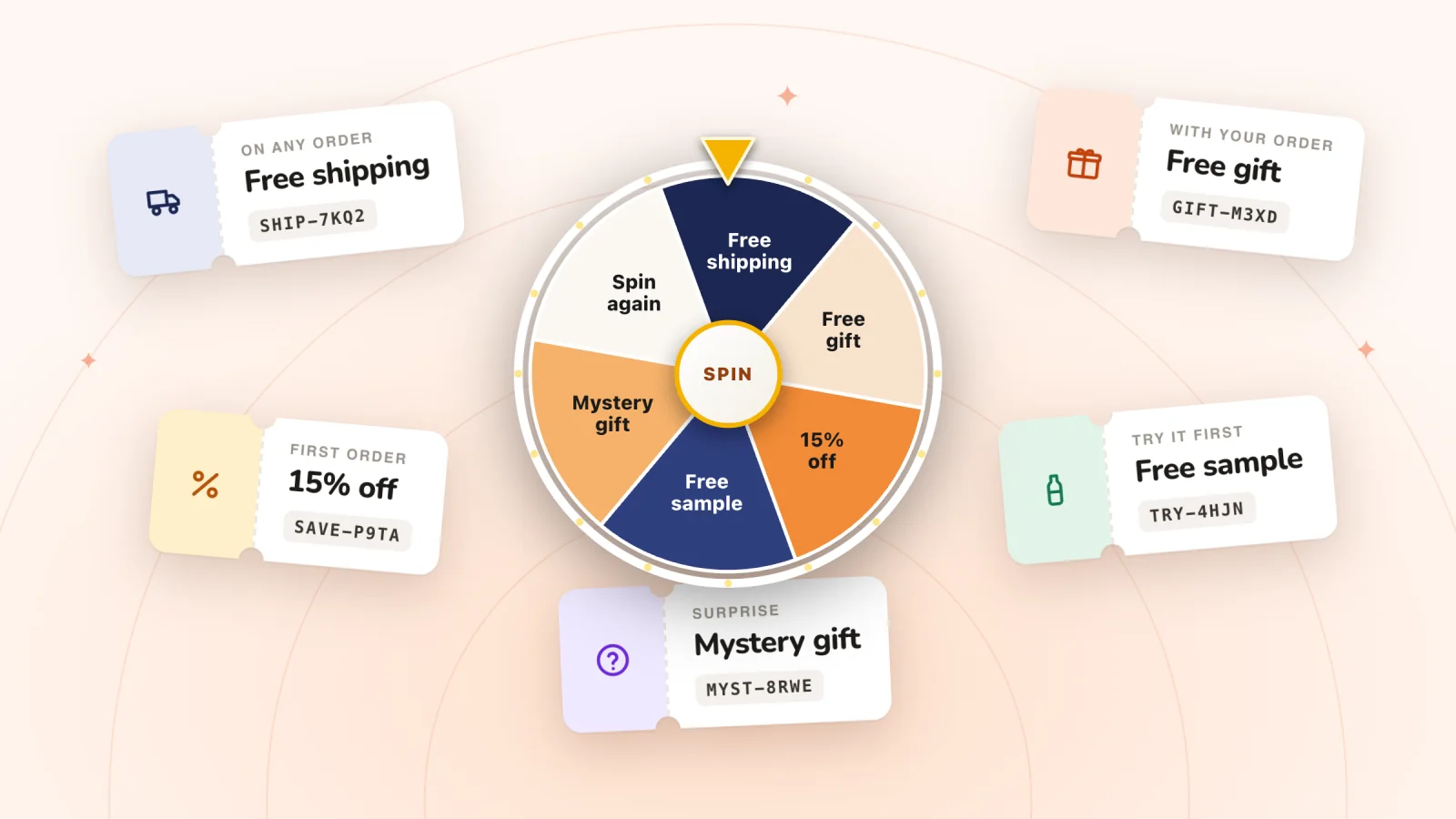
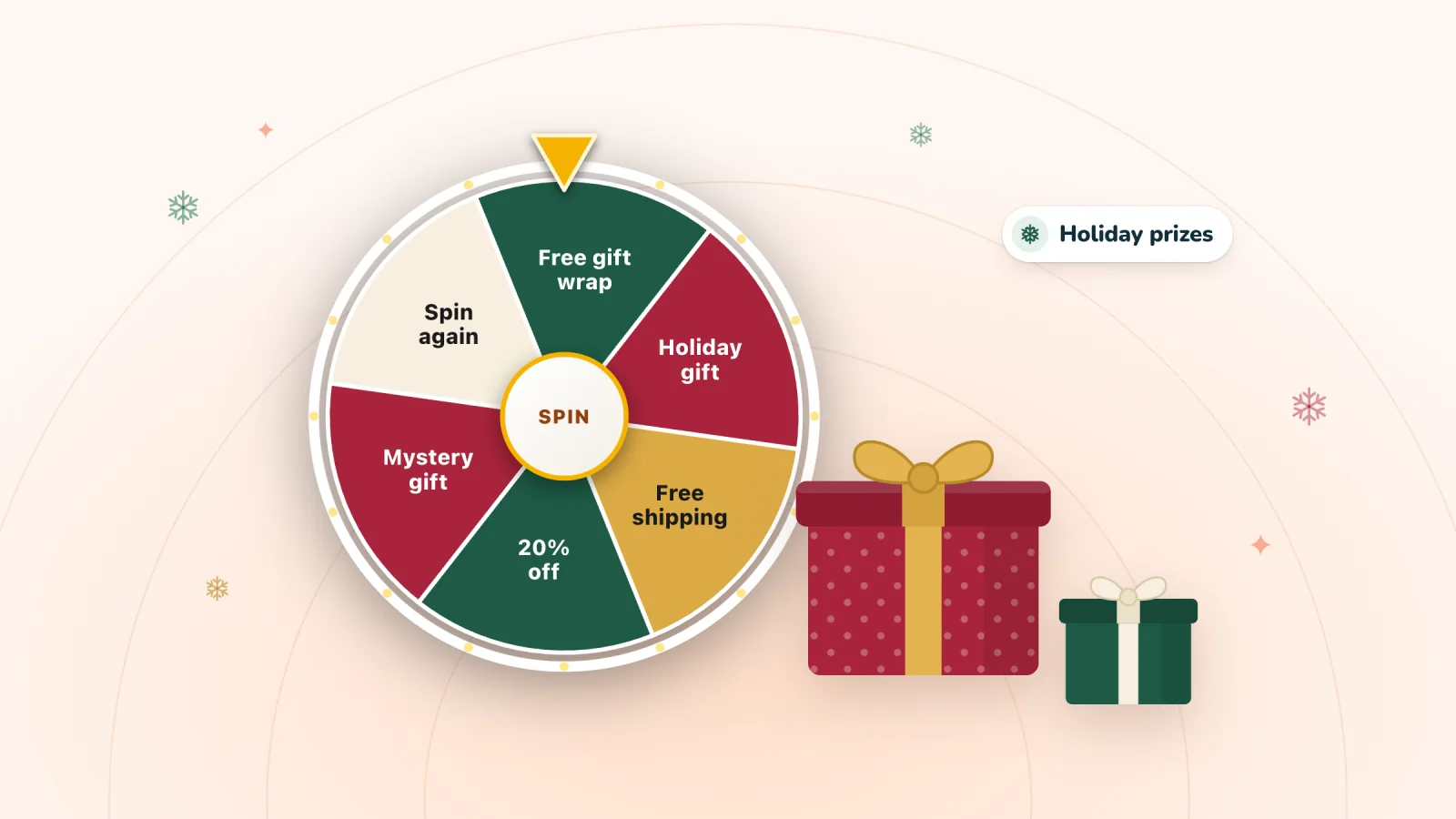
Good holiday pop-ups offer a small prize that fits the occasion, such as free gift wrap, a gift note, a sample or a few dollars off, and they run between set dates. Black Friday 2026 falls on Friday, November 27, and Cyber Monday on November 30, so have your Black Friday wheel built and tested by November 20.
A wheel thrown together in Black Friday week can go live with a typo in the headline and a prize code that quietly stacks on top of the sale. Decide early how prize codes treat sale prices, and know the day each wheel comes down.
Key takeaways
- Black Friday is November 27, 2026 and Cyber Monday is November 30, so have the holiday wheel built and tested by November 20.
- Schedule the sale as a Wix automatic discount with a start and an end date: by default it starts at once and never ends, and its times follow your dashboard's time zone.
- Wix applies a prize coupon on top of an automatic sale discount, so keep prizes small or limit prize coupons to a hidden category of full-price products.
- Set each holiday prize coupon to end a few days after the wheel switches off, so a prize won on the last evening still works.
- Build the seasonal pop-up while it's switched off, then on launch day turn the everyday one off and the holiday one on.
- Swap free shipping prizes for gift wrap or a discount once your carrier's last holiday send-by date has passed.
- For a Boxing Day to New Year clearance, limit prize coupons to full-price items, so a prize never deepens a markdown.
When should each holiday pop-up go live?
Build and test each wheel at least a week before it's due to go live, switch it on with the occasion's sale or season, and decide its switch-off day when you build it.
| Occasion | Date | Build and test by | Switch on | Switch off |
|---|---|---|---|---|
| Black Friday to Cyber Monday | Fri Nov 27 to Mon Nov 30, 2026 | Nov 20 | When your sale prices go live | End of Cyber Monday, with the sale |
| Small Business Saturday | Sat Nov 28, 2026 | Nov 20 | Nov 28, as new copy on the weekend's wheel | End of Nov 28, back to the Black Friday copy |
| Giving Tuesday | Tue Dec 1, 2026 | No wheel of its own | Same day as the gifting wheel | Dec 2, if your copy mentions the day |
| Holiday gifting (Christmas Day is Fri Dec 25) | Dec 1 to 24, 2026 | Nov 20 | Dec 1 | Dec 26; shipping prizes come off at your carrier's cutoff |
| Boxing Day to New Year clearance | Sat Dec 26, 2026 to Fri Jan 1, 2027 | Dec 18 | Dec 26, as the gifting wheel comes down | End of Jan 1, or when the sale ends |
| Valentine's Day | Sun Feb 14, 2027 | Jan 25 | Feb 1 | Your last guaranteed delivery day |
| Mothering Sunday (UK) | Sun Mar 7, 2027 | Feb 15 | Feb 22 | Your last guaranteed delivery day |
| Mother's Day (US) | Sun May 9, 2027 | Apr 18 | Apr 25 | Your last guaranteed delivery day |
| Father's Day (US and UK) | Sun Jun 20, 2027 | May 30 | Jun 6 | Your last guaranteed delivery day |
The occasion dates follow fixed rules: Black Friday is the Friday after US Thanksgiving, Mothering Sunday is the fourth Sunday of Lent, US Mother's Day is the second Sunday in May, and Father's Day is the third Sunday in June in both the US and the UK. Small Business Saturday is the day after Black Friday and Giving Tuesday the day after Cyber Monday, as the SBA and GivingTuesday list them for 2026. The other columns are suggestions. For the 2027 occasions they give the wheel about two weeks of running time, with a week before that to fix copy and test codes.
For ready-made holiday wheels with their prizes, odds and copy, see the spin wheel templates by occasion.
How do you schedule a Black Friday sale on Wix?
Make the sale an automatic discount that starts on Friday, November 27, 2026 and ends when Cyber Monday does, on November 30.
- In your site's dashboard, go to Catalog > Discounts > Automatic Discounts, click Create Discount, select Standard discount and click Continue.
- Enter the discount's name. Shoppers see it, so name the sale, such as "Black Friday: 20% off".
- Choose the type under What is the discount?, then the products it applies to. An amount off, such as $10, comes off each item it applies to, not once per order.
- Choose who gets it, usually All customers, then set the start date and time, since by default the discount starts at once. Tick Set an end date and time and choose the end; without one, it runs until you turn it off.
- Choose where shoppers see the sale's name, then click Save. Wix always shows the discount in the cart and at checkout.
Four things to know before the day:
- Times follow your site's time zone, the one set in your dashboard, so a sale set for midnight starts at midnight there.
- One automatic discount per item. Only one automatic discount applies to each item in an order, so Wix advises against setting up two for the same products.
- Prize codes still apply on top. Coupons and automatic discounts work independently, so a shopper can get both. Here's how a prize code meets your sale.
- Test it as soon as it starts. Add a sale item to your cart, check the discount shows, then apply a prize code.
Before you settle on the sale's size, myuser.ai's free discount calculator shows how many extra orders it needs to pay for itself.
Black Friday and Cyber Monday
The wheel's job that weekend is to add a little on top of your sale without turning sale orders into losses. Shoppers arrive expecting a deal and comparing stores.
How a prize code meets your sale on Wix
Wix treats a coupon and an automatic discount as separate price reductions, so one order can get both. If your Black Friday sale is an automatic discount, every prize code applies on top of it.
Say your sale takes 25% off every candle, so a shopper's two $40 candles come to $60. They cost you $12 each to make, which leaves $36 before shipping. A $10-off prize, set to apply once per order, takes it to $50 and leaves $26, so the prize eats more than a quarter of what the order earns ($10 of $36). On the same order at full price, $80 leaves $56, and the $10 is under a fifth of it.
If your sale runs as a coupon code instead, the two can't combine: Wix customers can apply only one coupon per order, so a shopper picks the bigger one and a small prize does nothing for them that weekend.
With an automatic sale discount, you have two options:
- Keep prizes small enough to stack happily, such as free gift wrap, a sample or a few dollars off.
- Limit prize coupons to full-price products, using a hidden category, which is the route Wix suggests for discounting a group of products.
To set up the hidden category:
- Go to Categories in your site's dashboard and create a category, such as "Full price (prizes)".
- Add every product that won't be on sale.
- Turn off Active on your site, so shoppers never see the category.
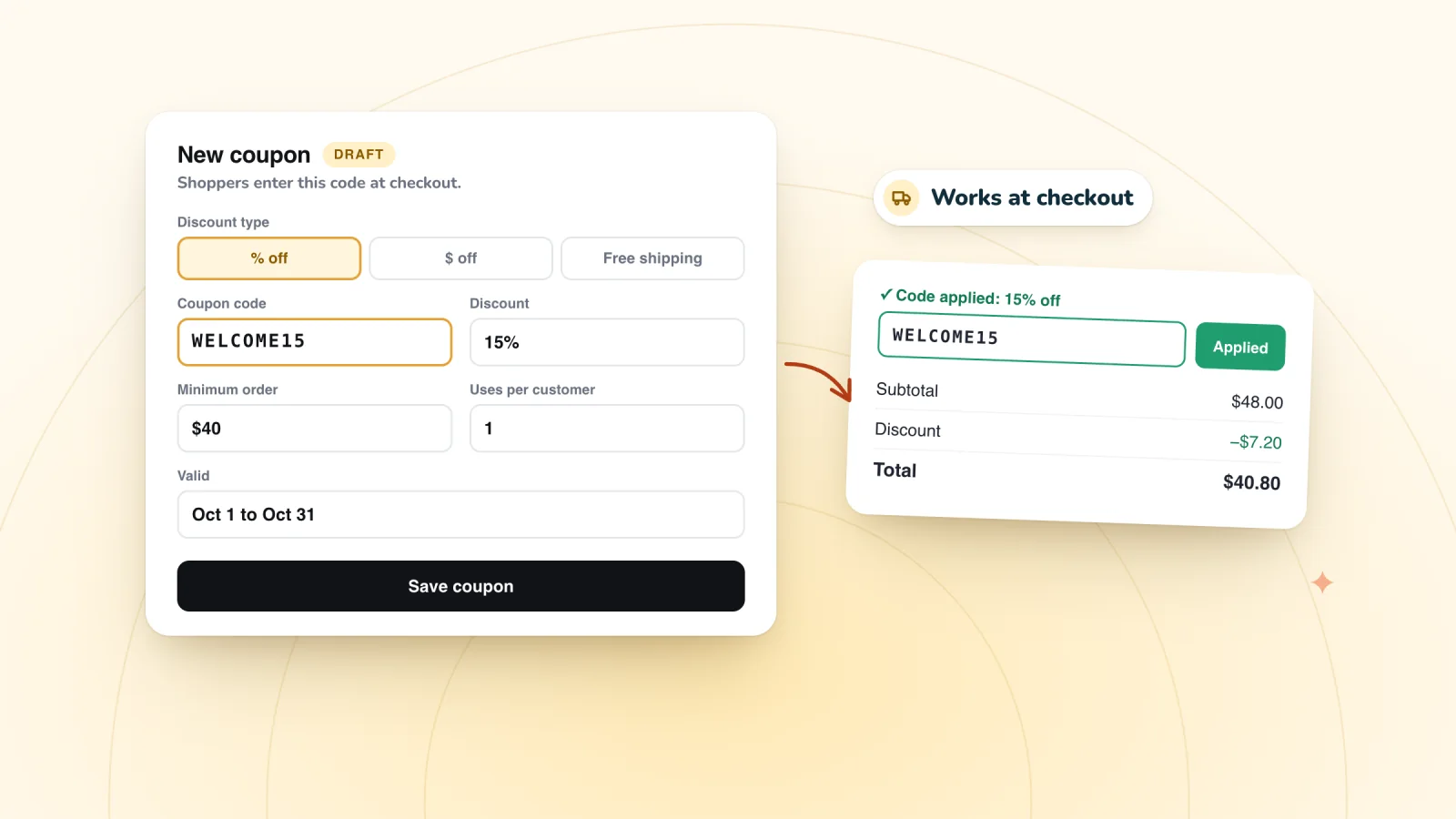
- In Coupons, open each prize coupon and set Apply to to that category. For a dollar-off prize, choose Apply once per order, so the amount comes off one item rather than every item.
Two limits to know. Apply to takes one choice, so a category-limited prize can't also have a minimum order subtotal. And the category needs upkeep: add new full-price products to it, and take products out when they go on sale.
Then test it. Put one sale item and one full-price item in your own cart, apply a prize code, and check that only the full-price item drops. If the code won't apply at all, work through why a Wix coupon code isn't working at checkout. If prizes only work on full-price items, say so on the win screen: "Use it on anything not already on sale."
Prizes and copy
- Prize ideas. Free shipping on any order, a free add-on, a fixed amount off larger orders, and one rare headline prize.
- Copy ideas. "A little extra on top of our Black Friday prices." "Every play wins a Black Friday bonus."
- Coupon end dates. A prize revealed late on Cyber Monday stays claimable for 24 hours by default, and the winner then needs time to use the code. Set Black Friday prize coupons to end a few days after the wheel comes down, such as December 4, and say the end date on the win screen.
Small Business Saturday
For Small Business Saturday, November 28, 2026, give the weekend's wheel new copy for the day rather than building a second wheel. The day falls between Black Friday and Cyber Monday, inside your sale weekend, and one wheel is less to switch on and off. Skipping Black Friday? The Small Business Saturday template gives the day a wheel of its own.
- Prize ideas. A handwritten thank-you note, free gift wrap, a sample of something new and a small dollar amount off a minimum order. Prizes that show the people behind the store suit the day.
- Copy ideas. "Thanks for shopping small. Every spin wins." "A thank-you from our studio, on top of our weekend prices."
- The sale rules still apply. Prize codes stack on an automatic sale discount all weekend, so keep these prizes small or limit them to full-price items, as set up above.
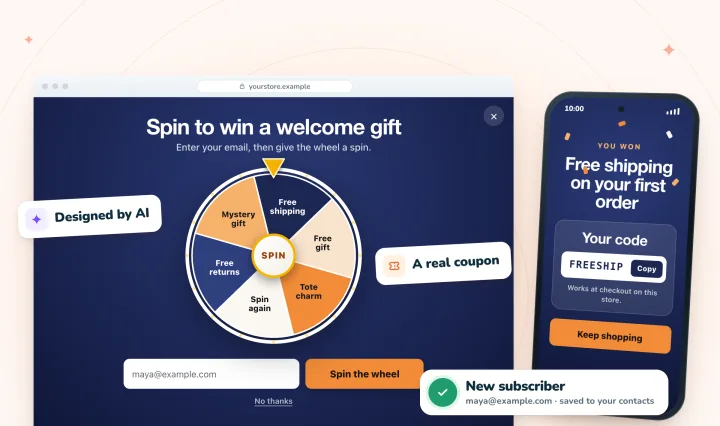
Put a spin-to-win pop-up on your store
AI designs it from your brand, every spin wins a real coupon, and sign-ups land in your contacts. Free forever.
Giving Tuesday
Giving Tuesday, December 1, 2026, doesn't need a wheel of its own: it's a day for giving to causes, and in this plan it's also the day the gifting wheel goes up. If you want to mark it, a line in the wheel's copy is enough. Keep any promise specific: which charity, and how much per order.
Holiday gifting
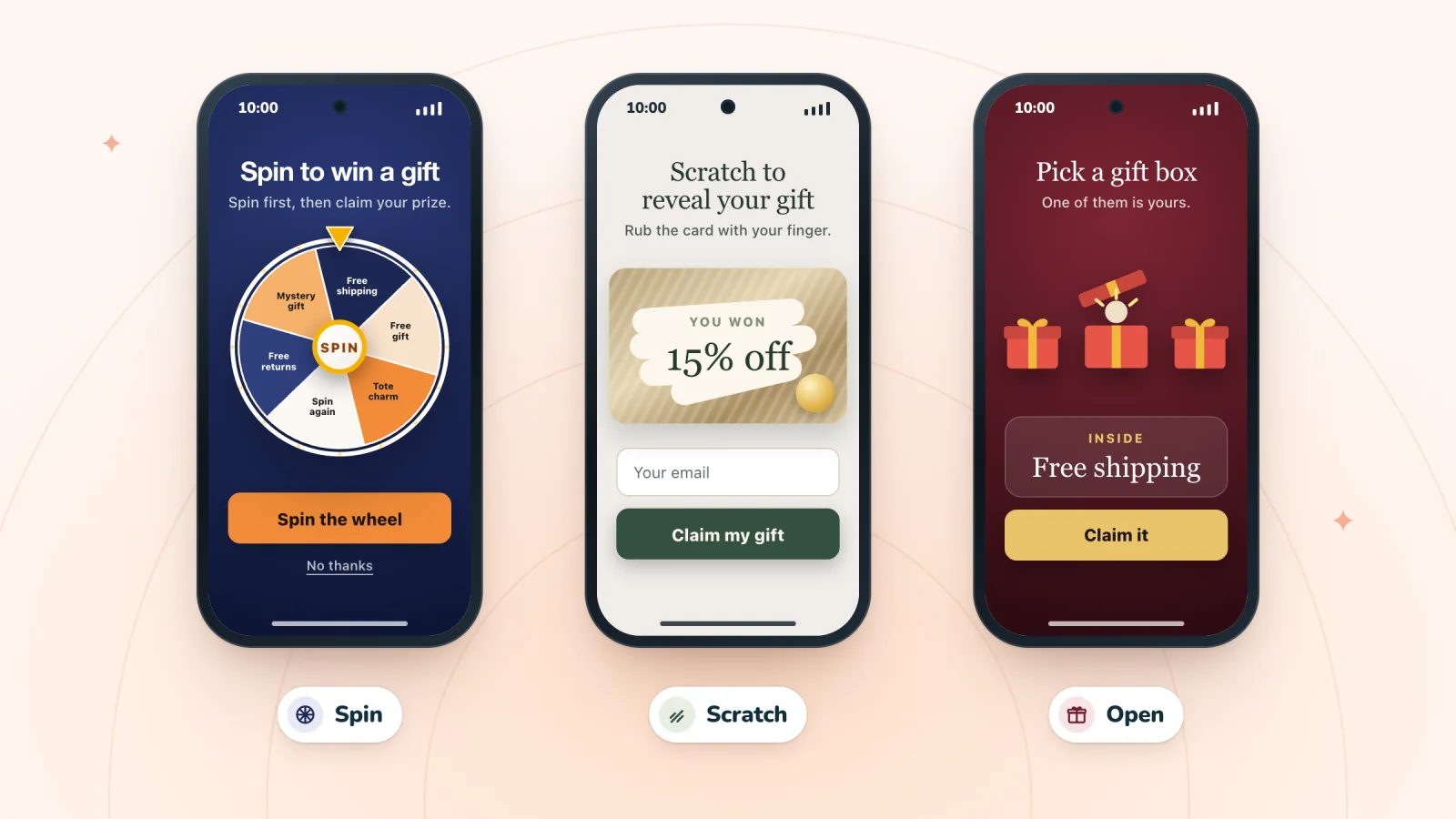
From December 1 to 24, offer prizes that make gifting easier, since many shoppers are buying for someone else. The same prizes work in a gift box pop-up, where shoppers pick a box and open it instead of spinning.
- Prize ideas. Free gift wrap, a free gift note, free shipping while delivery in time is still possible, and a small stocking stuffer.
- Copy ideas. "Unwrap a little extra while you shop for them." "Win free gift wrap for your whole list."
- Watch the shipping cutoff. For delivery inside the contiguous US by December 25, USPS recommends sending by December 17 for Ground Advantage and December 18 for Priority Mail. After your carrier's last day, take free shipping off the wheel, swap in gift wrap or a discount, and change any copy that promises delivery before the holiday.
- Switch it off on December 26. A wheel that still says "Happy holidays" in mid-January looks forgotten, and switching off a Spin Wheel pop-up keeps it saved for next year.
Boxing Day and New Year clearance
During a Boxing Day to New Year clearance, a prize should add something on full-price items rather than deepen a discount you've already given, because shoppers come for the markdowns. Boxing Day falls on Saturday, December 26, 2026, and in the UK the bank holiday moves to Monday, December 28. New Year's Day is Friday, January 1, 2027.
- Keep prize codes off sale items. Limit each prize coupon to the hidden full-price category from the Black Friday section, and take clearance items out of it before the sale starts. Then test a marked-down item and a full-price item together in your cart.
- Prize ideas. Free shipping over a minimum order, a dollar amount off new-season or full-price items, and a free sample with any order. A free shipping coupon can't be limited to a category, but its cost doesn't grow with the markdown.
- Copy ideas. "A New Year bonus on anything not already reduced." "Start the year with something new, and a prize to spend on it."
- Swap, then switch off. Put the clearance wheel up as the gifting wheel comes down on December 26, switch it off when the sale ends, and bring back your everyday wheel.
Valentine's Day
- Prize ideas. A free gift note, free gift wrap, a dollar amount off a pair or bundle, and a "treat yourself" prize such as a free mini product.
- Copy ideas. "Something sweet, for them or for you." "A little love from us before you shop."
- Two endings. For shipped gifts, switch off once delivery by February 14 is in doubt. A "treat yourself" version can run through the day itself.
Mothering Sunday, Mother's Day and Father's Day
- Prize ideas. A free gift note, free gift wrap, a dollar amount off a gift set, and free shipping while delivery in time is still possible.
- Copy ideas. "A little extra for Mum." "A prize for the gift, and maybe one for you."
- Mind the country. Mothering Sunday in the UK (March 7, 2027) comes two months before US Mother's Day (May 9). If you ship to both, run each wheel for its own market's dates, or keep the copy neutral ("for the mums in your life") and run it across both.
Back to school, summer and your store's anniversary
- Back to school. A dollar amount off a bundle, free shipping, or a useful add-on such as name labels. School start dates vary a lot by region, so time it to your own customers' weeks.
- Summer. Free shipping, a travel-size add-on, and late in the season a prize aimed at stock you'd like to clear.
- Your store's birthday. Prizes tied to the number, such as $3 off for your third year, run for about a week. A birthday that lasts a month stops feeling special.
For finished wheels to borrow from, browse these spin wheel examples with prizes, odds and copy.
Swap wheels in Spin Wheel without a gap
Spin Wheel doesn't switch pop-ups on and off by date, so the swap is two clicks you put in your calendar.
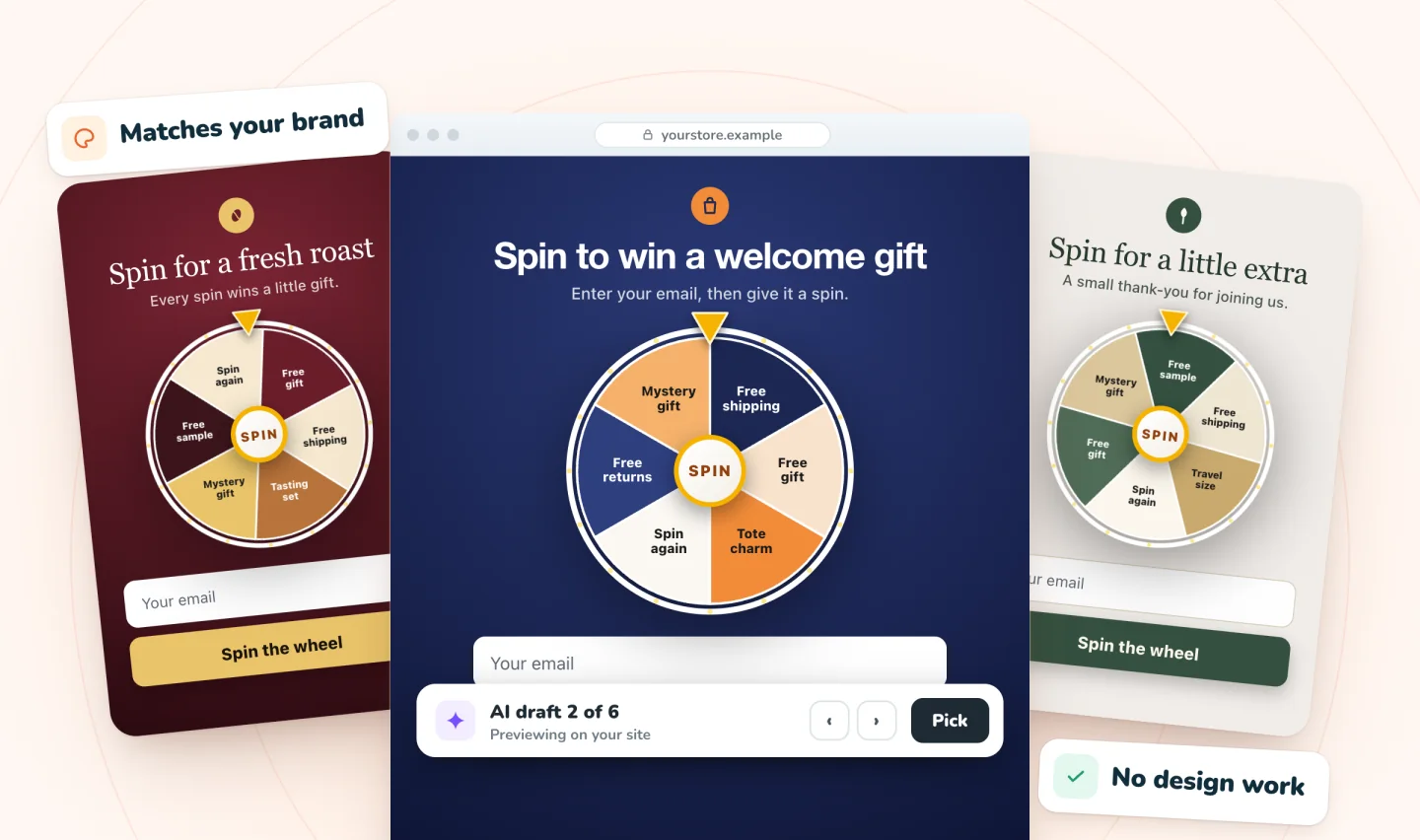
- Build ahead, switched off. You can build a seasonal pop-up whenever you like while it stays off. Preview it on your own site and test every prize code before launch day.
- Swap on launch day. Switch the everyday wheel off and the holiday one on, and reverse it when the season ends.
- Spin Wheel runs as many live pop-ups as you like, free, but a shopper sees at most one pop-up per page view. Two wheels aimed at the same pages compete for that one spot, so switch the everyday one off anyway. To run both, split them with each pop-up's Pages setting, such as the holiday wheel on Specific pages (your gift guide) and the everyday one on Product pages. There's no option to leave a page out, so a wheel set to All pages overlaps everything.
- Past subscribers won't see it by default. Skip existing subscribers is on for every new pop-up, so anyone who already signed up in that browser isn't shown the holiday wheel. Tell them about the sale by email instead, or turn that switch off for the holiday pop-up if you want them to play too. If you email them, a code hidden under a digital scratch-off card brings a little of the game along.
After the season
- Check the end dates you set. A code won in December shouldn't still work at checkout in March.
- Stop the matching emails and texts too. A "delivered by Christmas" email that goes out after your cutoff sets up late-delivery complaints. These moments when a marketing message should wait are worth a look before the season ends.
- Write down what happened. Which prizes were used, what they cost and which week sign-ups peaked, so next year's wheel starts from real numbers. If you shared links in emails or posts, tag them with UTM parameters named for the event and year, such as black-friday-2026.
Frequently asked questions
When should you start a Black Friday pop-up?
Switch it on when your sale prices go live, and have it built and tested a week earlier: by Friday, November 20, 2026, for Black Friday on November 27. That week gives you time to make the coupons, decide whether prize codes should work on sale items, and test every code in your own cart. Switch it off at the end of Cyber Monday, November 30, along with the sale.
Can a Wix coupon exclude sale items?
Not with a single setting. Wix applies a coupon on top of an automatic discount. The workaround Wix suggests for discounting a group of products is a category: put your full-price products in a category, turn off Active on your site so shoppers never see it, and set each prize coupon's Apply to to that category. Then test a sale item and a full-price item together in your cart.
What should a Christmas pop-up say?
Keep it short and tied to gifting. Name the prize plainly, such as free gift wrap or a free gift note, and add one line about delivery timing if you ship, such as "Order by [date] for delivery by Christmas," where the date is your carrier's send-by date minus the days you need to pack. Once that date has passed, change the wording so the pop-up stops promising delivery before the holiday.
Should holiday prizes use their own coupons?
Yes. A separate coupon per seasonal prize lets you give it an end date that matches the season, and afterwards the coupon on each order tells you which prize it came from. In Spin Wheel you pick the coupon behind each prize, so the holiday wheel can point at holiday coupons while the everyday wheel keeps its own. For codes that say the season, the coupon code name generator has Black Friday and holiday ideas, with an optional random tail that makes a prize code harder to guess.
Try it on your store
Build next season's wheel now, keep it switched off, and swap it in on the day. Set up the prizes on a Wix spin wheel pop-up backed by your store's coupons.

Sources
- Creating Standard Automatic Discounts, Wix Help Center
- Wix Stores: Offering Discounts and Coupons, Wix Help Center
- Request: Applying Multiple Coupons, Wix Help Center
- Wix Stores: About Product Categories, Wix Help Center
- Creating a Price Discount Coupon, Wix Help Center
- Creating a Free Shipping Coupon, Wix Help Center
- Small Business Saturday, U.S. Small Business Administration
- GivingTuesday, GivingTuesday
- UK bank holidays, GOV.UK
- Commercial Coventurers, California Attorney General
- Postal Service Recommends 2026 Holiday Mailing and Shipping Dates, USPS, September 22, 2026
- Black Friday (shopping) and Cyber Monday, Wikipedia
- Mother's Day 2027 and 2028, PublicHolidays.co.uk
- Mother's Day (United States) and Father's Day, Wikipedia

We build marketing apps for online stores: myuser.ai writes and sends emails and texts from a store's own products, and we make Spin Wheel and Session Recordings, free apps for online stores. Product details in our guides are checked against the apps themselves.