 Spin Wheel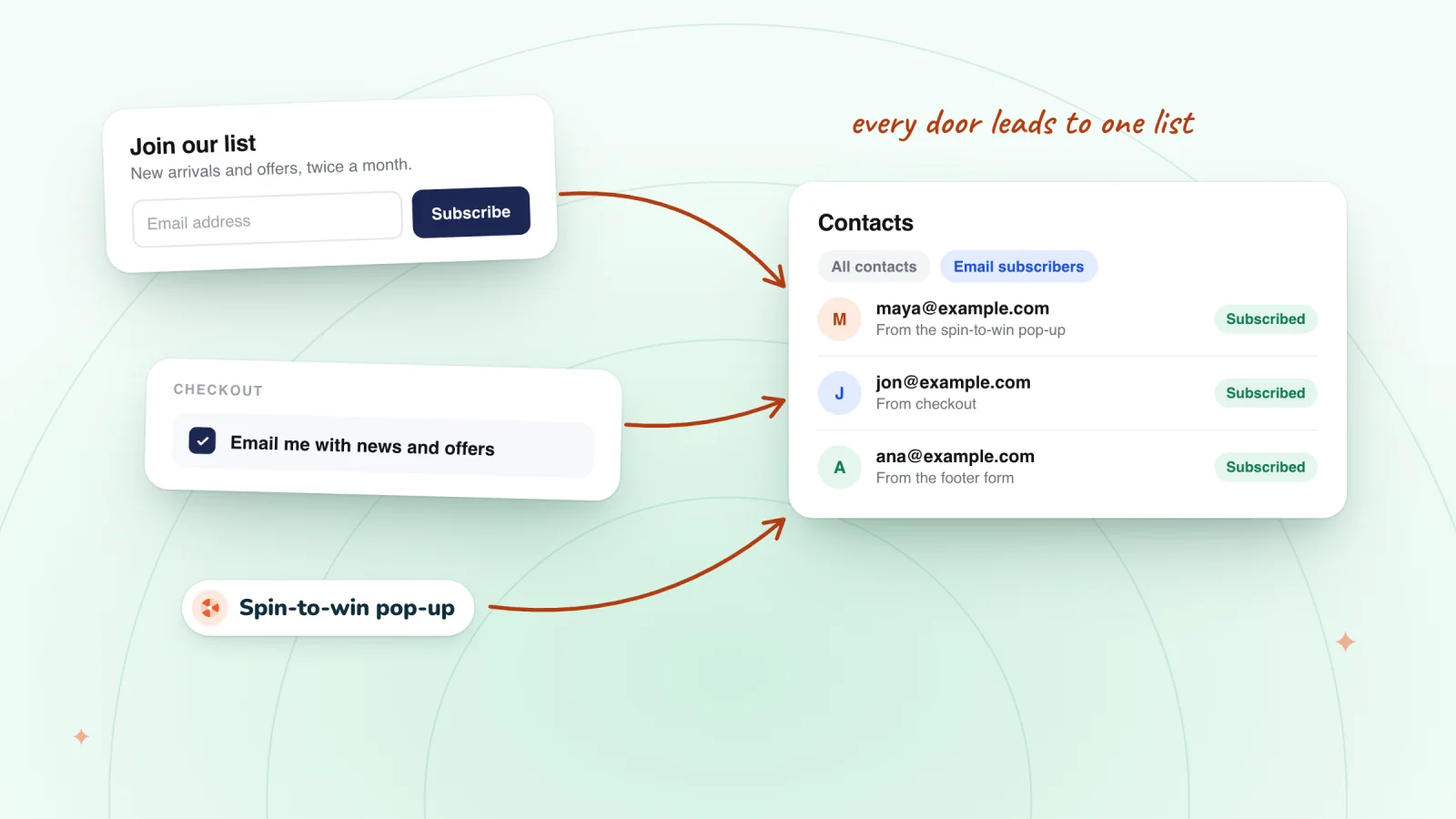
On this page
- Contacts and subscribers aren't the same
- Put a subscribe form on your site
- Add an opt-in box to your other forms
- Turn on the checkout checkbox
- Ask in a pop-up
- Bring in the list you already have
- Turn on double opt-in for a cleaner list
- Give people a reason to join
- Send a welcome email right away
- Frequently asked questions
- Try it on your store
- Sources
Your Wix site collects contacts every time someone fills in a form or places an order, but only subscribers, the people who agreed to get your marketing emails, make up your email list. Here's every place a Wix site can ask for that permission, how to set each one up, and how to give visitors a reason to say yes.
Key takeaways
- Wix adds everyone who fills in a subscribe form to your contacts with a Subscriber label, and a form in your footer shows on every page.
- People who send a contact form or buy from you become contacts, not subscribers, so add an opt-in box to your other forms and turn on the checkout checkbox.
- Tell visitors what they'll get and how often you'll write, and keep that promise the same in your footer, checkout and pop-up.
- Welcome new subscribers with a Wix automation that uses the Form submitted trigger, and make the first email deliver what the sign-up promised.
Contacts and subscribers aren't the same
In Wix, a contact is anyone who has interacted with your site or been added by you, including people who submitted a form, customers who paid online and imported lists. A subscriber is a contact who has given you permission to send marketing emails.
Each contact in Contacts has an email subscription status:
- Subscribed: they opted in, so you can send them marketing emails.
- Never subscribed: they interacted with your site but didn't opt in. Wix says not to send them marketing emails or texts.
- Unsubscribed: they opted out, and they shouldn't get your marketing either.
Growing your list means asking for that permission in more of the places people already meet you:
| Sign-up spot | Where to set it up | What Wix records |
|---|---|---|
| Subscribe form | Add Elements, then Contact & Forms | A contact with a Subscriber label |
| Opt-in box on any form | Edit Form, then Subscribe | A subscriber, when the box is ticked |
| Checkout checkbox | Checkout Settings in your dashboard | A Subscribed label on the customer |
| Pop-up | Popups, in the editor's Add Elements panel | The same as the form you put inside |
| Imported list | Contacts, then Create New, then Import | Subscribers only if you tick Mark as email subscribers |
Put a subscribe form on your site
Wix Forms includes ready-made subscribe forms. To add one in the Wix Editor:
- Click Add Elements on the left of the editor, then Contact & Forms.
- Scroll down to the Subscribe section and drag a form onto your page.
- Click the form, then Settings, to adjust its layout and design.
In Wix Studio, click Add Elements, then Contact & Forms, and choose the Subscribe template from the ready-made forms. Wix says everyone who fills in a subscribe form is added to your contact list with a Subscriber label. Each sign-up also shows up under Forms & Submissions in your dashboard.
Two spots work especially well:
- The footer. In the Wix Editor, the footer runs along the bottom of every page, and Wix Studio sites come with a global footer that appears on all pages.
- Your blog. Wix Blog automatically notifies subscribers each time you publish a new post, so a form on your blog gives readers a clear reason to join.
Add an opt-in box to your other forms
Contact forms, quote requests and booking inquiries collect email addresses too, but those people aren't subscribers unless they opt in. Wix lets you add a subscriber opt-in checkbox to any Wix form that has an email field:
- In your editor, click the form, then click Edit Form.
- Click Subscribe, then click the new field in your form.
- Click Settings and write the Checkbox message, such as "Send me new arrivals and offers, about twice a month."
- Choose whether to turn on Checked by default and Required.
Wix says visitors who tick the box give you permission to send them marketing materials and emails. Leave Required off, so people can still send a question without joining, and leave Checked by default off too, so everyone on your list chose to join.
Turn on the checkout checkbox
Buying from your store makes someone a contact, not a subscriber. Every customer passes through checkout, so ask there. This one is set in your dashboard, not the editor:
- Go to Checkout Settings in your site's dashboard.
- Click Edit under Checkout form.
- Turn on the Subscription opt-in checkbox toggle.
- Decide whether to select Checked by default.
Wix says a customer who subscribes gets a Subscribed label in your contact list. The same checkbox signs customers up for your SMS list as well as email, so read up on collecting text sign-ups with consent before you send any texts. Wix Bookings uses these checkout settings too.
Collect email and SMS sign-ups with consent
Every sign-up is saved to your contacts with the consent the shopper gave. Texts need a separate tick.
Add to Wix, it's free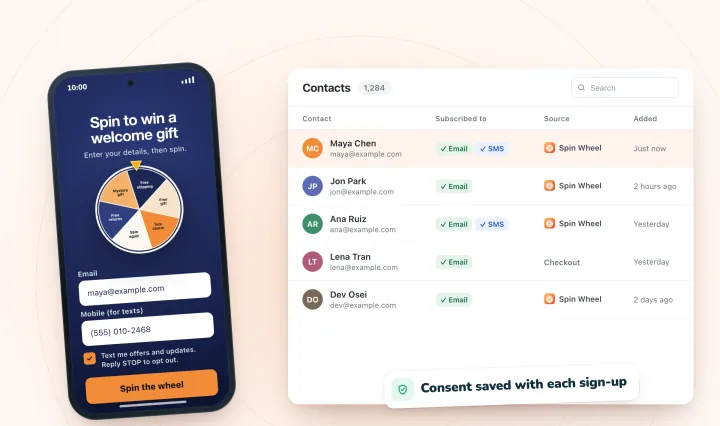
Ask in a pop-up
A footer form waits for people to scroll to it. A pop-up brings the offer to them.
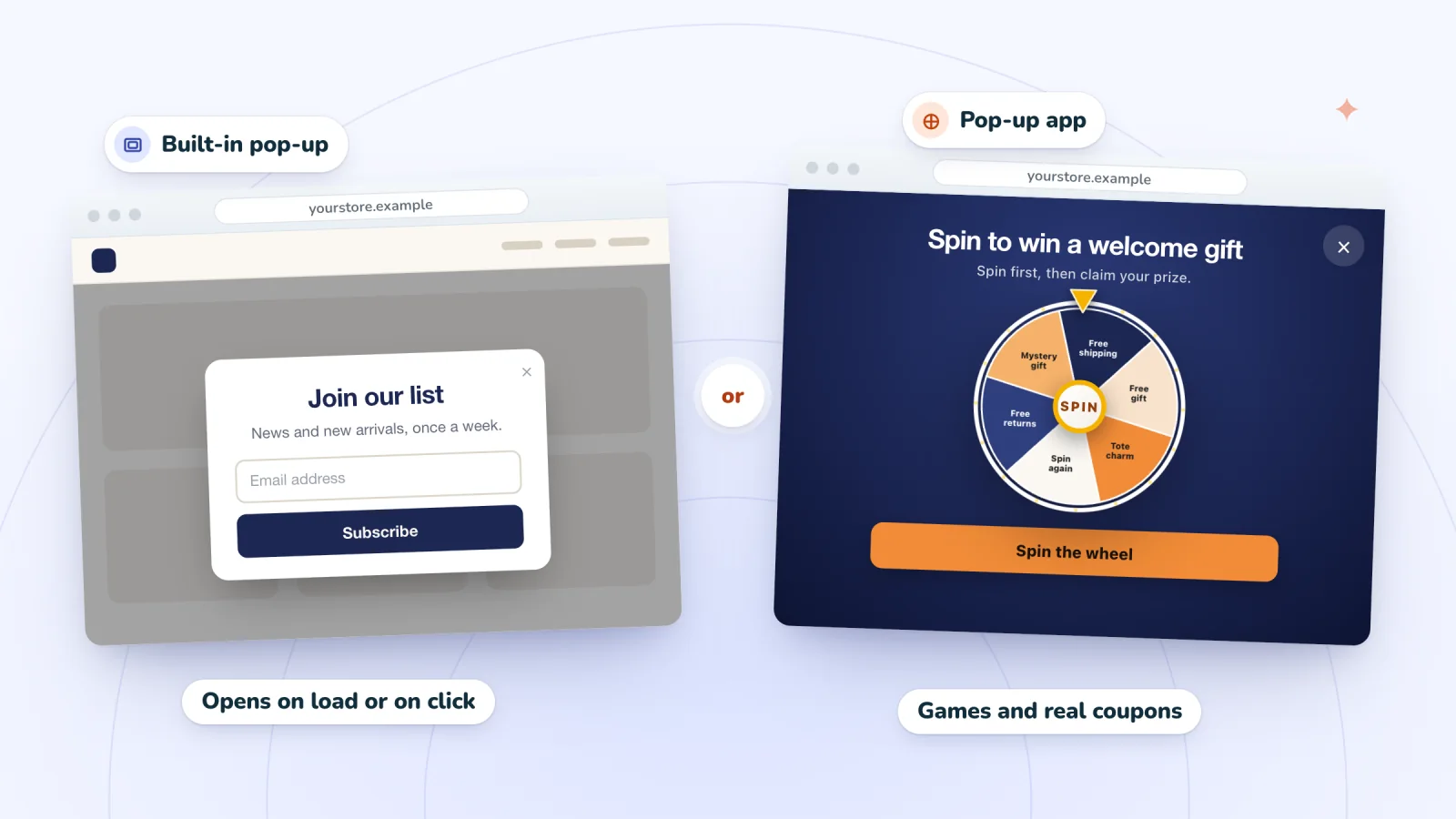
Wix has pop-ups built in. In the Wix Editor, click Add Elements, then Interactive, and pick a design under Popups. In Wix Studio, click Add Elements, then Layout Tools, then Popups. Drag a subscribe form inside, then set the pop-up to open automatically on the pages you choose, with an optional delay. The guide to adding a pop-up to a Wix site covers every step, including the phone settings.
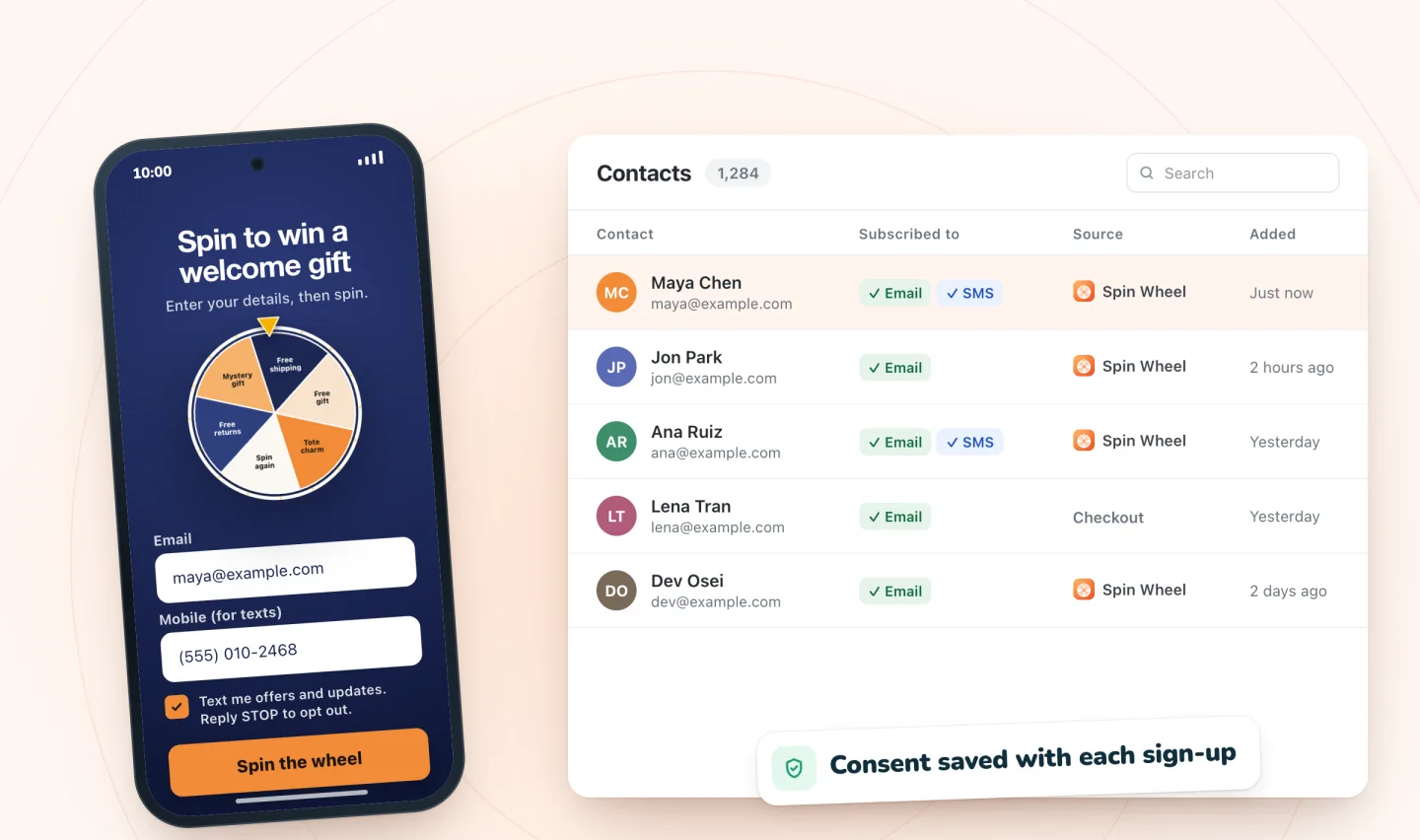
Wix's help center notes two limits: a Wix Editor pop-up can't currently open when a visitor attempts to leave, and a Wix Studio page can show only one pop-up. A pop-up app can add an exit-intent pop-up or a prize game. Spin Wheel, for example, can open on exit intent on desktop and phone, and it saves each sign-up to your site's contacts with the consent the shopper gave.
Bring in the list you already have
Emails you collected elsewhere, in a spreadsheet, another email tool or on a paper sheet at a market, can come with you:
- Go to Contacts in your site's dashboard.
- Click the drop-down next to Create New, then click Import.
- Click Get Started under CSV file and follow the steps to upload your file.
Wix's help center says to select Mark as email subscribers only if every contact you're importing has agreed to be added to your mailing list, and to keep each file under 20,000 contacts. If some people never opted in, import them without that box ticked, or leave them out.
Turn on double opt-in for a cleaner list
Double opt-in asks each new subscriber to confirm by email before they join. Wix offers it on new Wix Forms with a Subscribe field:
- Select your form in the editor and click Edit Form.
- Select the Subscribe field and click Settings.
- Turn on the Enable double opt-in toggle.
New sign-ups still go straight into your contacts, marked Subscription Pending, until they click Confirm Subscription in the email. That keeps typos and fake addresses off your list. The trade-off is that some people never confirm.
Give people a reason to join
Every spot above works better when visitors know what they'll get.
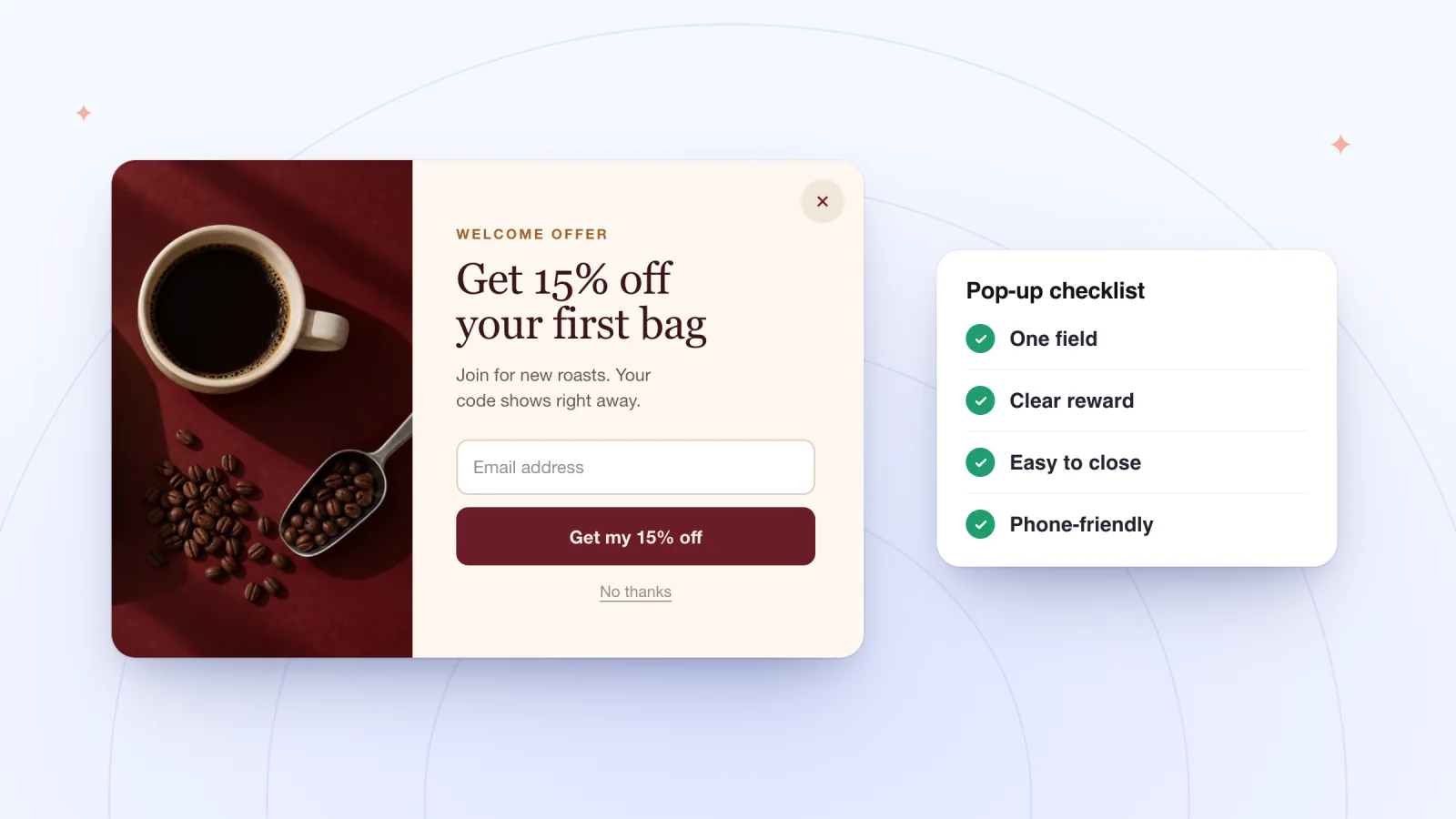
- Name the benefit. "Get $5 off your first order" or "Hear about new batches first" says more than "Subscribe to our newsletter." Free shipping, a gift or early access can work as well as a discount, and these welcome offer ideas compare the options.
- Say how often you'll write. "About twice a month" tells people what they're agreeing to.
- Ask for an email and little else. Each extra field is one more thing to type, especially on a phone. The guide to email pop-up best practices covers wording, fields and timing.
- Keep one promise everywhere. Your footer form, checkout box and pop-up should describe the same emails, so nobody is surprised by what arrives.
Send a welcome email right away
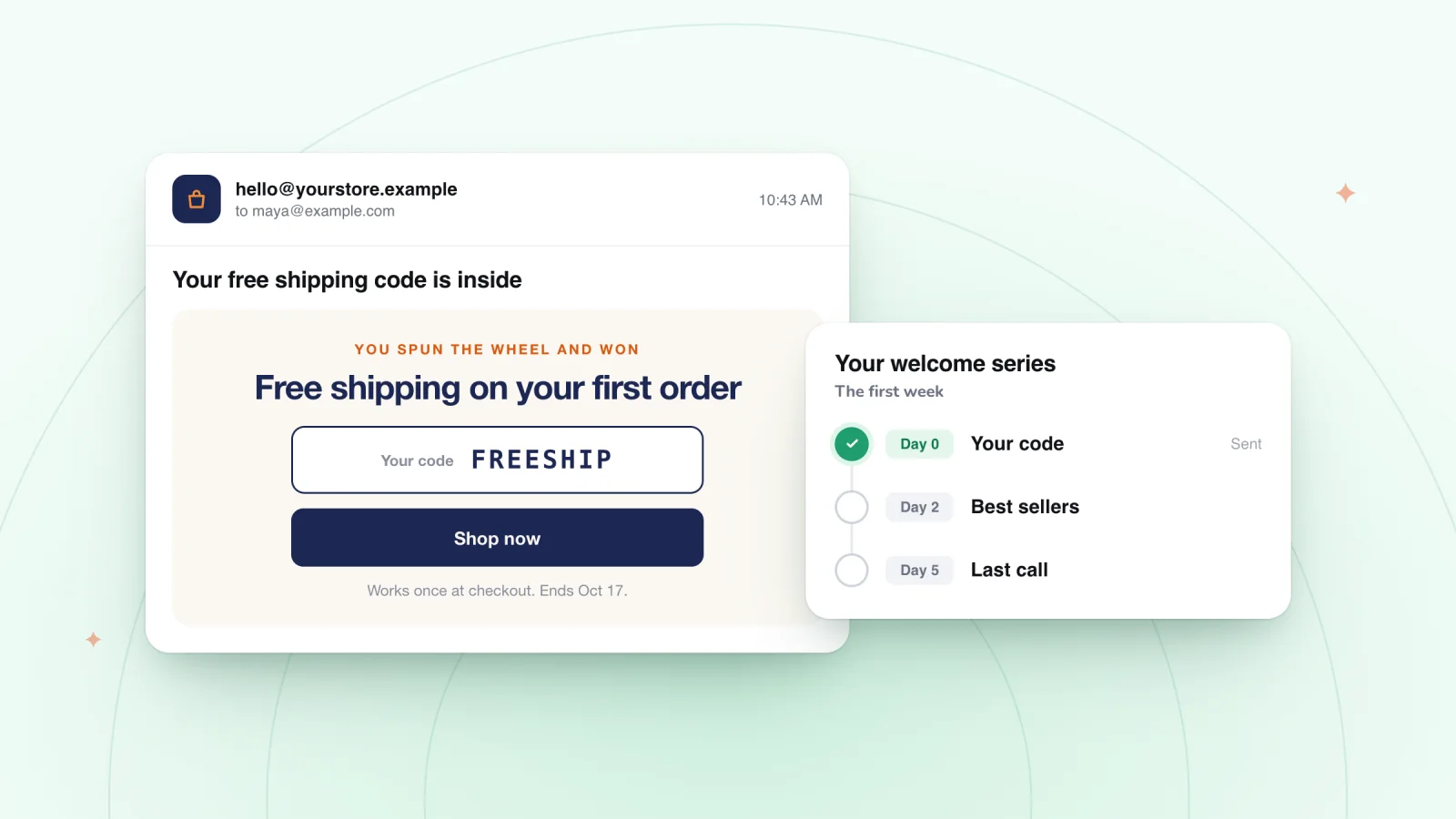
Send the first email while the sign-up is still fresh. For sign-ups from Wix Forms, Wix's help center suggests welcoming new subscribers with an automated thank-you email:
- Go to Automations in your site's dashboard and click + Create Automation.
- Click + Start from Scratch and give the automation a title.
- Select Form submitted as the trigger, then choose your subscribe form from the drop-down.
- Click +, then Action, then Send an email. Keep Emails from trigger selected as the recipients and write your message.
- Click Activate.
Put the promised code, guide or early-access news at the top. These welcome emails that deliver what the sign-up promised show how, and this guide to planning a short welcome series covers what to send next.
Frequently asked questions
How do I add a newsletter sign-up form to my Wix site?
In the Wix Editor, click Add Elements, then Contact & Forms, scroll to the Subscribe section and drag a form onto your page. In Wix Studio, click Add Elements, then Contact & Forms, and choose the Subscribe template. Put it in your footer if you want it on every page.
Where do Wix subscribe form sign-ups go?
Wix adds each person to your contact list with a Subscriber label, and every submission is also listed under Forms & Submissions in your dashboard. If you turn on double opt-in, new sign-ups show as Subscription Pending until they confirm by email.
Are my Wix Stores customers on my email list?
Not automatically. A purchase makes someone a contact, and Wix says contacts who never subscribed shouldn't get marketing emails. Turn on the Subscription opt-in checkbox in Checkout Settings so customers can join as they pay.
Can I bring an existing email list into Wix?
Yes. In Contacts, click the drop-down next to Create New, then Import, and upload a CSV file with fewer than 20,000 contacts. Select Mark as email subscribers only if everyone in the file agreed to be added to your mailing list.
Try it on your store
Spin Wheel adds spin-to-win, scratch-card, gift-box and classic email sign-up pop-ups to Wix sites that use Wix Stores, designed by AI from your products, colors and fonts. It doesn't send marketing emails itself, so your welcome email comes from the tools you already use. The Free plan includes one live pop-up and 200 sign-ups a month, and the email pop-up page shows how it collects emails.
Sources
- Email Marketing: Understanding Contacts and Subscribers
- Wix Contacts: Changing a Contact's Subscription Status
- Wix Forms: Adding and Setting Up a Subscribe Form
- Studio Editor: Adding and Customizing a Form
- Wix Forms: Managing Your Forms from the Dashboard
- Wix Editor: About Your Site's Footer
- Studio Editor: Using Global Sections
- Wix Blog: Managing New Post Notifications to Members and Site Subscribers
- Wix Forms: Adding a Subscriber Opt-In Checkbox to a Site Form
- Customizing the Checkout Page
- Wix Editor: Adding and Setting up a Popup
- Studio Editor: Using Popups
- Wix Editor Request: Triggering a Popup when a Visitor Attempts to Leave Your Site
- Wix Contacts: Importing Contacts by Uploading a CSV File
- Wix Forms: Enabling Double Opt-In for Subscribers
- Wix Forms: Creating Automated Email Responses for Form Submissions

We build marketing apps for online stores: myuser.ai writes and sends emails and texts from a store's own products, and we make Spin Wheel and Session Recordings for Wix sites. Product details in our guides are checked against the apps themselves.